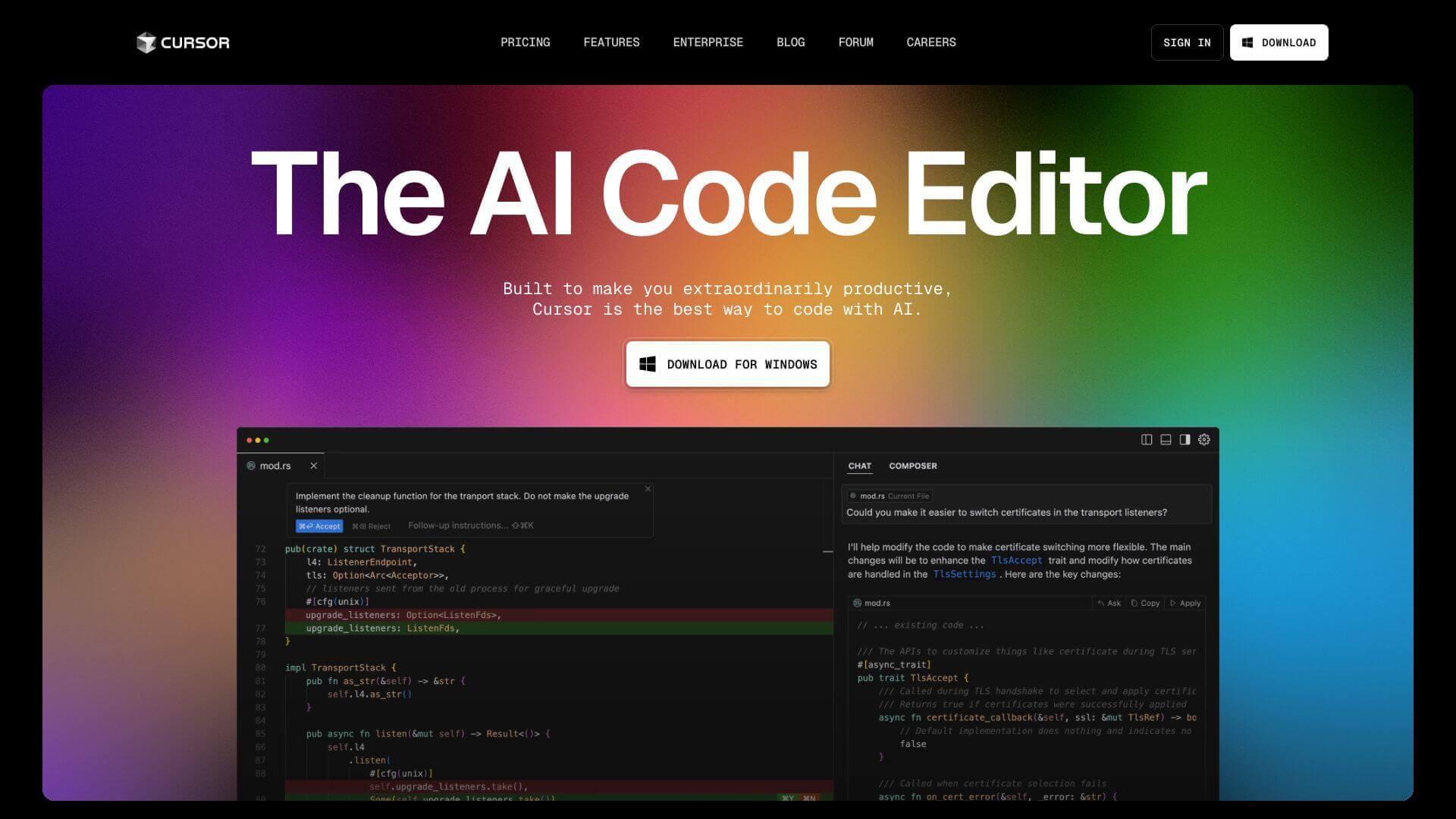
Cursor is an AI Code tool. AI-powered code editor assists developers with smart autocomplete, real-time chat, and bug finding. Key features include AI-Powered Autocomplete, Chat Integration, and Cursor Agent. Best for designers, customer service representatives and software developers and engineers.
About Cursor
Cursor is a code editor with built-in AI that helps you code faster. It offers smart suggestions, answers questions about your code via chat, and even finds bugs. It's built on VSCode, so it feels familiar and supports all your favorite extensions, making coding more efficient and easier.
Key Features
AI-Powered Autocomplete.
Chat Integration.
Cursor Agent.
Notepads.
@ symbol.Bug Finder.
Web Search (@Web).
@Web to search the web right from Cursor. The search results are added to your query. It's great for staying updated on new information.Frequently Asked Questions
Cursor's AI autocomplete predicts your next edit. It suggests edits across multiple lines using recent changes.
Yes, Cursor works with models like GPT-3.5 and GPT-4. You can pick the one you like for your tasks inside the editor.
The Cursor Agent helps by running terminal commands. It also handles file operations and does code searches, acting as a smart coding assistant.
Yes, Cursor is good for both beginners and pros. Beginners can use the guidance and auto-completion. Professionals get advanced tools.