
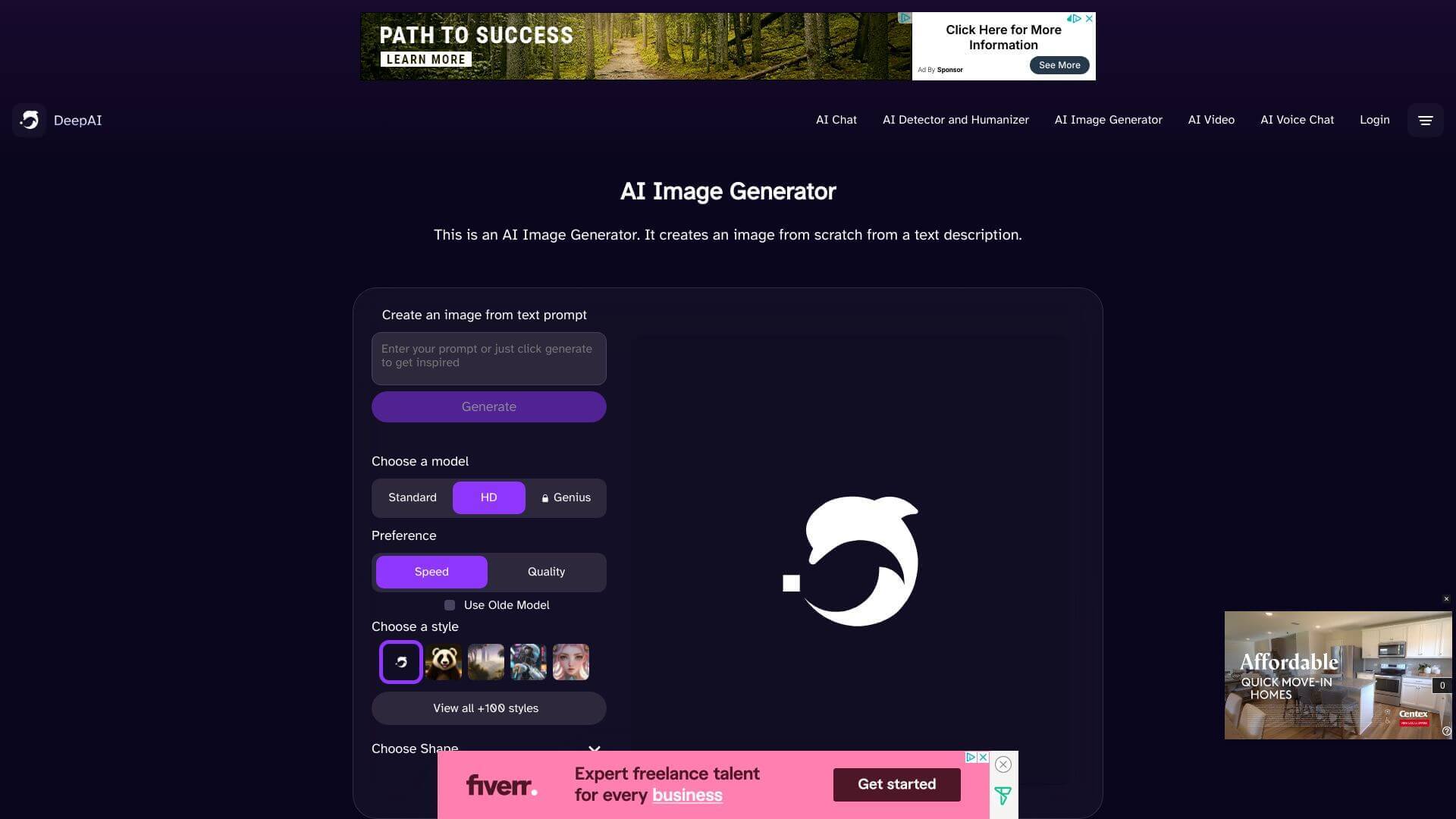
DeepAI Image Generator is an AI Image tool. Generates text and images from your ideas. Great for creatives needing a quick spark or a bit of help with content. Key features include Text Generation, AI Chat, and Image Generation. Best for marketers, content creators and writers.
About DeepAI Image Generator
DeepAI Image Generator is the visual side of the broader DeepAI platform, which bundles text generation, image creation, chat, and API access into one service. It's positioned for casual users who want to experiment with AI tools without committing to multiple separate subscriptions, with a free tier accessible enough for testing before deciding whether to upgrade.
The core features that matter
- Text generation built on GPT-2 architecture for producing paragraph-length content from short prompts or questions, suitable for quick content drafts
- AI chat that handles conversational interaction across a broad range of topics, useful for users who want a general assistant rather than a single-purpose tool
- Image generation in three quality tiers (Standard, HD, and Genius Mode) each producing different levels of detail and supporting a range of art styles
- API integration for connecting DeepAI's tools to your own applications, with support for Python, JavaScript, Ruby, and other common languages
- Genius Mode for Pro subscribers that produces higher-quality output with more detail on both text and image generation tasks
- User interface designed for accessibility, so users new to AI tools can navigate without prior experience with specific platforms
How it stands out
DeepAI Image Generator competes in a category dominated by specialists. Midjourney for image quality, ChatGPT for text and chat, established API providers for application integration. DeepAI's value isn't in beating any specialist on their core capability; it's in providing all of those capabilities in one place with a free tier that lets users experiment without commitment.
The honest qualifier: the underlying text model is based on older GPT-2 architecture, which means generated text quality lags behind tools running newer models like GPT-4 or Claude. The image generation tiers (particularly Standard mode) produce output that's recognizable as older-generation AI imagery. Genius Mode raises quality but still doesn't match dedicated specialists at the top end. For users who want a single tool covering breadth rather than depth, and especially for users who need API access to AI capabilities for application development, DeepAI Image Generator handles that use case efficiently.
Key Features
Text Generation.
AI Chat.
Image Generation.
API Integration.
Genius Mode.
User Interface.
Frequently Asked Questions
DeepAI helps you make text, create pictures from words, and fix up images.
Yes, DeepAI has a free plan, but some things you can't do.
It's easy to use and does many things, but it doesn't have as many options as bigger AI tools.
Yes, DeepAI has APIs that work with different computer languages.





