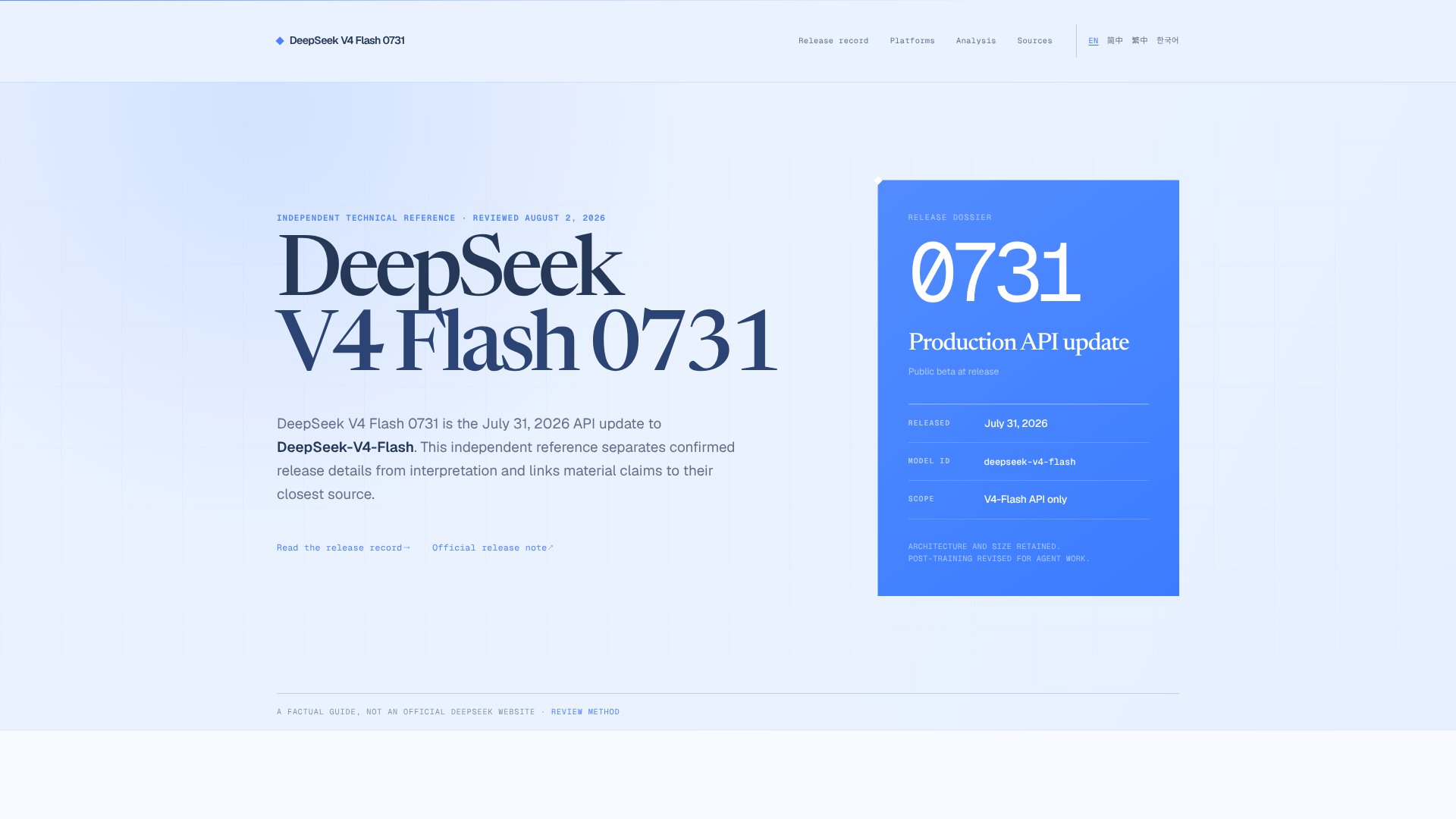
DeepSeek V4 Flash 0731 is a Large Language Models (LLMs) tool. Production API update to DeepSeek-V4-Flash with revised post-training for coding agents and tool integration workflows. Best for developers and software development.
About DeepSeek V4 Flash 0731
DeepSeek V4 Flash 0731 is a July 2026 API update to the DeepSeek-V4-Flash model that retains the original architecture and parameter size while introducing revised post-training specifically optimized for agent task execution. If you're integrating a coding assistant or building an agentic workflow, the platform's native support for tool calls, JSON output, and thinking modes means fewer compatibility layers between your prompt and actual task completion.
The features that matter
- OpenAI-compatible API — base URL at https://api.deepseek.com with model ID
deepseek-v4-flash, reducing vendor lock-in friction for teams already running OpenAI-compatible stacks. - Thinking & standard modes — thinking enabled by default, letting the model reason through multi-step agent tasks before responding; you can disable it if your workflow doesn't need the latency trade-off.
- Tool calls & JSON output — native support for function definitions and structured responses, essential for agents that need to call APIs, write files, or pass data between systems reliably.
- Responses API format — documented support for streaming & structured response formats, adapted for Codex-oriented coding workflows.
- Eighteen documented integrations — tested paths into Cursor, VS Code, GitHub Copilot, Aider, Continue, Windsurf, and thirteen other coding editors and terminal agents, with official setup guides for each.
Where it pays off
The platform shines in agentic coding scenarios where your tool doesn't have months of optimization work behind it. Vendor benchmarks report stronger agent-task results than the V4-Pro-Preview across Terminal Bench, NL2Repo, Cybergym, and DeepSWE, though those results were measured under disclosed conditions: maximum effort mode, top_p=0.95, and temperature 1.0. Those settings matter. If you're running a terminal pair-programmer, a multi-turn coding agent, or an IDE copilot that makes function calls, the revised post-training translates into fewer tool-call repair loops and fewer context-window rewinds per task.
What to know before adopting
This is an API update, not a new consumer product. The architecture and size stayed the same; only the training recipe changed. Vendor benchmark results are measured under a specific harness and sampling setup—they're useful evidence for a controlled pilot, but not a guarantee your workflow will see the same gains. Latency, cost-per-task, integration stability with your specific editor or framework, and actual task-completion rates on your codebase will tell you more than any aggregate benchmark. Start with a small quota and measure completed tasks, retries, and tool-call success rates in your own environment before scaling usage.
Key Features
OpenAI-compatible API with documented base URL and model identifier
Thinking and non-thinking modes with thinking enabled by default
Tool calls and JSON output support for agent workflows
Integration with eighteen coding editors and terminal agents
Post-training optimized for agent task execution
Responses API format native support
Frequently Asked Questions
No. The official API identifier is deepseek-v4-flash. The 0731 suffix identifies the July 31 release update. The model retains the preview version's architecture and size with revised post-training.
Only the V4-Flash API was updated in this release. The V4-Pro API and APP/WEB models remain unchanged. The update integrates with eighteen documented coding platforms including Cursor, VS Code, and GitHub Copilot.
Yes. The model documentation lists both thinking and non-thinking modes, with thinking enabled by default at review. Follow official documentation for current switching methods and client-specific compatibility requirements.
No. Vendor results use disclosed test harness settings including maximum effort, top_p=0.95, and temperature 1.0. Evaluate completed tasks, retries, latency, and cost on your own workflow before production decisions.