Designify logo

Designify Review

AI tool that magically edits images. Remove backgrounds, add shadows, and boost colors in seconds.

No ratings yet
Visit Designify
View Alternatives
Designify screenshot

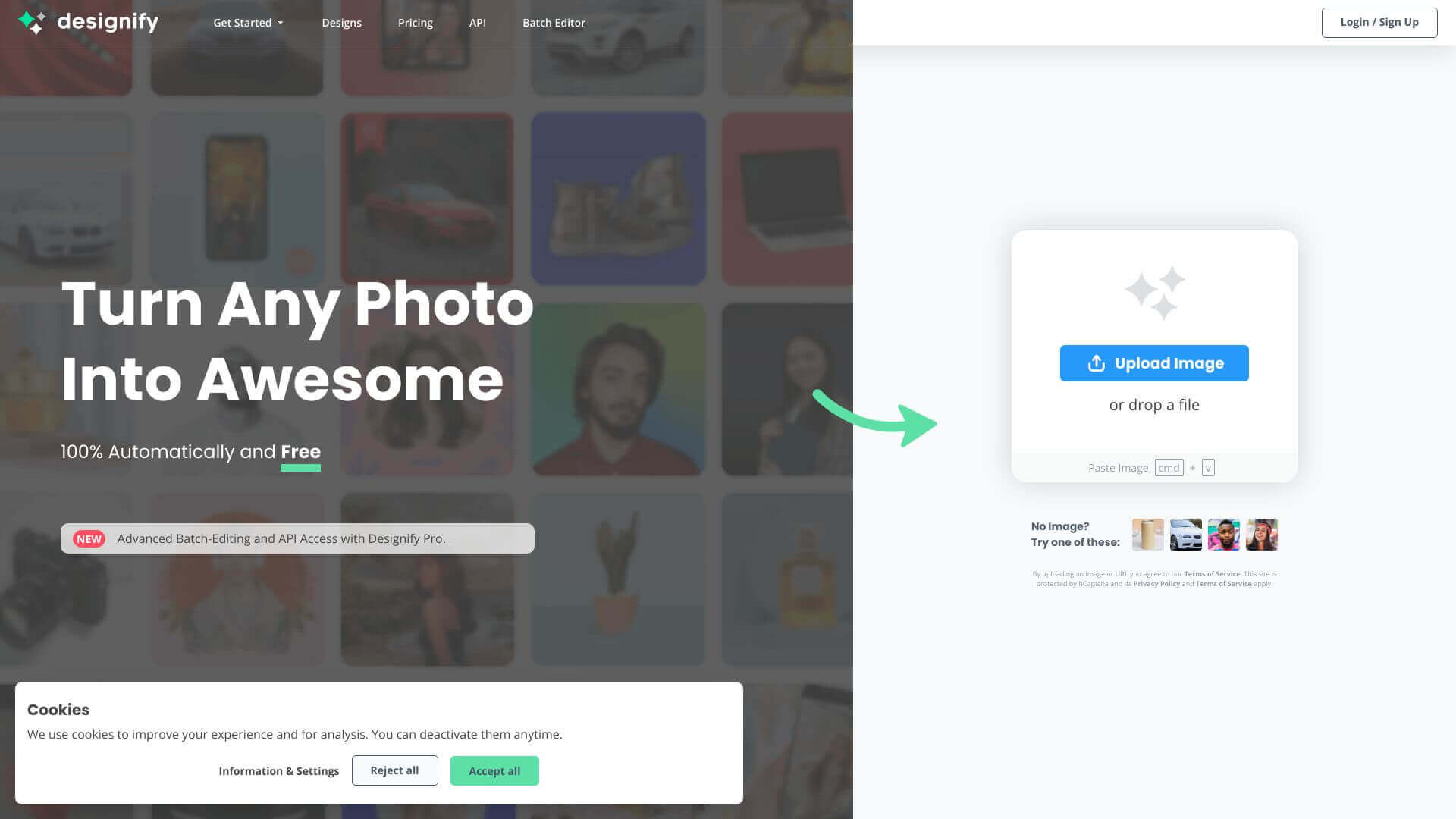
Designify is an AI Image tool. AI tool that magically edits images. Remove backgrounds, add shadows, and boost colors in seconds. Key features include AI-Powered Designs, Logo and Additional Image Integration, and Batch Editing. Best for marketers, content creators and designers.

4.8 (5 reviews)28 upvotes6 key features6+ alternatives →

About Designify

Designify uses AI to make image editing easy. Quickly remove backgrounds, improve colors, and add realistic shadows. Great for social media, websites, and ads. Batch edit many images at once. It's perfect for pros and anyone needing great visuals fast.

Key Features

AI-Powered Designs.

Quickly remove backgrounds and boost colors. This makes stunning designs easy, with little work from you.

Logo and Additional Image Integration.

Personalize your designs by adding your logo or other images. Make everything your own.

Batch Editing.

Edit many images at once to keep things consistent and save time. Great for big projects.

High-Quality Output.

Download your edited images in high definition for a professional-looking finish.

Realistic Shadow Addition.

Add natural-looking shadows to give your images more depth and make them pop.

API Integration.

Connect Designify to your existing tools to automate design tasks. This makes your workflow smoother.

Frequently Asked Questions

Designify's AI magically finds the edges of objects, gets rid of backgrounds, boosts colors, and puts in realistic shadows to make images look great.

Designify works best with common image types. It might struggle with unusual or special formats.

Yes, you can! Designify has an API that helps it fit into your current setup, letting you automate design tasks you do all the time.

Right now, Designify is a website you can use on any device with a browser. There isn't a specific mobile app yet.


User Reviews

Similar Tools

View all →


