
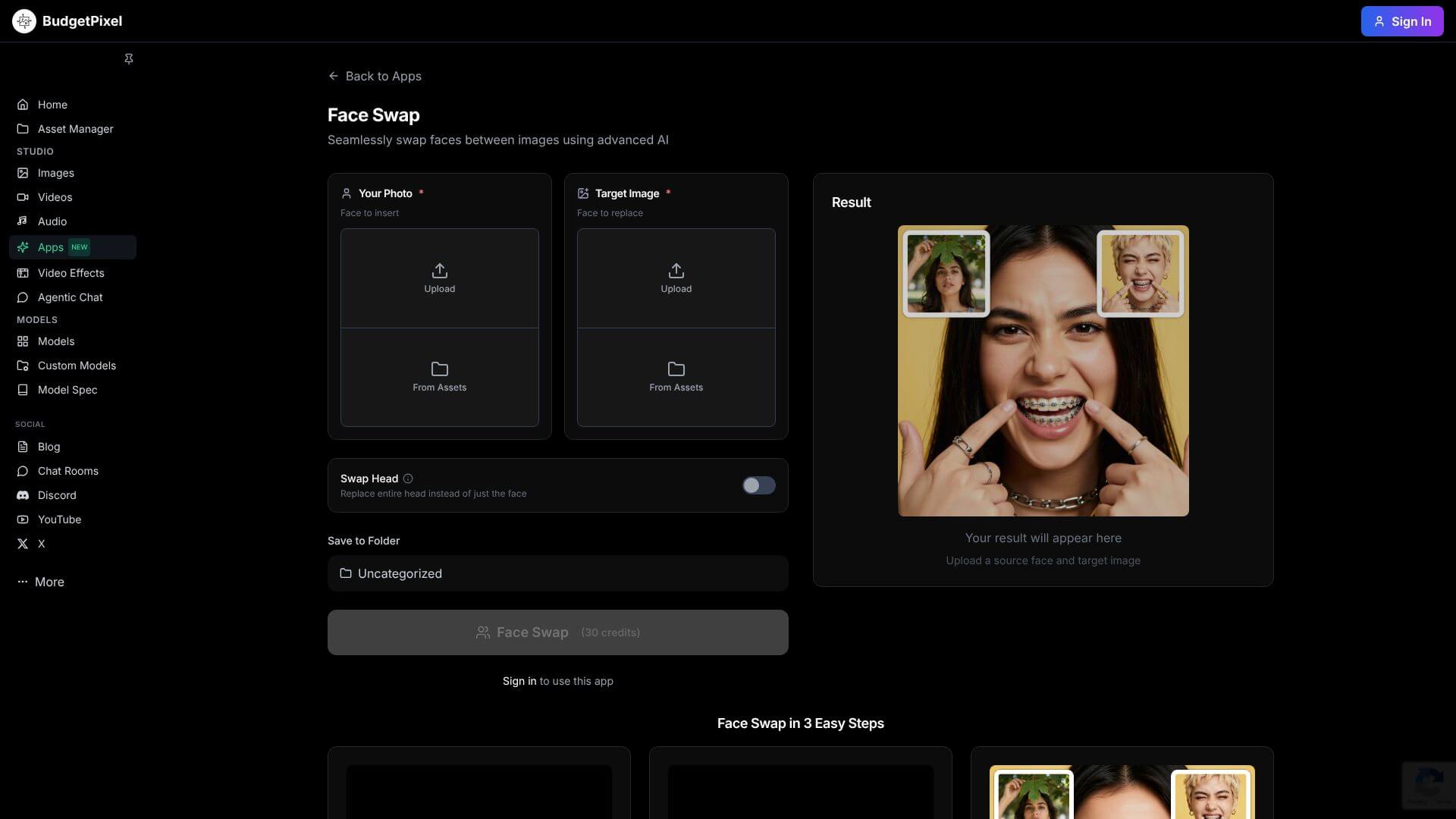
Face Swap Online is an AI Image tool. AI tool replaces faces in images and videos, keeping natural look and lighting. Key features include Realistic Facial Blending, Multi-Face Detection and Swapping, and High-Resolution Output Preservation. Best for content creators, marketers and filmmakers and video editors.
About Face Swap Online
Face Swap Online from BudgetPixel is an AI face swap tool that handles photos, videos, and art with realistic blending. The platform fits into BudgetPixel's broader AI media creation suite, with output suitable for content creation, social media, and creative projects.
The core features that matter
- Realistic facial blending with lighting, skin tone, and shadow matching that makes swapped faces look natural in the original image's context, including pose and angle alignment
- Multi-face detection and swapping handling group photos where each face can be swapped selectively, useful for social content and creative projects
- High-resolution output preservation with results clear enough for digital use and printing, addressing the quality drop that affects many free face swap tools
- Cross-medium compatibility for swapping faces into photos, paintings, and art with adaptive style handling for surreal or classical contexts
- Rapid processing speed producing results in seconds, supporting iterative creative work and tight content deadlines
- Integration with video generation and animation export from BudgetPixel's broader toolset, supporting workflows from swap to animation
How it stands out
The free face swap space has many competitors including DeepSwap, Reface, and various smaller tools. Face Swap Online's specific position is the integration with BudgetPixel's broader AI tools. Face swap plus animation, video generation, and other AI media capabilities. For users who'd otherwise chain multiple tools together, that integration reduces workflow friction.
The honest qualifier: face swap quality on standard portrait shots is competitive across the category, with most modern tools producing acceptable results. The differentiation is in edge cases. Group photos, unusual angles, low-resolution sources, where some tools degrade more gracefully than others. Face Swap Online handles standard cases reliably; for production-grade work or unusual source material, multiple tools and manual cleanup may still be needed. For casual creative use, social media content, and quick experiments, the tool delivers without significant friction.
Key Features
Realistic Facial Blending.
Multi-Face Detection and Swapping.
High-Resolution Output Preservation.
Cross-Medium Compatibility.
Rapid Processing Speed.
Integration with Video Generation and Animation Export.
Frequently Asked Questions
Face Swap Online is an AI tool that lets you swap faces in pictures and videos. It's on BudgetPixel's platform and uses deep learning to make realistic face replacements. It keeps natural lighting and expressions.
You upload two things: a source face you want to use and a target image or video where you want to put that face. The AI finds key facial features and maps them onto the target, keeping natural expressions and lighting.
It offers six key features: realistic facial blending, swapping multiple faces in one image, high-resolution output, working with different styles (like paintings), fast processing, and integration with video generation.
BudgetPixel offers different plans. There's a free plan to try it out. Paid plans include a Starter plan for $5 monthly and a Basic plan, which offers more features and credits for AI art generation. Higher tiers are available for video face swapping.





