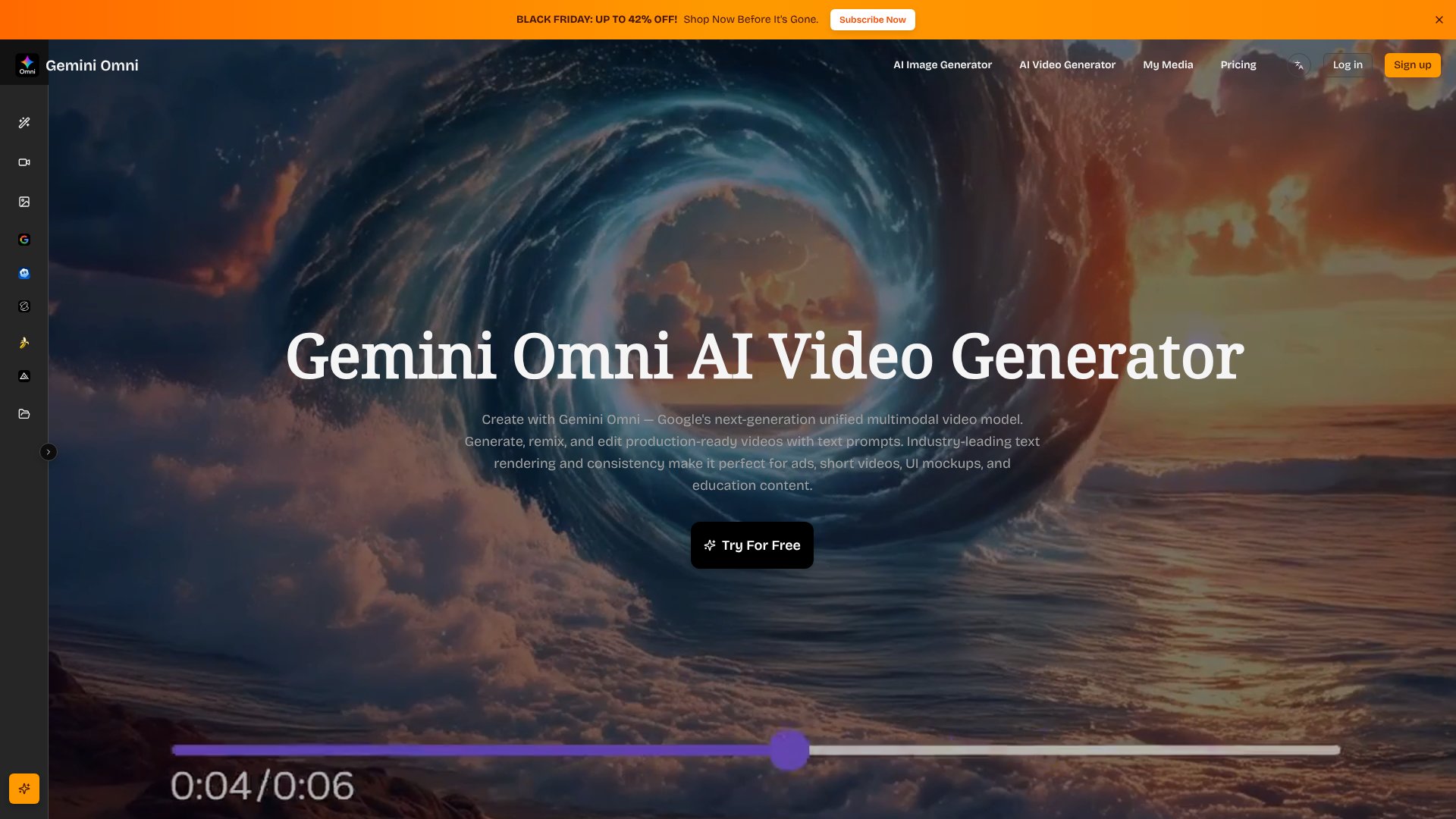
Gemini Omni is an AI Video tool. Bundles Veo 3.1, Sora 2, Kling 2.6, Flux 2, and Nano Banana Pro in one credit-based AI video and image studio. Key features include Multi-Model Access, Text-to-Video and Image-to-Video, and Text-to-Image and Style Transfer. Best for content creators, designers and marketers.
About Gemini Omni
Gemini Omni bundles five of the most-talked-about generative video and image models — Veo 3.1, Sora 2, Kling 2.6, Nano Banana Pro, and Flux 2 — into one credit-based workspace, so creators can pick the right model for each shot without managing five separate subscriptions, five separate logins, and five separate billing cycles.
What you can do
The platform covers both video and image generation. You can describe a video in plain language and generate it at up to 1080p, animate an existing still image, generate fresh images from text prompts, or transform existing photos with style presets like photorealistic, anime, cinematic, vintage, and minimalist. Batch generation lets you run multiple variations of the same prompt in parallel — useful when you're A/B testing creative directions and want to see five takes before picking one.
What's actually different from running the models directly
- Unified credit system — one balance covers all five models, instead of separate accounts and balances
- Built-in asset library — every generation is saved with its prompt and settings, so successful prompts become reusable templates
- Character consistency — keep recurring characters looking the same across multiple video generations, important for episodic content
- Commercial-use output — watermark-free clips with full commercial rights on every paid tier, including the $9/month Basic plan
Honest trade-offs
Despite the "Gemini" branding, this is not an official Google product — it's a wrapper that aggregates third-party models. Credit-based pricing means heavy users will hit limits even on the Premium tier, and the 10 free credits get consumed fast (one or two short video generations). You're paying for convenience and consolidated billing, not original AI research.
Gemini Omni fits content creators, marketers, and small studios producing short-form video and visuals who want flexibility across models without the operational overhead. Test the output quality on the free credits before committing.
Key Features
Multi-Model Access.
Text-to-Video and Image-to-Video.
Text-to-Image and Style Transfer.
Batch Generation.
Smart Asset Library.
Commercial-Use Output.
Character Consistency.
Gemini Omni Pros & Cons
Pros
Access to multiple top-tier video models (Veo 3.1, Sora 2, Kling 2.6) in one workspace
1080p output with no watermarks and full commercial rights on every paid tier
Affordable entry point at $9/month with annual billing
Built-in asset library and prompt history for organized iteration
10 free credits let you test output quality before paying
Cons
Despite the 'Gemini' branding, this is not an official Google product
Credit-based pricing — heavy users will hit limits even on the Premium plan
Free 10 credits are consumed quickly; meaningful use requires a subscription
Acts as a wrapper around third-party models rather than offering original AI research
Marketing copy on the site overlaps heavily with sister sites (vidmix.ai, nanoproai.com)
Verdict: Is Gemini Omni Worth It?
Gemini Omni is a useful aggregation play — bundling Veo 3.1, Sora 2, Kling 2.6, Nano Banana Pro and Flux 2 behind one credit wallet and one UI. The branding leans heavily on the Google-Gemini association without official affiliation, which is worth knowing before you buy. For creators who want to experiment across multiple top video and image models without committing to separate subscriptions, it's a reasonable choice. The 10-credit free trial is enough to evaluate quality, and 1080p commercial-use output with no watermarks is rare at the $9/month entry point. Best for short-form video creators, marketers iterating on ad creatives, and small studios needing flexible model access without enterprise commitment.
Frequently Asked Questions
No. Despite the 'Gemini' branding, Gemini Omni is not an official Google product. It uses the name in its marketing, but the underlying models you generate with — Veo 3.1, Sora 2, Kling 2.6, Nano Banana Pro, Flux 2 — are accessed through third-party providers.
Roughly 2–3 short video generations or 5–10 image generations, depending on quality settings and which model you pick. It's enough to evaluate output quality before committing to a paid plan.
All paid plans (Basic, Pro, Premium) produce watermark-free videos with full commercial-use rights. The free trial may include watermarks depending on the model used.
Up to 1080p for both videos and images, available across all paid tiers — no need to upgrade to Premium for high-resolution output.
Yes — those are among the underlying models accessible through the Gemini Omni interface. You pick which model to use when starting a new generation.
Significantly cheaper for casual to moderate use. A single Sora or Veo subscription often costs more per month than Gemini Omni's Pro tier, which gives you access to all bundled models. For heavy daily usage, going direct may still make sense.





