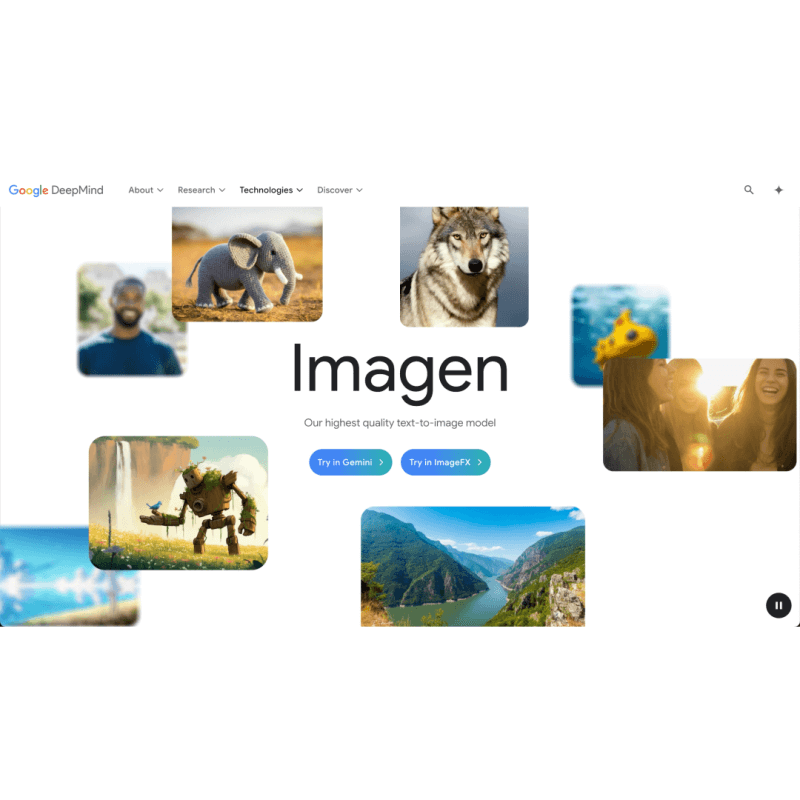
Google Imagen is an AI Image tool. Imagen turns your text into cool, realistic images using AI. Great for making art, ads, or just seeing what you imagine! Key features include Text-to-Image Generation, Photorealism and Detail, and Complex Scene Rendering. Best for marketers, writers and designers.
About Google Imagen
Google Imagen crafts detailed, lifelike images from text. It's integrated with Gemini and Google Search, making it easy to create visuals for art, marketing, or storytelling. It’s not a standalone app, so you'll need to use Google's other AI tools.
Key Features
Text-to-Image Generation.
Photorealism and Detail.
Complex Scene Rendering.
High-Resolution Upgrades.
Custom Image Generation.
Generative AI Integration.
Frequently Asked Questions
Imagen uses a mix of language models and diffusion AI to turn text into realistic pictures.
Right now, it's part of other Google services like Search and Gemini, not a separate app.
Google Imagen can make many kinds of images, from landscapes to complex scenes, all from what you describe in text.





