
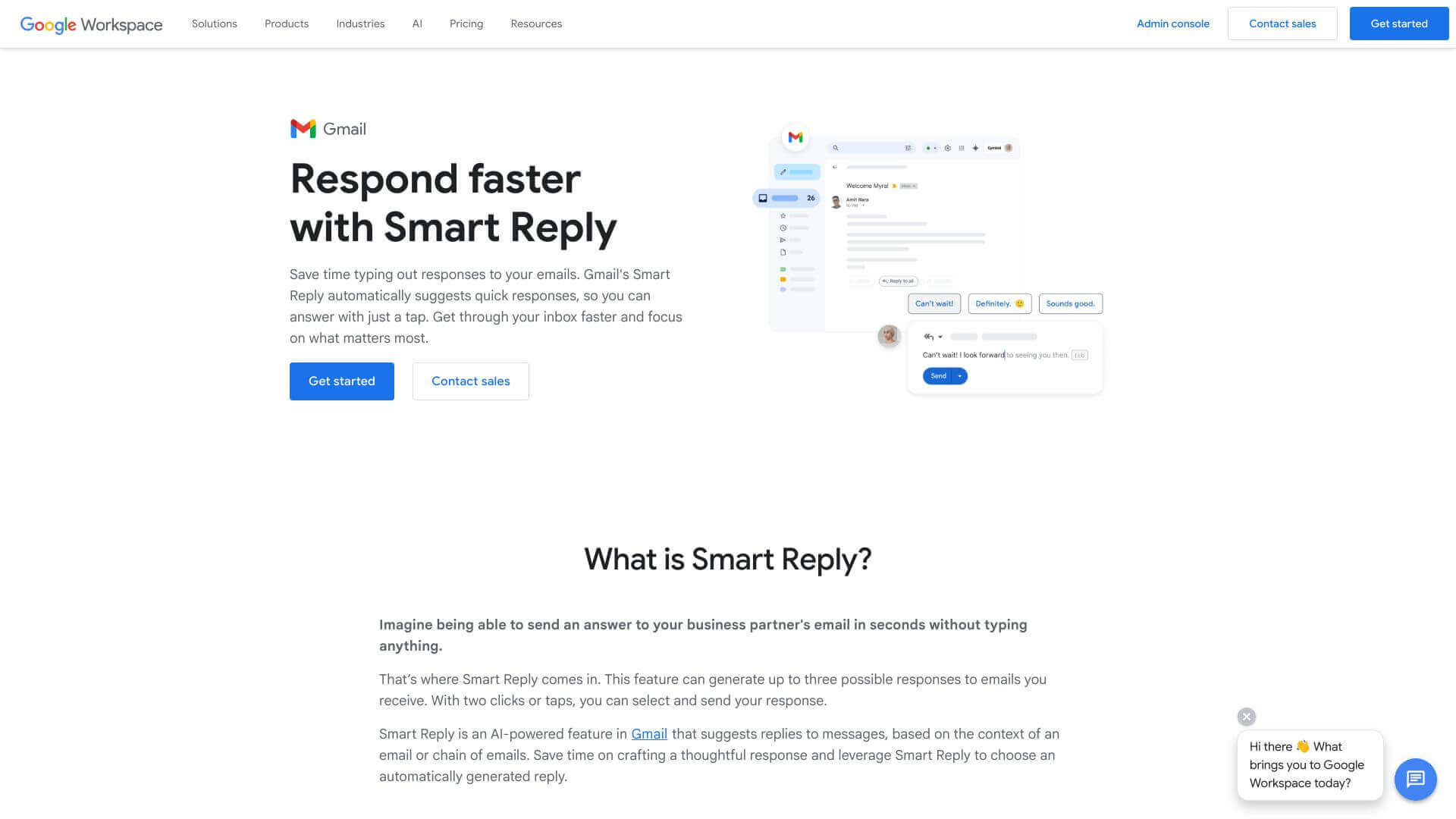
Google Smart Reply is an AI Productivity tool. Suggests quick email replies. Uses AI to understand messages and provide response options, saving you time and effort. Key features include AI-Driven Responses, Efficient Response Time, and Personalized Responses. Best for marketers, business consultants and customer service representatives.
About Google Smart Reply
Smart Reply helps you answer emails faster. It looks at what's written and gives you a few ready-made replies to pick from. This means less typing, especially on your phone. It's free with Gmail, so everyone who uses it can take advantage of the convenience. It’s not perfect for complicated stuff, but if you want speed, it’s great.
Key Features
AI-Driven Responses.
Efficient Response Time.
Personalized Responses.
Sequential Learning.
Compatibility Across Platforms.
Privacy Preservation.
Frequently Asked Questions
It uses AI to look at your emails and suggest replies.
Yes, if you have Gmail. It's free.
No, it keeps your emails private.
Not now. It only does short replies.





