Image Optimizer AI logo

Image Optimizer AI

AI creates & optimizes images for better web performance & SEO. Generate visuals and file optimization.

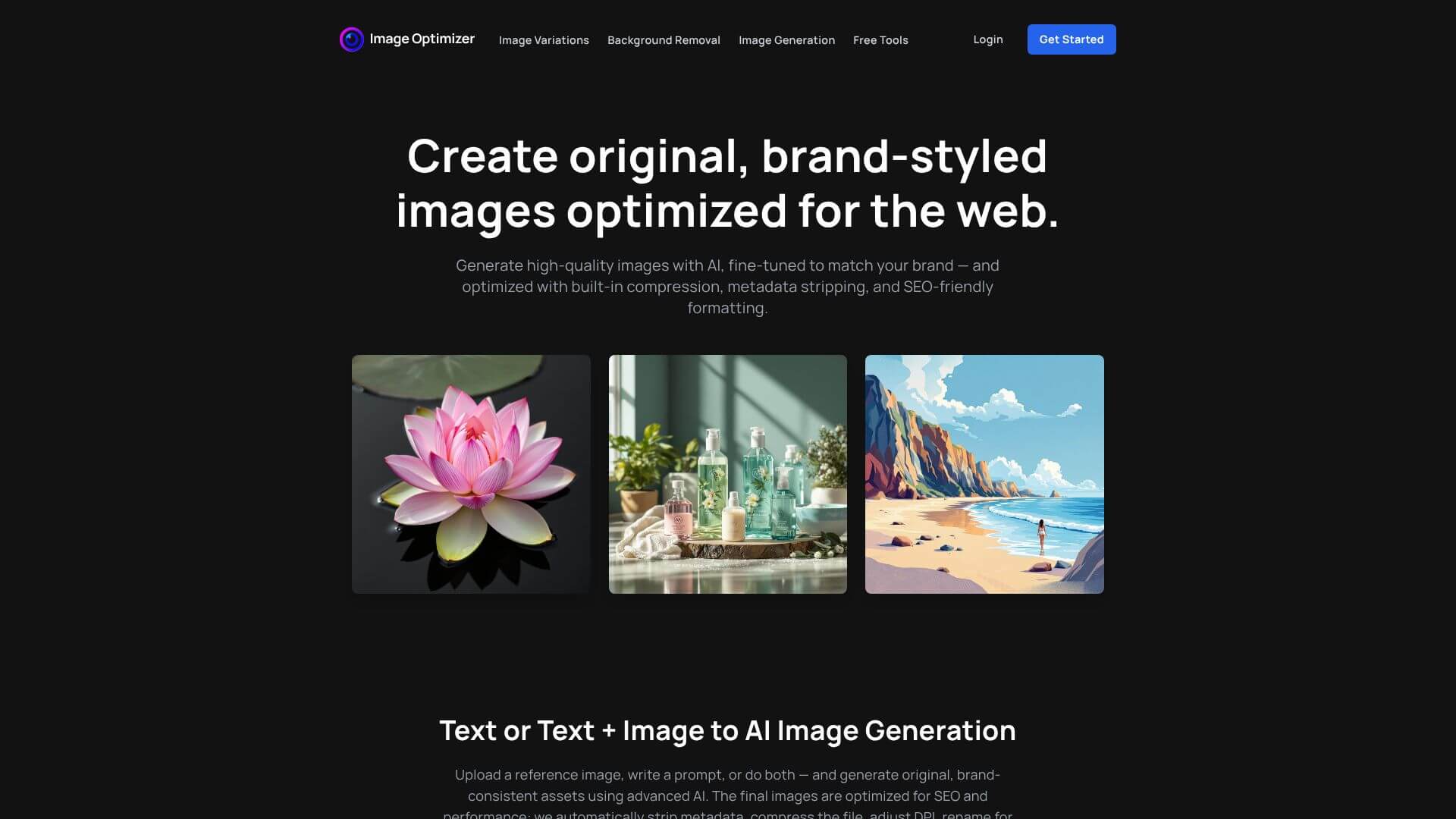
Image Optimizer AI screenshot

Image Optimizer AI is an AI Image tool. AI creates & optimizes images for better web performance & SEO. Generate visuals and file optimization. Key features include AI Image Generation, Metadata Stripping, and Compression. Best for teachers, content creators and designers.

4.4 (5 reviews)28 upvotes6 key features6+ alternatives →

About Image Optimizer AI

This AI tool makes creating and updating images easy. It uses smart tech to generate personalized pictures, boosting your web performance and search engine results.

Key Features

AI Image Generation.

The platform uses AI to make original images. Just type what you want, and the AI creates it. This is especially useful if you don't have design skills or resources.

Metadata Stripping.

It cleans images by removing hidden data. This makes files smaller and protects your privacy. Smaller files mean faster website loading times.

Compression.

It makes image files smaller without losing quality. This helps your website load quickly. Fast loading times keep visitors happy and improve SEO.

File Renaming.

The platform automatically names your image files with SEO in mind. This helps search engines find your images. Better SEO means more traffic to your site.

DPI Adjustment.

It optimizes images for web display. This ensures images look good without being too large. Optimized images improve website performance.

Format Conversion.

It changes image formats to the best one for the web. This ensures compatibility and performance. The right format can significantly reduce file size and improve loading speed.

Frequently Asked Questions

It's a tool that uses AI to make images look great online. It helps your website load faster and get found on search engines.

It creates images using AI, making sure they match your brand. Plus, it automatically makes them perfect for the web.

Yes, it can remove extra info, make files smaller, rename them, adjust the quality, and even change the file type. It can also create similar versions of your pictures.

They have some free tools for basic stuff, but they don't show the price list on the website.

User Reviews

Similar Tools

View all →



