
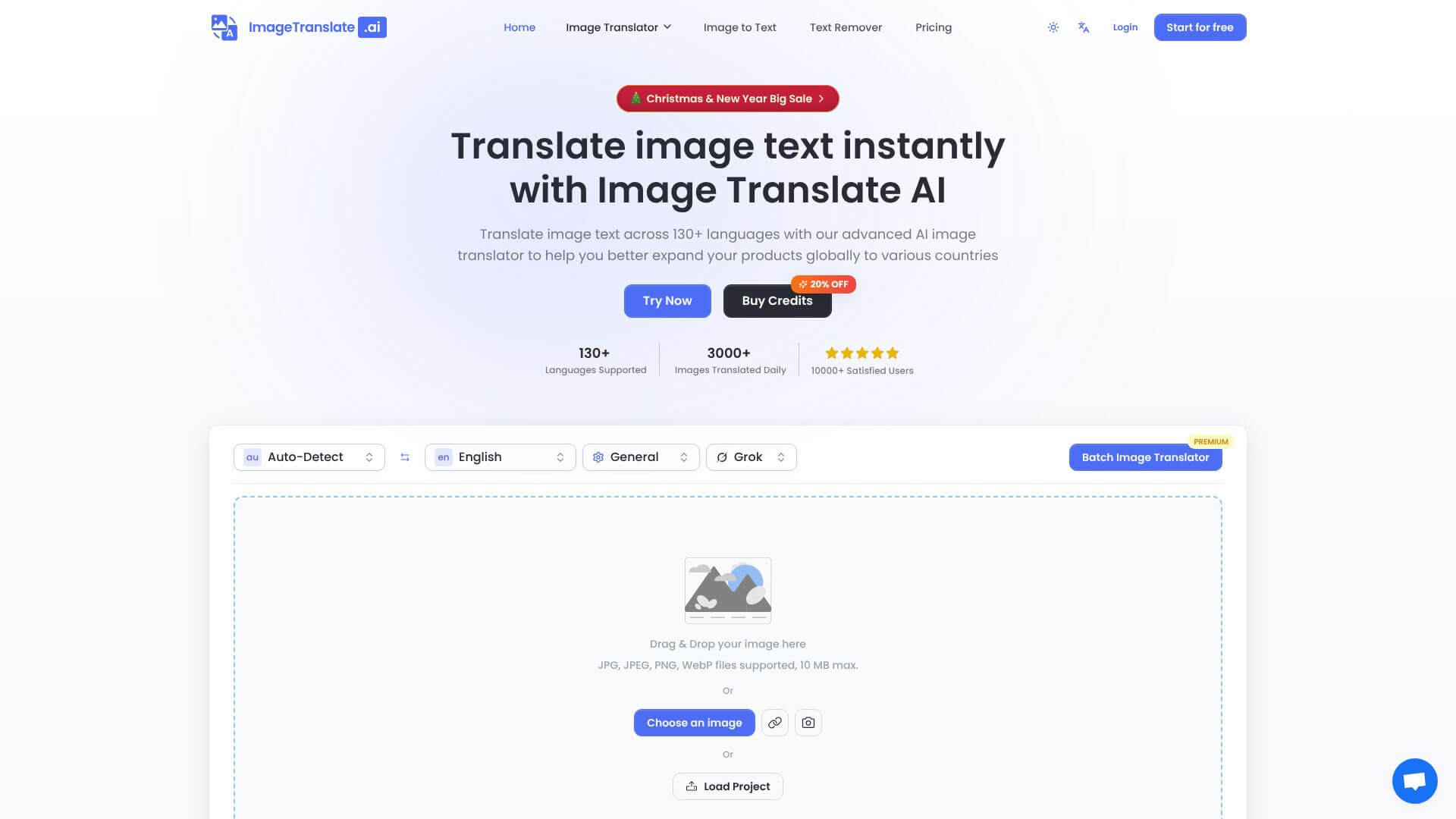
Image Translate AI is an AI Image tool. Translates text in images to 130+ languages, keeping the original look. Key features include Layout Preservation Technology, 130+ Language Support, and Batch Processing Capabilities. Best for marketers, content creators and designers.
About Image Translate AI
Key Features
Layout Preservation Technology.
130+ Language Support.
Batch Processing Capabilities.
Multiple AI Translation Models.
Specialized Translation Modes.
OCR Accuracy.
Frequently Asked Questions
ImageTranslate.AI is pretty accurate, good enough for business needs. It's rated highly for European languages and gets context well. Legal or medical stuff might need a human touch. It really shines with e-commerce terms and keeps the brand's vibe consistent.
If you're on the free plan, the translated images have watermarks and are just for personal use. But if you have a paid plan (Pro, Premium, Ultra), you're good to go for commercial use. You can use them on e-commerce sites, in print, for marketing, and on business websites without any issues.
It handles JPG, JPEG, PNG, and WebP formats, and each file can be up to 10MB. For batch processing, you can do 20 images at once. You can upload from your device, drag and drop, or use image URLs if they're online.
ImageTranslate.AI puts the translated text back into the image in the original spot, so it looks professionally done. Google Translate just does a basic overlay without messing with the layout. Also, ImageTranslate.AI has batch processing, different AI models, and lets you export for commercial use. Google Translate doesn't have these, but it does let you translate in real-time with your camera, even offline.





