
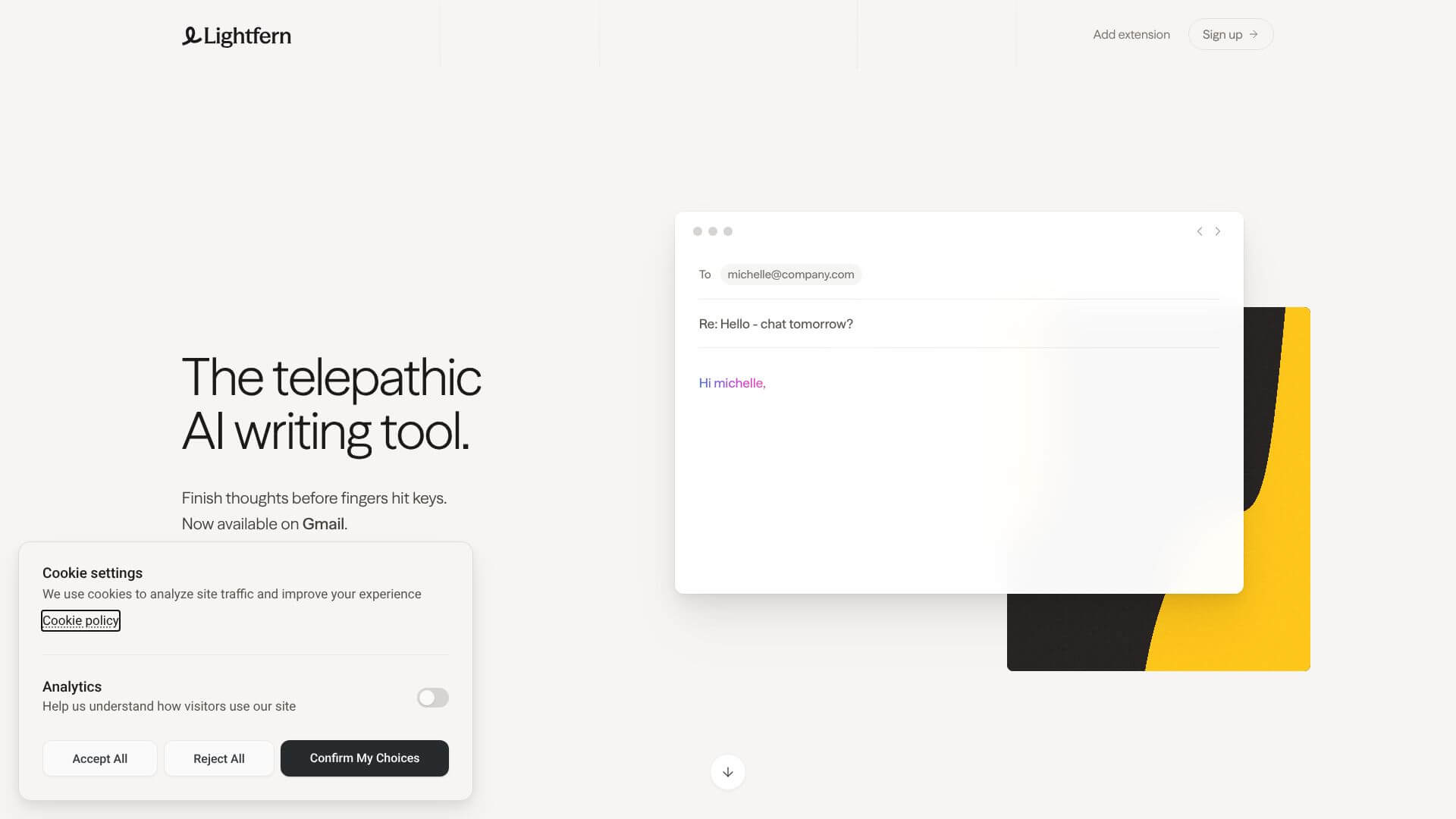
Lightfern for Email is an AI Productivity tool. AI-powered browser extension that helps you write emails faster by suggesting real-time text completions. Key features include Ultracomplete: Real-Time Intelligent Autocomplete, Inline Composer: Contextual Email Analysis and Refinement, and Style and Tone Adaptation. Best for project managers, business consultants and software developers and engineers.
About Lightfern for Email
Lightfern for Email is an AI browser extension that adds smart autocomplete and writing assistance directly inside Gmail. The tool learns your writing style, suggests in-context completions as you type, and provides on-demand analysis and refinement through inline commands — all without sending your email content to third-party servers by default.
The core features that matter
- Ultracomplete real-time autocomplete offering context-aware completions that consider the recipient, email subject, and your typical writing style rather than just guessing the next word
- Inline Composer for contextual analysis and refinement with on-demand feedback, summarization, and Q&A about what's on screen, all working inside Gmail without copy-paste workflows
- Style and tone adaptation learning your word choices, greetings, and formality preferences over time, adjusting suggestions to match how you actually write to different recipients
- Zero-retention data privacy with email content not stored on Lightfern's servers by default, optionally allowing data use for model improvement only when you explicitly opt in
How it stands out
The AI writing assistant space has Gmail-specific competitors (Compose AI, Magical) and broader writing tools (Grammarly, Wordtune). Lightfern for Email's specific position is the privacy-first architecture combined with style adaptation focused specifically on email. Most competitors store your content to varying degrees; Lightfern's default no-retention behavior addresses the privacy concern that gates many users from AI writing tools.
The honest qualifier: AI email autocomplete works well for routine communication patterns and less well for highly creative or strategically sensitive emails where every word choice matters. Lightfern for Email handles the common cases — meeting confirmations, status updates, follow-ups — substantially faster than typing from scratch. For high-stakes emails (job applications, difficult conversations, executive communication), the AI suggestions should inform rather than replace careful manual writing. The style learning improves over weeks of use, so the initial experience may feel less personalized than later sessions.
Key Features
Ultracomplete: Real-Time Intelligent Autocomplete.
Inline Composer: Contextual Email Analysis and Refinement.
Style and Tone Adaptation.
Zero-Retention Data Privacy Architecture.
Frequently Asked Questions
Lightfern for Email is an AI-powered browser extension. It helps you write emails faster and better with smart autocomplete technology. It integrates into Gmail and focuses on European-developed tech.
Lightfern for Email works as a collaborative writing assistant. It gives you context-aware suggestions in real-time as you type. It doesn't write whole messages for you, but helps you draft by anticipating your message.
Lightfern for Email focuses on keeping your authentic voice. It learns your writing patterns and preferences. It doesn't replace your judgment or create generic responses. This sets it apart from many AI tools that struggle to maintain a sender's unique voice.
Lightfern has a zero-retention data privacy policy by default. This means your email content is never saved on their servers unless you specifically allow it for model training. This helps address common privacy concerns with AI email tools.





