
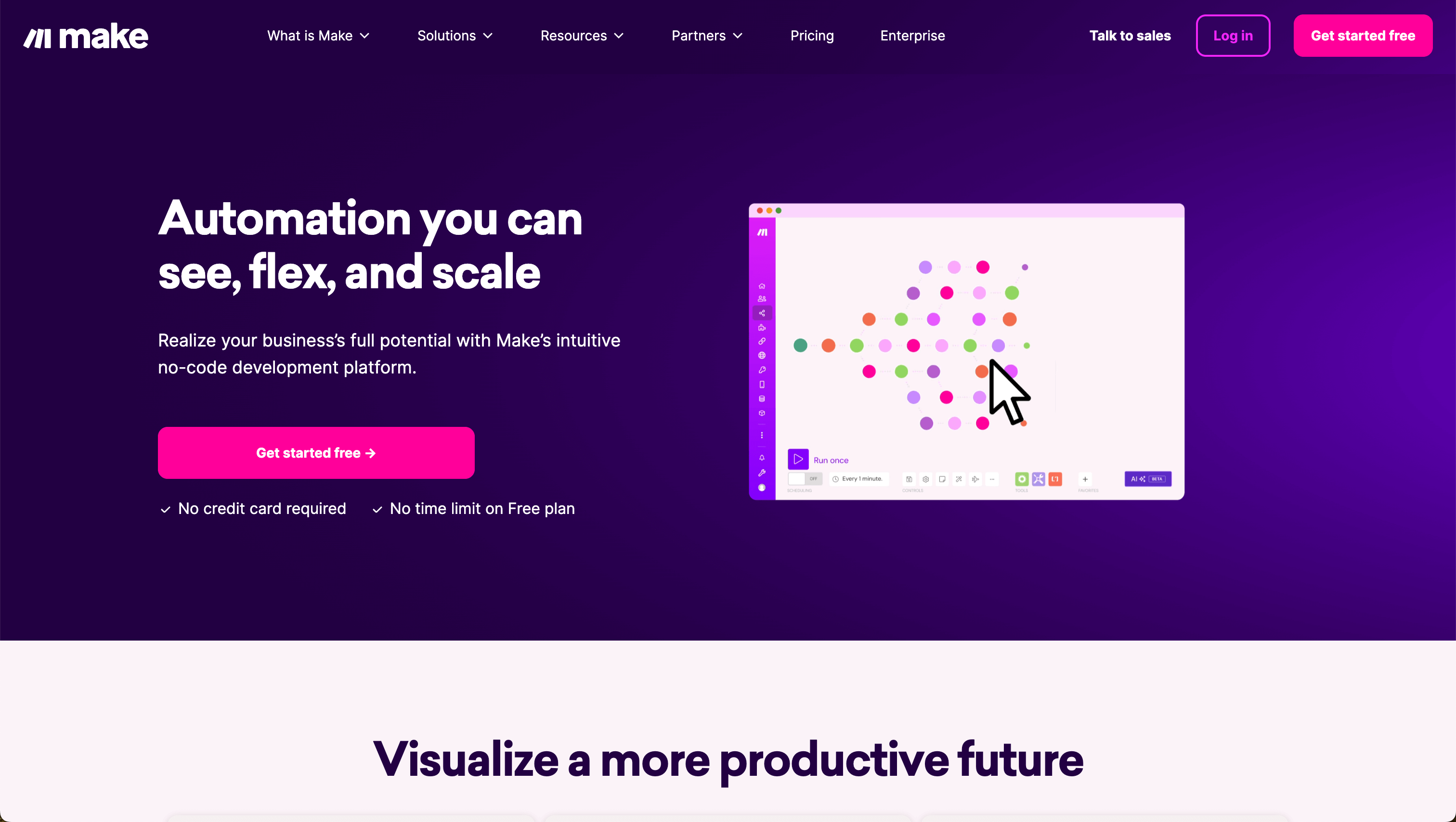
Make is an Automation tool. Automate tasks easily! Connect different apps and services to create workflows without any code skills. Key features include Scenario Builder, Visual Flow Designer, and API Integration. Best for software developers and engineers, project managers and business consultants.
About Make
Make.com links your apps to automate work. Use its visual tools to design workflows, move data, and trigger actions. Great for marketers, project managers, and more! Free plans are offered alongside paid options for more robust needs, so you can start simple and scale up.
Key Features
Scenario Builder.
Visual Flow Designer.
API Integration.
Data Parsing.
Real-Time Analytics.
Pre-Built Templates.
Frequently Asked Questions
It automates tasks between apps without coding, like sending info from Slack to Trello to Email.
Yes, there's a free plan.
Make.com is great for complex workflows and APIs. Zapier is better for simple setups.
Yes, it works with tools like ChatGPT and Google AI.