Neurona AI Image Creator is an AI Image tool. Transforms text into images with AI. Great for quickly creating unique visuals for various projects. Best for project managers, journalists and reporters and content creators.
About Neurona AI Image Creator
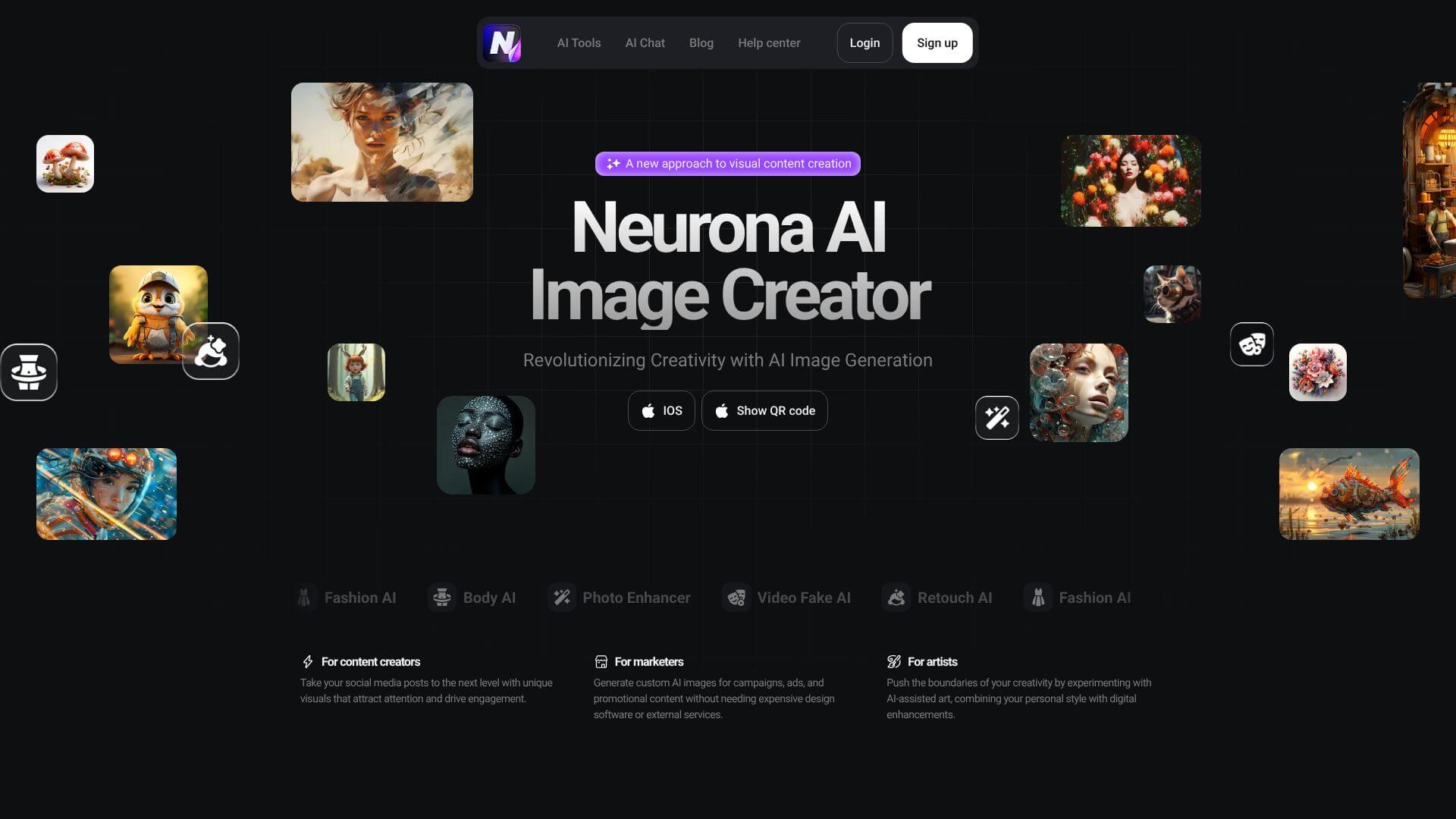
This tool lets you make images from words using AI. It's handy for creating pictures for social media or marketing without design skills. You can also edit photos and even swap faces. Free access to get started, with paid plans for more.
Key Features
Text-to-image generation lets you make pictures from words. Just type in what you want to see, and the AI creates it.
Face swap lets you switch faces in photos and videos. You can put your face on someone else, or change faces in a video clip easily.
Photo enhancement improves your pictures. It fixes lighting, corrects issues, and makes your photos look better without needing special skills.
Style customization lets you pick different art styles. Choose from realistic, anime, fantasy, and more to make your images unique.
Video processing lets you change videos with AI. Swap faces, add cool styles, and enhance your videos to make them look professional.
Multi-format support means you can use your images anywhere. Make pictures for websites, social media, or printing without any hassle.
Frequently Asked Questions
It's a tool that turns your words into pictures using AI. Pretty cool, right?
It can generate images from text, swap faces in photos and videos, and make your pictures look even better. It's like having a digital artist at your fingertips!
Yes, you can use it for free to start! They also have paid plans if you need more features.
Content creators, marketers, artists, and anyone who wants to make awesome visuals easily.





