
NotePlan logo

NotePlan

NotePlan combines tasks, notes, and calendars in one app. It helps you plan your day easily on Apple devices.

No ratings yet
Visit NotePlan
View Alternatives
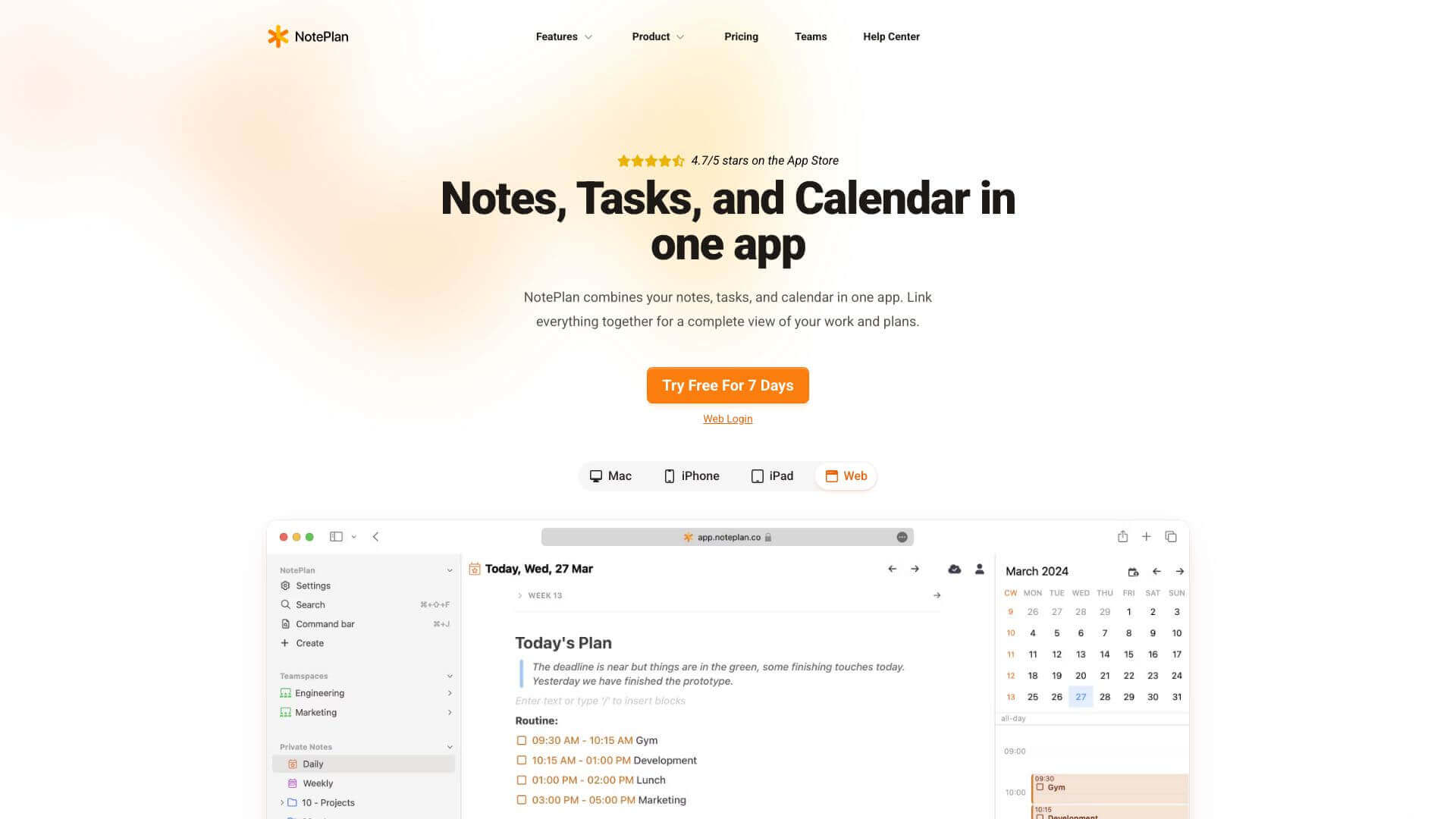
NotePlan screenshot

NotePlan is an AI Productivity tool. NotePlan combines tasks, notes, and calendars in one app. It helps you plan your day easily on Apple devices. Key features include Task and Project Management, Note Organization, and Calendar Integration. Best for project managers, software developers and engineers and writers.

4.0 (5 reviews)28 upvotes6 key features6+ alternatives →

About NotePlan

NotePlan is great for managing tasks and notes together. You can link notes, schedule events, and organize everything with tags. It works well on Macs, iPhones, and iPads. There's a learning curve because it has a lot of features and a subscription is needed, but it’s worth it if you want to stay organized.

Key Features

Task and Project Management.

Use flexible and recurring tasks to organize your day. Create tags and @mentions to stay on top of everything, and block out time to structure your day better.

Note Organization.

Make a network of linked notes to keep everything together. You can use methods like P.A.R.A. (Projects, Areas, Resources, Archives). Also, use bi-directional linking to easily reference your content.

Calendar Integration.

Sync your tasks with iCloud, Google, and Exchange calendars to keep everything in one place. You can also schedule events right in the app, so you never miss anything.

Search and Review Capabilities.

Instantly search through all your tasks and notes to find what you need quickly. Use quick views to see open, overdue, and upcoming tasks to manage your time better.

Personalization Options.

Customize NotePlan with themes and layouts to make it your own. Use templates and plugins for advanced automation and to make your workflow smoother.

Cross-Platform Accessibility.

Sync NotePlan across your Mac, iPhone, and iPad using CloudKit or iCloud Drive. This way, you can access your notes and tasks from anywhere.

Frequently Asked Questions

No, NotePlan only works on Apple devices like Macs, iPhones, and iPads.

No, NotePlan needs a paid subscription. You can try it free for 7 days, though.

NotePlan uses tags and mentions to organize notes. It also supports systems like P.A.R.A.

NotePlan is mostly for individual use. But, you can share calendars and assign tasks to others if you need to.


User Reviews

Similar Tools

View all →



