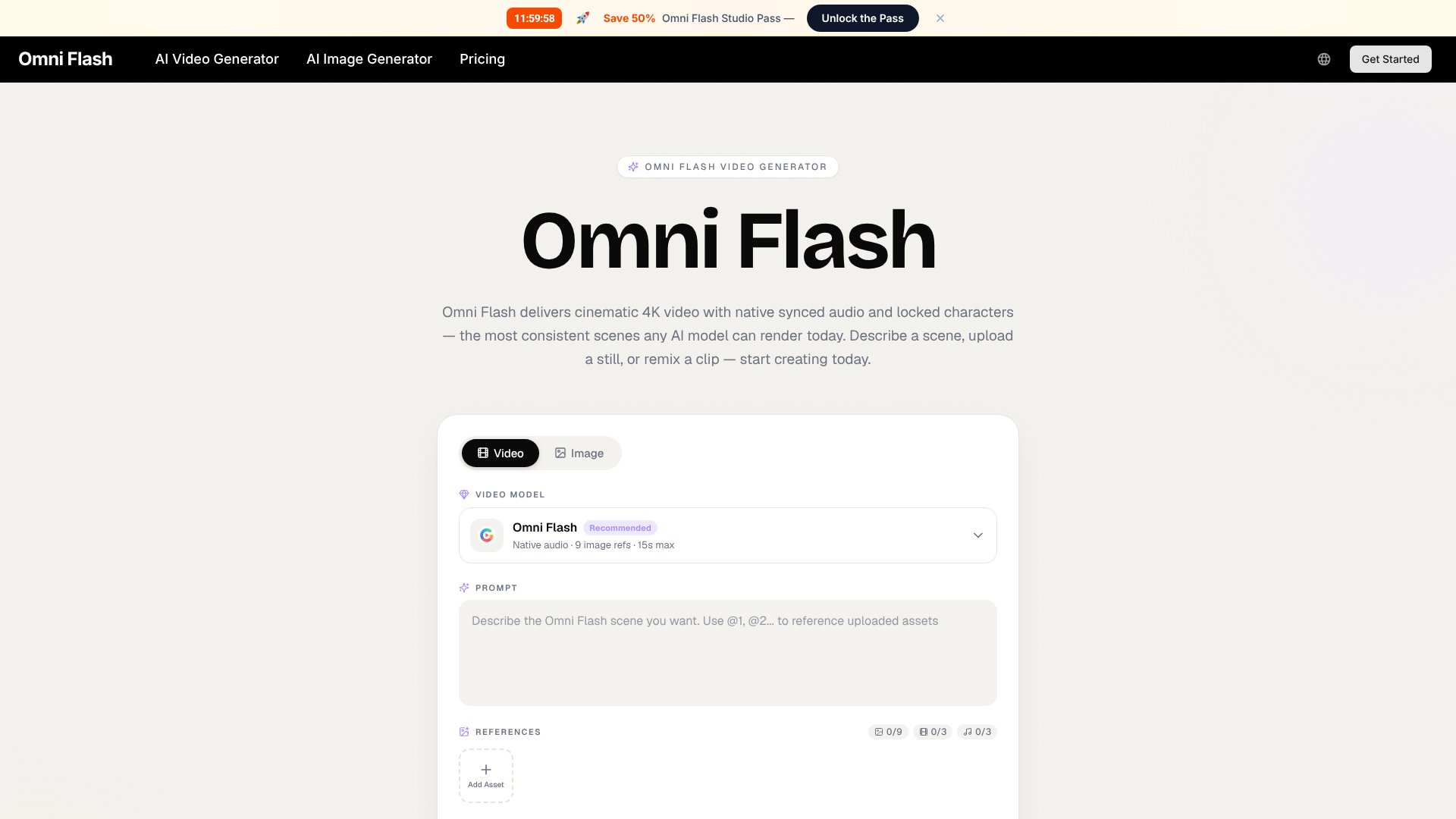
Omni Flash is an AI Video tool. Chat-style AI video generator with native synced audio and locked character consistency in a single render. Key features include Unified Multimodal Engine, Native Synced Audio + Lip-Sync, and Locked Character Consistency. Best for content creators, filmmakers and video editors and marketers.
About Omni Flash
Omni Flash is a chat-style AI video generator producing cinematic clips with natively synced audio, locked character consistency, and up to 1080p output through a credit-based plan tier. The platform combines unified multimodal generation with conversational editing and fast iteration loops, targeting creators wanting integrated video and audio output from one render rather than separate workflows.
The core features that matter
- Unified multimodal engine processing text, images, and audio in one pass and producing synchronized video output without separate render steps
- Native synced audio with lip-sync generating dialogue, ambient sound, and music together with visuals in a single render pass
- Locked character consistency preserving saved faces, wardrobe, or brand assets across every shot including across separate generations
- Conversational editing refining clips through chat commands so only the requested changes update rather than regenerating the full clip
- Cinematic frame composition with the model interpreting film grammar (focal length, depth of field, lighting), responding to camera language like tracking shots and dollies
- Fast iteration loop with previews returning in under a minute, supporting many directional tries before committing to final renders
How it stands out
The AI video generation space has frontier competitors including Veo, Sora, Runway, and Kling, plus various aggregator platforms. Omni Flash's specific position is the chat-style workflow combined with native audio integration and character consistency. The brand name overlaps with Google's 'Gemini Omni' announcements but this is not an official Google product.
The honest qualifier: the homepage advertises 'cinematic 4K' but the pricing page caps every plan at 1080p — a meaningful inconsistency worth noting. The 'lmarena.ai #1 ranking' claim is unverified since lmarena doesn't list a model named 'Omni Flash'. Like sister sites in this category, Omni Flash is likely a wrapper around third-party video models rather than an original model. The commercial license and no-watermark output on the $7.90/mo Lite plan is genuinely useful for small creators. For creators wanting integrated audio and video generation with chat-based editing, Omni Flash addresses real workflow gaps. For users expecting the marketed 4K output, verifying the actual maximum resolution before committing matters.
Key Features
Unified Multimodal Engine.
Native Synced Audio + Lip-Sync.
Locked Character Consistency.
Conversational Editing.
Cinematic Frame Composition.
Fast Iteration Loop.
Studio-Safe Output.
Omni Flash Pros & Cons
Pros
Unified engine — generates synchronized video + audio in one render pass
Locked character consistency across separate generations
Conversational editing for surgical refinements without full re-renders
Free trial available without entering payment details
Commercial license and no watermarks on every paid tier — including the $7.90/mo Lite plan
Cons
Heavy brand overlap with Google's 'Gemini Omni' announcements; this is NOT an official Google product
Homepage advertises 'cinematic 4K' but the pricing page caps every plan at 1080p — a meaningful inconsistency
'#1 on lmarena.ai text-to-video arena' claim is unverified — lmarena does not list a model named 'Omni Flash'
Like sister sites in this category, likely a wrapper around third-party video models rather than an original model
Pricing isn't visible on the homepage — you have to click through to /pricing
Verdict: Is Omni Flash Worth It?
Omni Flash sells a compelling story — one-prompt, one-render cinematic video with synced audio and locked character continuity. The chat-style workflow is genuinely appealing for creators tired of stitching together separate text-to-video, audio, and editing tools. The execution, however, sits in the gray area created by Google's Gemini Omni announcements at I/O 2026: the brand, marketing copy, and social-proof tweets lean heavily on that association without any actual Google affiliation. The free trial is the safest way to evaluate before paying, and Lite at $7.90/mo with annual billing is a reasonable starter price. Best for indie filmmakers and marketing teams testing AI video for short-form work, with the caveat that the '4K' marketing claim should be verified against the 1080p output cap shown on the pricing page.
Frequently Asked Questions
No. Omni Flash is a third-party AI video tool whose branding overlaps heavily with Google's Gemini Omni model announced at Google I/O 2026 — but the two are separate products. Many of the social-proof tweets shown on Omni Flash's homepage are actually about Google's model, not this product.
The homepage advertises cinematic 4K output, but Omni Flash's own pricing page caps every tier — including the $49.90/mo Ultra plan — at 1080p resolution. We'd recommend verifying actual output resolution during the free trial before committing to a paid plan.
Yes — synchronized audio (ambient sound, dialogue, and music) is generated alongside the visuals in the same render pass. Lip-sync is supported when characters speak.
Lite is $7.90/mo (400 credits/month, billed annually at $94.80). Pro is $17.90/mo (1,500 credits, 4 concurrent generations). Ultra is $49.90/mo (4,400 credits, 10 concurrent, dedicated support). All paid tiers include commercial license, no watermarks, and 1080p output. A free trial is available.
Most previews come back in well under a minute. Final renders take longer depending on clip length — maximum 15 seconds per generation.
Yes — all paid-tier renders include a commercial-use license, watermark-clean masters, and provenance metadata.
The homepage claims this, but the LMSYS Text-to-Video Arena at lmarena.ai does not currently list a model named 'Omni Flash'. The claim should be treated as unverified marketing copy until the company clarifies which arena entry it refers to.