
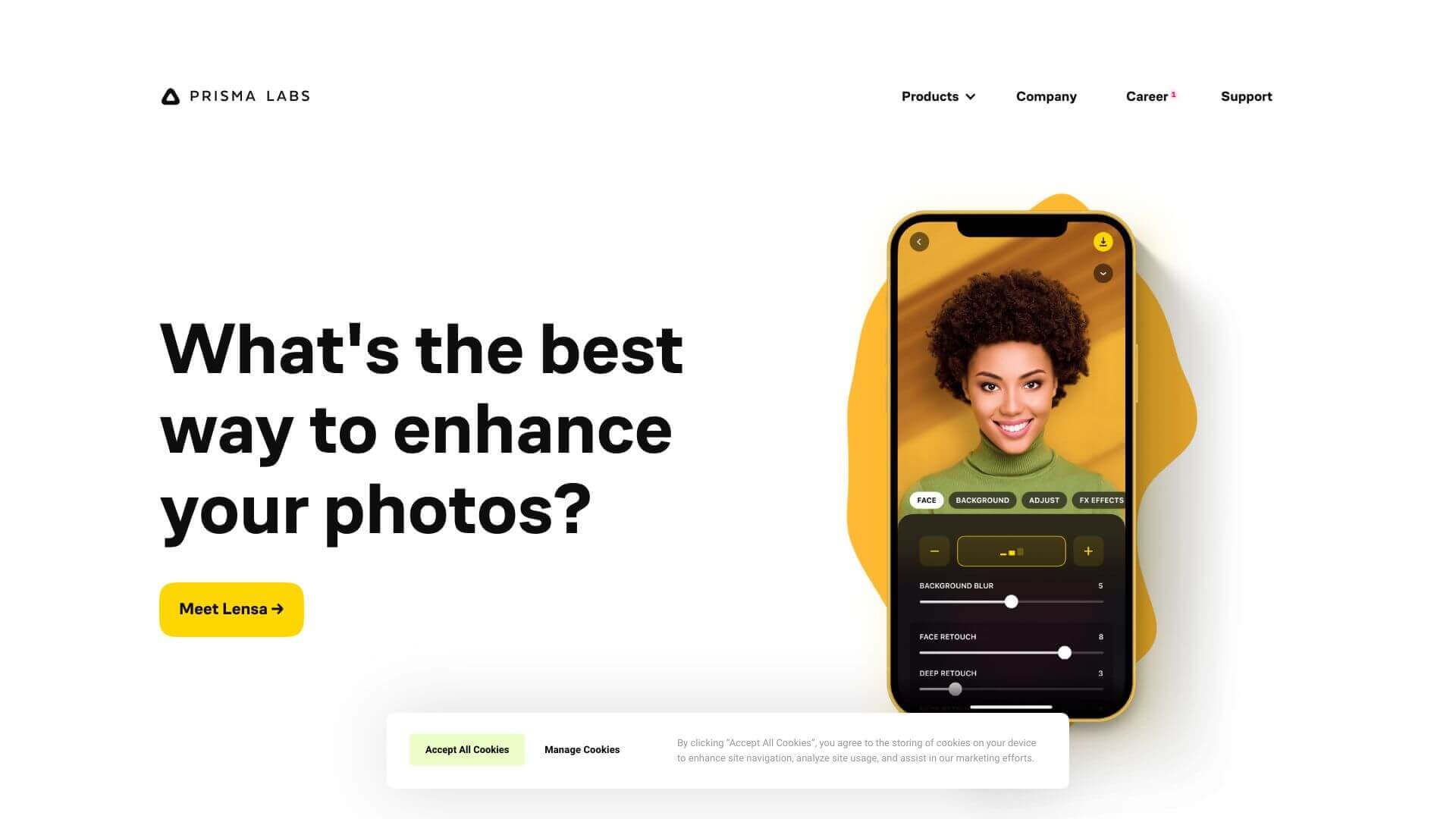
Prisma is an AI Image tool. Transforms photos & videos into artistic creations using AI. Apply styles of famous artists with ease. Key features include AI-Driven Art Filters, Style Transfer Technology, and High-Quality Resolution Processing. Best for designers, photographers and content creators.
About Prisma
Prisma AI uses smart AI to turn your photos into art. Pick from lots of cool styles inspired by artists. It's easy to use and makes your pics look really unique. Great for fun posts or cool art projects!
Key Features
AI-Driven Art Filters.
Style Transfer Technology.
High-Quality Resolution Processing.
Real-Time Processing.
Customization Options.
Pro Editing Tools.
Frequently Asked Questions
Prisma AI uses special computer programs to change your photos and videos into art.
Yes, you can now use Prisma AI without the internet, but some things might still need it.
Nope, Prisma AI also works on videos.
Yes, Prisma AI has tools that are good for people who do professional work.





