
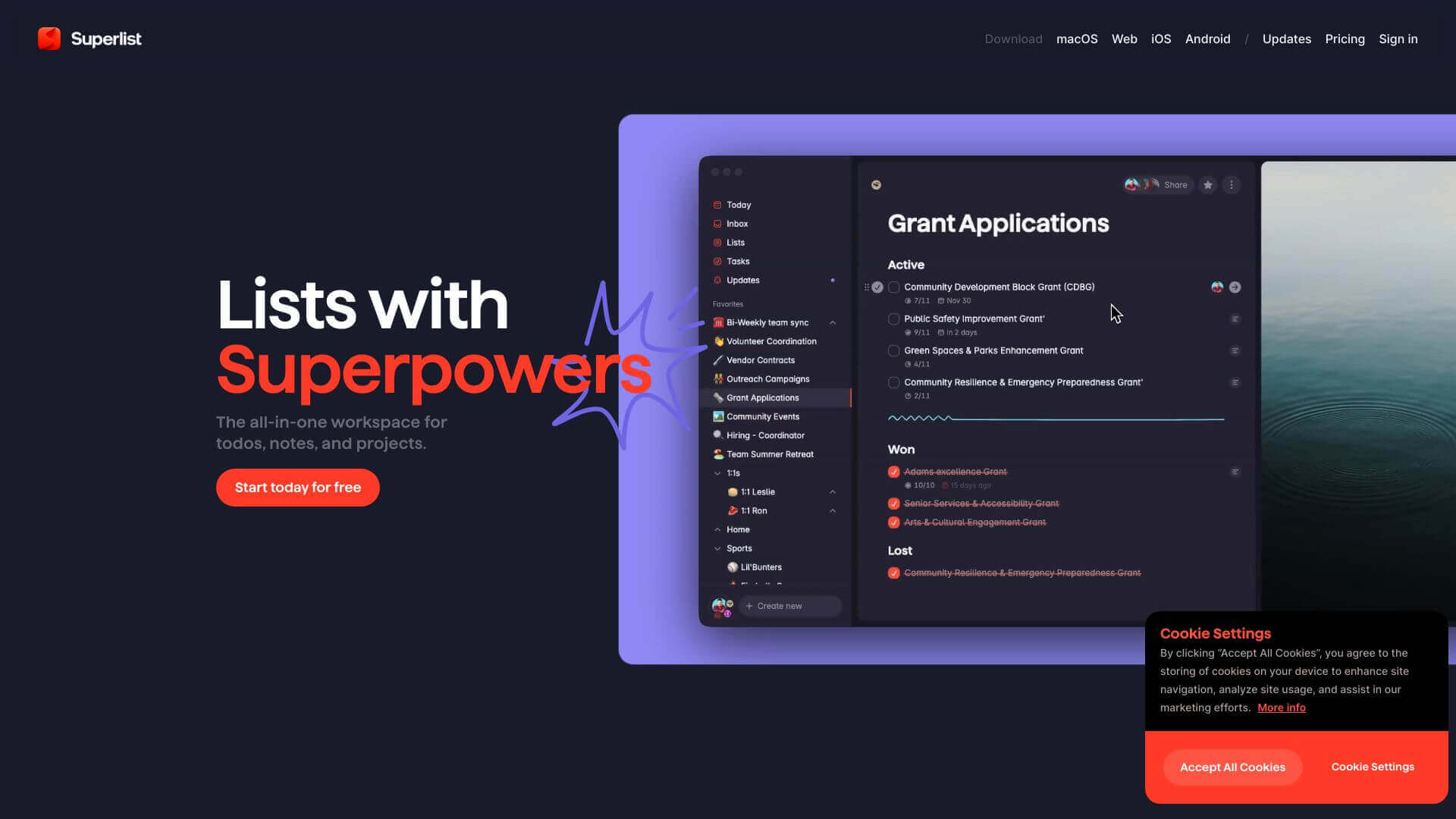
Superlist is an AI Productivity tool. A simple app to organize tasks and notes. Great for sharing lists with others and staying on top of your to-dos. Key features include Real-Time Collaboration, Task Management, and Multimedia Support. Best for project managers, writers and software developers and engineers.
About Superlist
Superlist helps you manage tasks and notes easily. Make lists, set reminders, and work together with others. It's great for personal use and team projects because it works with Gmail and Google Calendar. While the free plan is awesome, team features can be a bit buggy and there's no calendar view, so its not perfect.
Key Features
Real-Time Collaboration.
Superlist lets you work together on lists and tasks as it happens. It's great when you're tackling team projects.
Task Management.
You can make tasks, set due dates, add notes, and keep everything sorted in projects. Simple and organized!
Multimedia Support.
Spice up your lists and notes by adding images and other media. Makes things clearer and more engaging.
Integrations.
Superlist plays nice with Gmail and Google Calendar. It syncs your tasks so nothing slips through the cracks.
Customizable UI.
You can change the look of your lists and projects with custom wallpapers. Adds a personal touch to stay organized.
AI-Assisted Task Creation (Pro Plan).
If you upgrade, AI helps you create and organize tasks. It can save you time and effort.
Frequently Asked Questions
Superlist works on iOS, Android, Web, and macOS.
Yes, Superlist has a free plan. You get unlimited tasks and notes.
Superlist works with Gmail and Google Calendar. More integrations are planned.
Christian Weber, former CEO of Wunderlist, founded Superlist.





