
Toolbar - Bug Reports with AI logo

Toolbar - Bug Reports with AI

Records screen activity for easy bug reports with AI help.

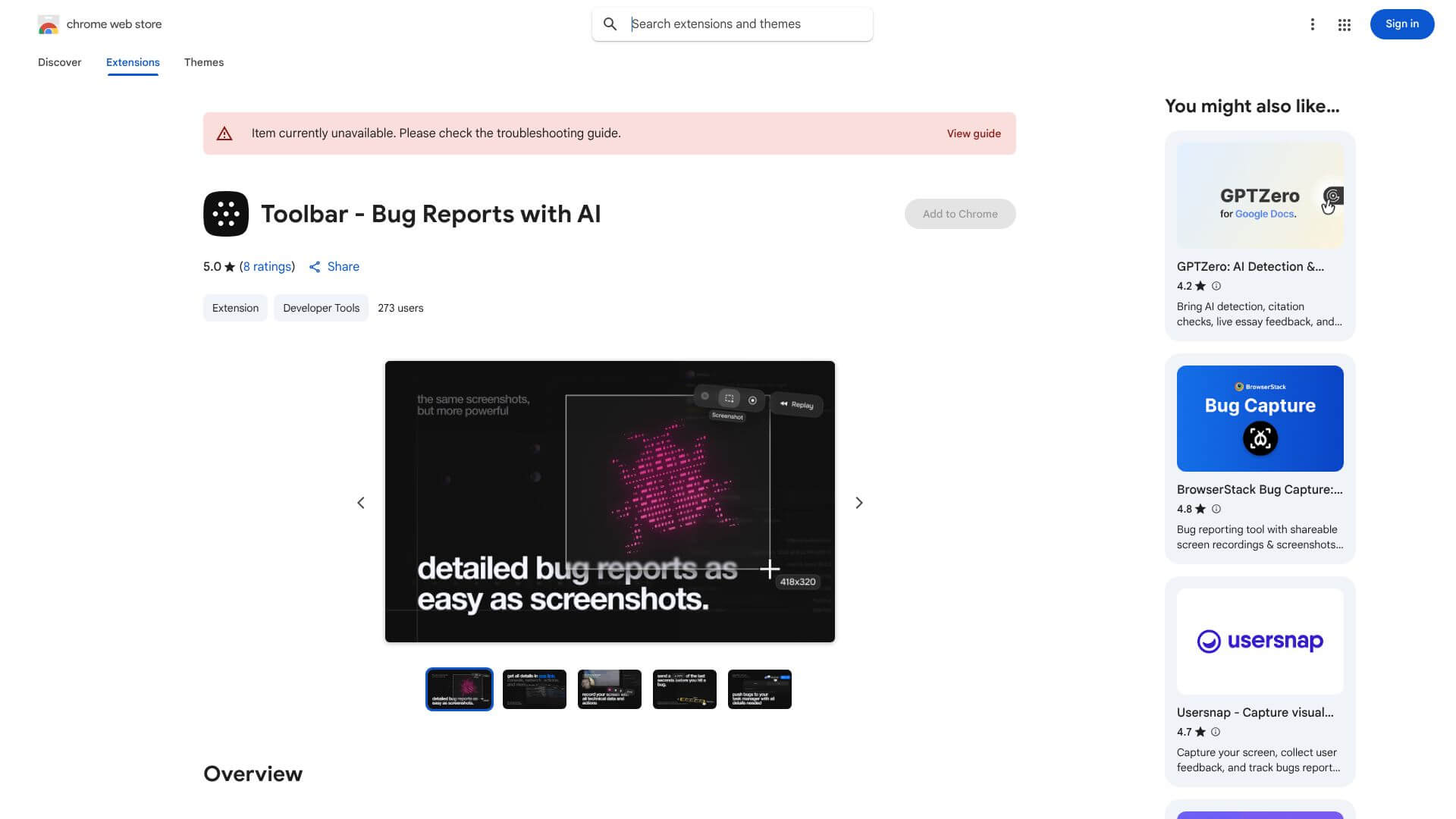
Toolbar - Bug Reports with AI screenshot

Toolbar - Bug Reports with AI is an AI Productivity tool. Records screen activity for easy bug reports with AI help. Key features include Screen Recording, Screenshot Capture, and Instant Replay. Best for software developers and engineers, project managers and customer service representatives.

4.2 (5 reviews)28 upvotes6 key features6+ alternatives →

About Toolbar - Bug Reports with AI

Toolbar - Bug Reports with AI is a Chrome extension that simplifies bug reporting. It records your screen, captures screenshots, and uses AI to summarize issues. This free tool helps teams find and fix software bugs faster, making communication clear and efficient. Get automated bug tracking with this easy-to-use extension.

Key Features

Screen Recording.

Capture what's on your screen. Get high-quality recordings of your browser activity. You can instantly replay what you just did.

Screenshot Capture.

Grab a picture of your screen. Add notes or highlight exactly what you mean. Point out the important parts easily.

Instant Replay.

Rewind your browser activity. Access the last two minutes of what you did. No need to set up recording beforehand.

AI-Powered Summarization.

Let AI organize your content. It summarizes your recordings automatically. This makes communicating issues much faster.

Developer Context.

Get all the tech details automatically. It adds browser info, screen size, and system specifics. This helps developers fix things quicker.

Quick Sharing.

Share your bug reports easily. Generate links to send to your team. It also connects with project management tools.

Frequently Asked Questions

No, the core features of Toolbar, including screen recording and AI assistance, are completely free. Premium features may require payment.

Yes, Toolbar generates shareable links for recordings that you can distribute to team members. It also integrates with popular project management platforms.

Yes, your recordings are stored securely on encrypted servers. Toolbar also includes privacy controls and complies with GDPR measures.

Toolbar supports WebM, MP4, and standard image formats. You can use cloud storage or download files locally.


User Reviews

Similar Tools

View all →



