
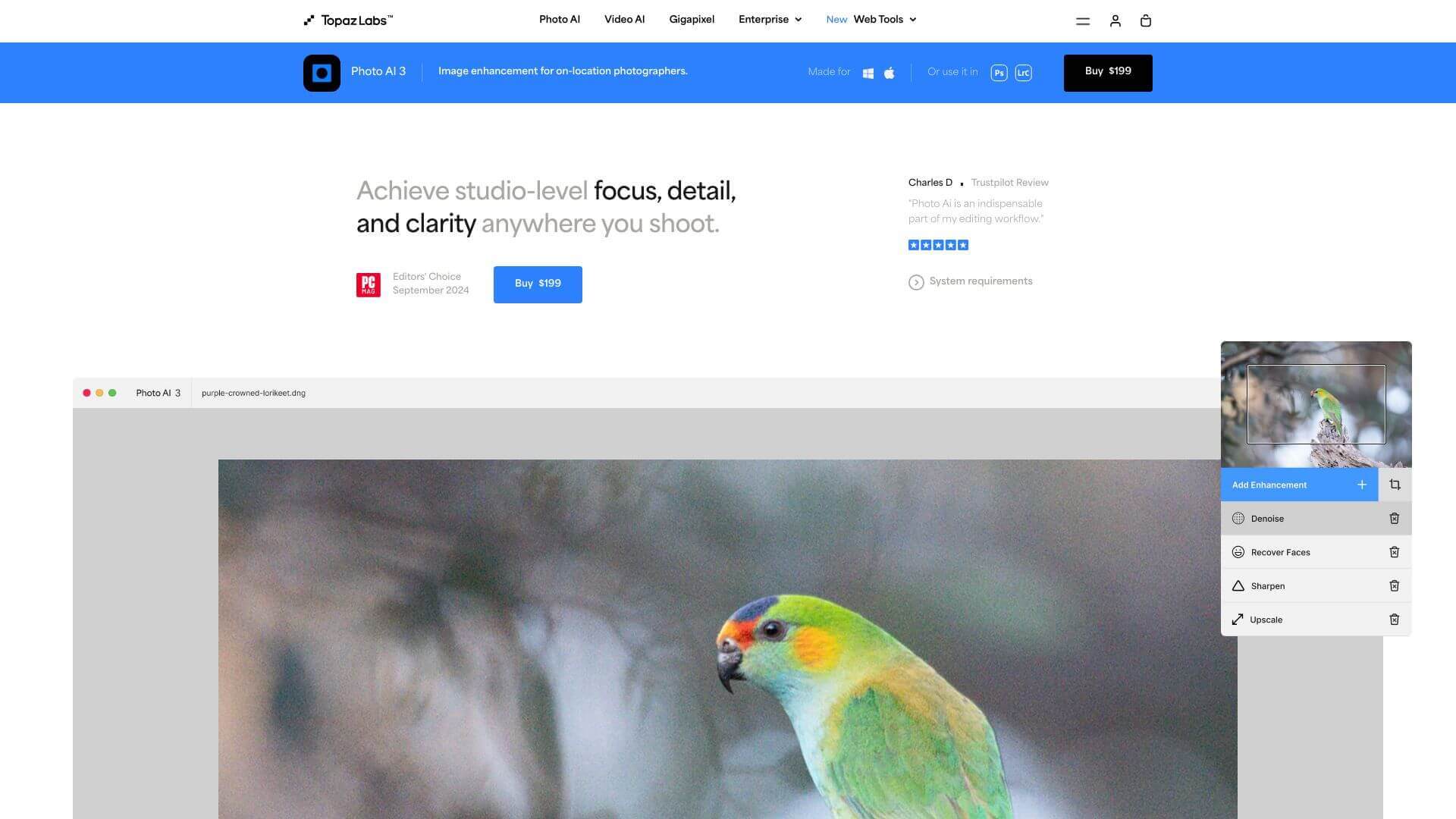
Topaz Photo AI is an AI Image tool. AI edits photos. Fixes blur, noise, and low-res issues. Perfect for quick, top-notch image improvements. Key features include Autopilot, Upscaling, and Noise Removal and Reduction. Best for designers, photographers and content creators.
About Topaz Photo AI
This tool uses AI to make your photos better. It clears up noise, sharpens details, and makes small images bigger. It's great for pros or anyone wanting easy photo fixes, but needs other software for exposure and complex adjustments.
Key Features
Autopilot.
This feature kicks in the moment you import your images. It automatically adjusts the settings based on what your image needs. Think of it as a helpful starting point that gives you immediate feedback on how to proceed.
Upscaling.
Need to make your images bigger? Topaz Photo AI lets you increase the size of your photos up to six times while keeping the resolution sharp. It's super handy for printing or enhancing those old, low-res pics.
Noise Removal and Reduction.
Got a noisy image from shooting in low light? This software detects and cleans up noise. You can adjust how strong the noise reduction is to keep the details you want.
Sharpening.
Want to make your images pop? You can sharpen specific parts of your photo or the whole thing, giving you total control over the clarity.
Face Detection & Recovery.
This feature finds faces in your photos and lets you make specific edits just to those areas. It's great for portraits because you can enhance the faces without messing with the background.
Preserve Text.
If your image has text, this feature makes sure it stays clear. It keeps the text from getting distorted when you apply edits or filters to the rest of the image.
Frequently Asked Questions
It supports Windows 10 and 11, and macOS 11 or later.
Yes, it works well as a plugin for Adobe Photoshop and Lightroom.
The standard price is $199, but discounts sometimes happen.
No, but there's a free trial that doesn't let you export edited images.





