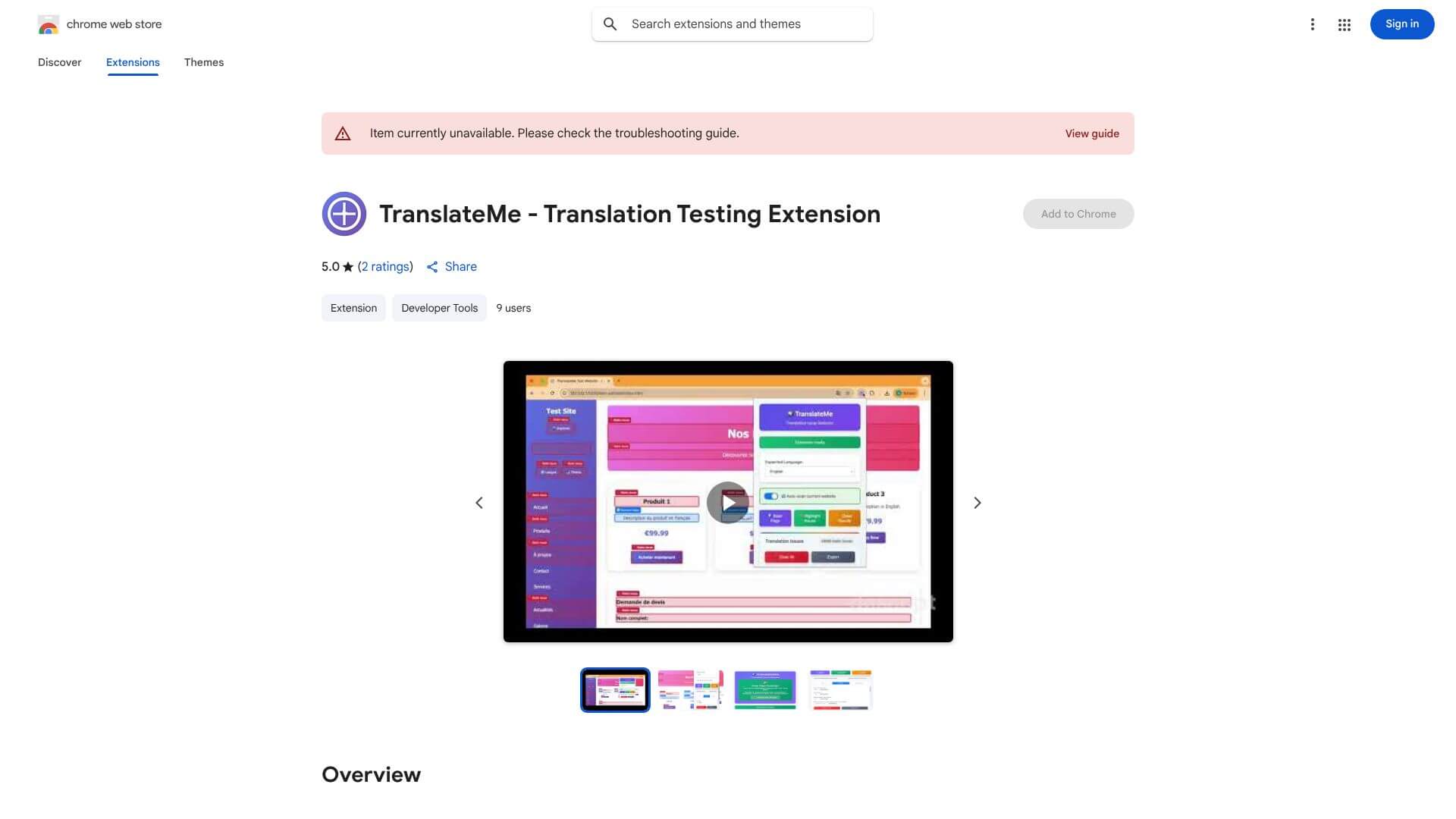
TranslateMe is an Automation tool. Translates and fixes website content for developers and QA, finding errors quickly and easily. Key features include AI-Powered Automatic Scanning, Easy to Use Interface, and Works with Any Language. Best for software developers and engineers, translators and interpreters and content creators.
About TranslateMe
Key Features
AI-Powered Automatic Scanning.
Easy to Use Interface.
Works with Any Language.
Detailed Error Reports.
Fits Your Workflow.
Frequently Asked Questions
TranslateMe is a Chrome extension that helps developers and QA teams find and fix translation issues in websites. It uses AI to automatically scan for problems and makes sure multilingual content is accurate.
TranslateMe can find untranslated text, inconsistent terms, formatting errors, and even culturally inappropriate phrases across any language. It helps teams ensure their website looks good and makes sense in every language.
Yes, TranslateMe has an easy-to-understand interface. You don't need to be a translation expert or have advanced tech skills to use it, which is great for teams with different members handling testing.
Absolutely. TranslateMe supports any language combination, which is really useful for global companies that need to offer their services in various languages and local dialects.