
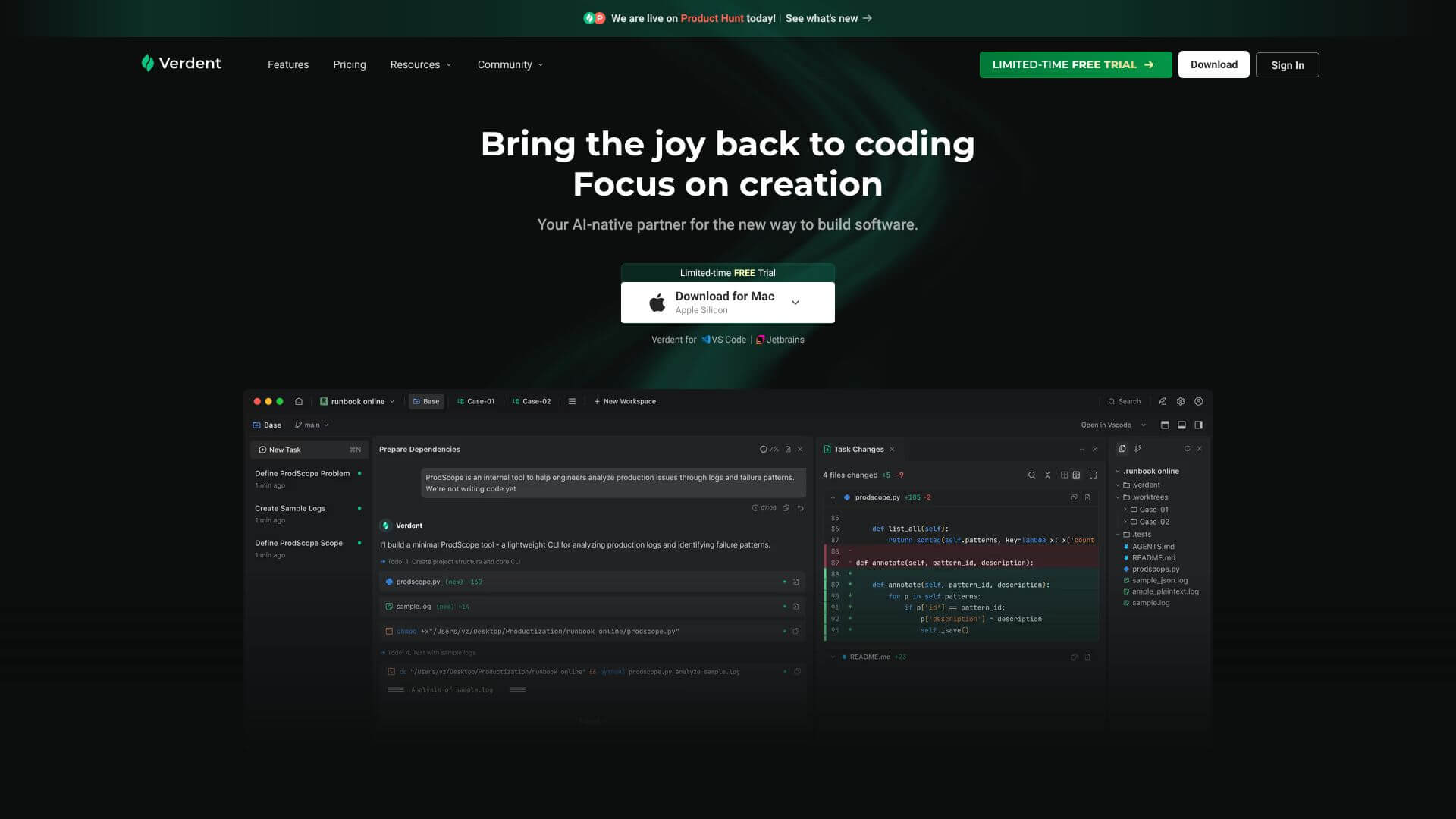
Verdent is an AI Code tool. Verdent AI: an agentic coding assistant for production-level software with parallel agents and planning. Key features include Parallel Agent Execution, Plan Mode, and Workspace Isolation. Best for software developers and engineers, data scientists and analysts and business consultants.
About Verdent
Verdent AI is a powerful coding assistant that uses multiple AI agents for production-ready software development. It offers true parallel development, detailed planning, and automated code review to ensure high-quality, reliable code. It supports complex projects, works with top AI models, and integrates with major IDEs.
Key Features
Parallel Agent Execution.
Plan Mode.
Workspace Isolation.
Built-in Code Review.
DiffLens.
Multi-Model Orchestration.
Frequently Asked Questions
Yes, it does. If your project doesn't have Git, Verdent will automatically set it up. This helps with workspace isolation and keeping track of your changes.
There's no strict limit. But how many you can practically run depends on your computer's resources like RAM and CPU, how many API requests you can make, and how many credits you use. For most people, running 2-4 agents is a good idea.
No, it doesn't. Plan Mode is just for analysis and planning. It won't make any changes to your files.
Absolutely. You can use either the standalone Verdent app or its VS Code extension. You can even open your current workspace in VS Code by pressing Ctrl+E or Cmd+E.