Viral Canvas is an AI Productivity tool. Visual content workspace connecting documents, media, and AI for creating viral-ready content fast. Key features include Intelligent AI Chat with Connected Context, Rich File Blocks and Document Management, and Structural Grouping and Container Organization. Best for content creators, marketers and teachers.
About Viral Canvas
Viral Canvas (ViralCanvas) is an AI workspace built around connecting documents, media, and AI assistants on a visual canvas. Unlike chat-only AI tools, ViralCanvas lets you embed files, organize them spatially, and connect them to AI conversations that draw on the connected materials as context for content creation work.
The core features that matter
- Intelligent AI chat with connected context letting you attach research papers, brand guidelines, or competitor analyses to AI conversations so output is grounded in specific project materials
- Rich file blocks and document management supporting PDFs, text documents, images, and video files as interactive canvas blocks that organize visually rather than in flat lists
- Structural grouping and container organization letting you bundle related items into named, movable groups for managing complex projects across many materials
- Native note-taking and text block creation directly on the canvas, keeping ideas connected to the materials that inspired them rather than scattered across separate apps
- Video workspace and content embedding integrating video assets into the same canvas alongside documents and notes for unified project organization
How it stands out
The AI workspace space has competitors including Notion AI (document-first), Mem (note-first), and various canvas-style tools like Heptabase. Viral Canvas's specific position is the visual canvas with embedded AI that uses connected files as context. For content creators who think spatially and want AI assistance grounded in specific project materials, that combination is the practical differentiator.
The honest qualifier: visual canvas workspaces work well for some users and feel cluttered for others. The learning curve for using canvas-based tools effectively is higher than chat-only AI. Viral Canvas pays back the setup investment for users producing content from research-heavy projects but offers less value for users doing quick generation work where the canvas structure adds overhead. For content marketers, researchers, and creators producing material informed by multiple source documents, Viral Canvas removes substantial context-switching. For users primarily generating short-form content from blank prompts, simpler AI chat tools may be sufficient.
Key Features
Intelligent AI Chat with Connected Context.
Rich File Blocks and Document Management.
Structural Grouping and Container Organization.
Native Note-Taking and Text Block Creation.
Video Workspace and Content Embedding.
Frequently Asked Questions
ViralCanvas is an intelligent workspace. It uses AI to make content creation easier for digital creators and marketing pros. It's different from simple design tools because it lets you think visually and without a rigid order. You can upload documents, images, and videos. Then, you connect them to AI to create new content based on those materials.
ViralCanvas has six main features. It offers AI chat that uses your connected files for context. You can also upload and manage many types of files as interactive blocks. The platform lets you organize things into structural groups. You can take notes right on the canvas. It has a special area for video content. Plus, you can link any two items to build a knowledge graph for the AI.
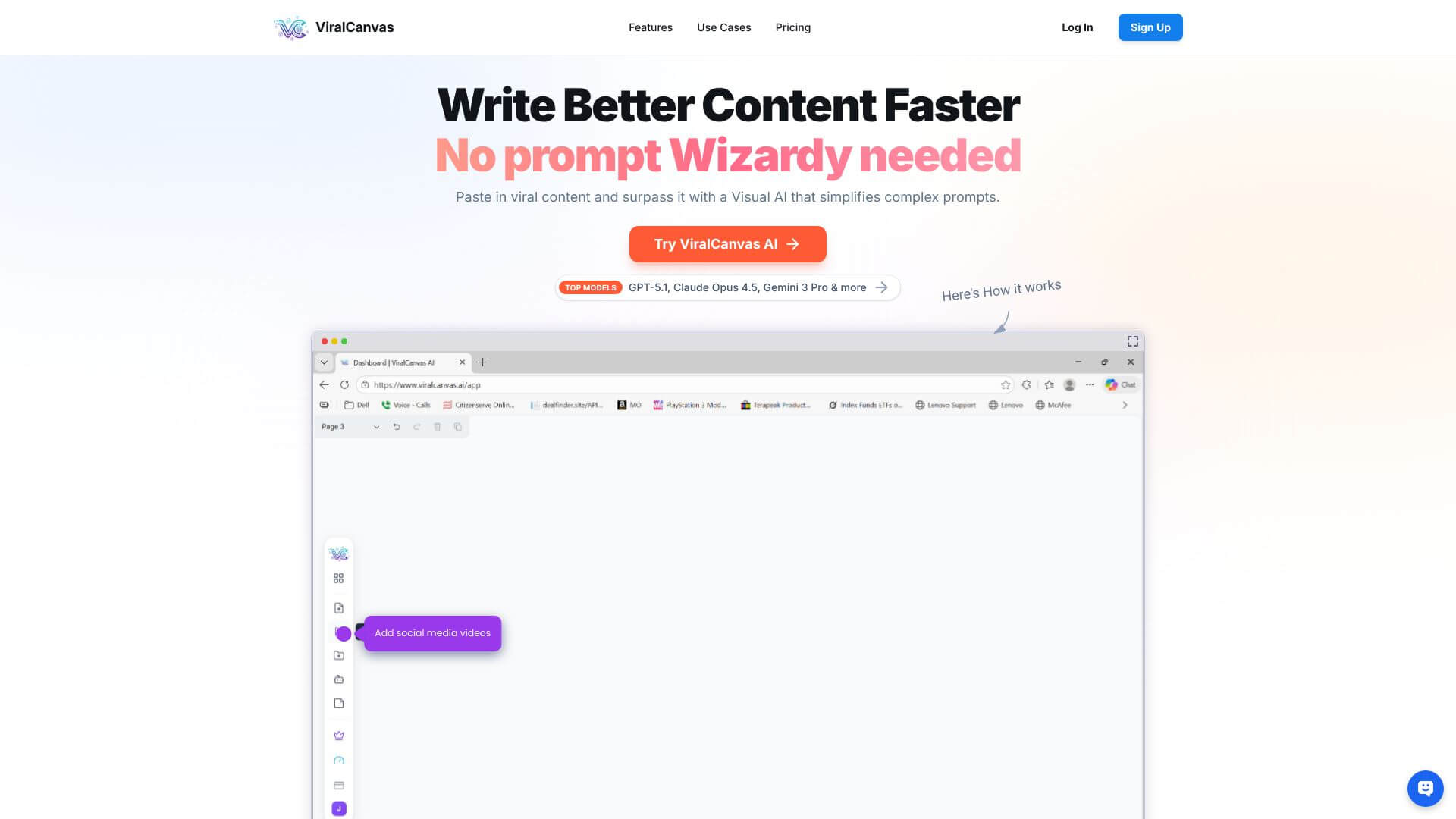
ViralCanvas uses some of the best AI language models, like GPT-5.1, Claude Opus 4.5, and Gemini 3 Pro. You can switch between these models for different tasks without leaving the platform. This means the AI can understand your specific project better.
In ViralCanvas, you can upload and manage many file types. These include PDFs, text documents, images, and video files. They become interactive pieces on your canvas that you can move and organize easily.





