
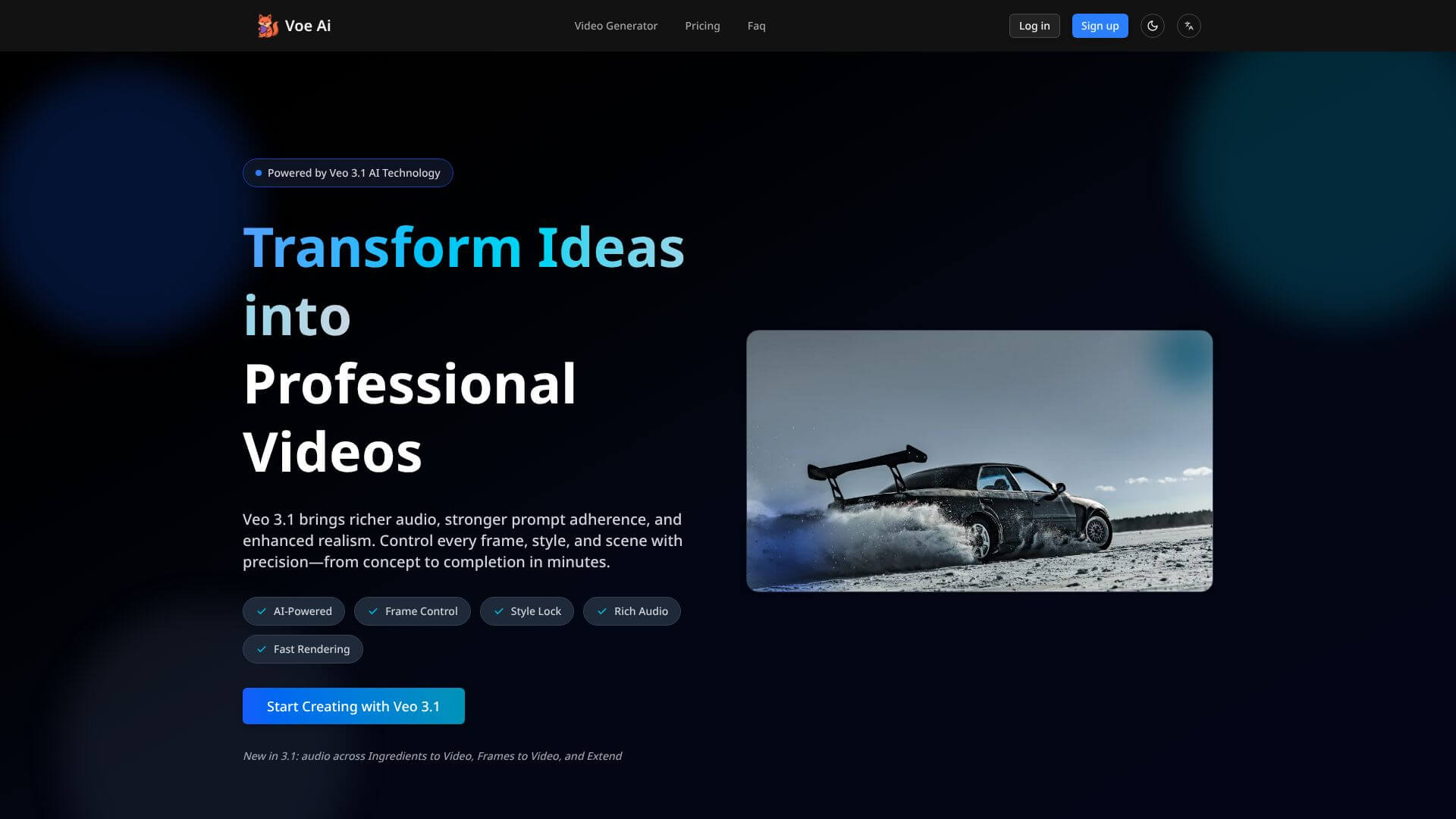
Voe AI is an AI Video tool. Generates professional AI videos from text or images, swiftly transforming concepts into cinematic content. Key features include Text-to-Video Generation, Multi-Reference Ingredients Mode, and Frame-Specific Generation. Best for marketers, content creators and social media managers.
About Voe AI
Key Features
Text-to-Video Generation.
Multi-Reference Ingredients Mode.
Frame-Specific Generation.
Native Audio Synthesis.
Portrait Video Support.
Scene Extension Capability.
Frequently Asked Questions
Voe AI is an easy-to-use online platform that uses Google's Veo 3.1 to make videos. Unlike complicated video software, it lets you create professional-looking videos quickly through a simple website. It's made for people who want to make videos without needing a lot of technical skills. It's all about making video creation fast, good quality, and giving you control over your ideas.
Voe AI turns your ideas into videos using AI. Just give it some text, images, or start/end frames, and it uses Google's Veo 3.1 to make videos with sound. It's not just basic clip-making, it understands the story you want to tell, keeps everything looking consistent, and adds sound that fits the video. You can turn text into videos, add motion to images, or create transitions between frames.
Voe AI has six main features. It can turn text into videos with sound and understand what you want in terms of style. You can upload reference images to keep characters and objects looking the same. AI can also help make transitions between start and end frames. It can even create music that fits your video. You can also make videos for phones and extend scenes to make longer videos.
Voe AI does pretty well in terms of output quality. It's good at understanding what you want and making detailed videos. The motion feels natural, and the lighting makes it look professional. However, it can have some issues with keeping characters consistent over long videos or creating scenes with lots of people.





