
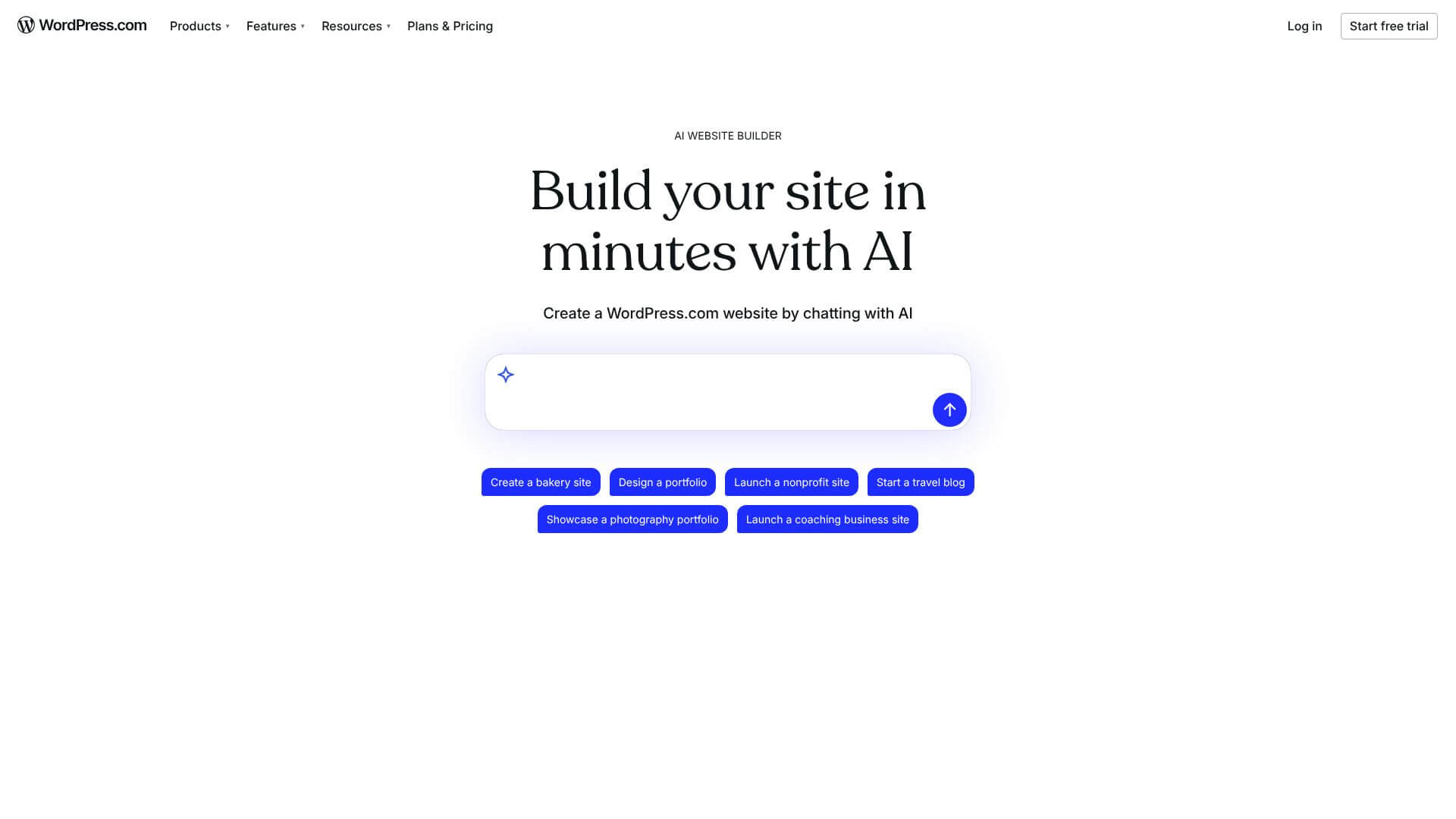
WordPress AI Assistant is an AI Business tool. Build, design, and manage your WordPress site with AI, no code needed. Key features include Conversational Design Adjustments, Content Creation and Editing, and AI Image Generation and Editing. Best for marketers, content creators and writers.
About WordPress AI Assistant
WordPress AI Assistant is an AI integration for WordPress that handles design adjustments, content creation, image generation, collaborative editing, SEO optimization, and brand-aware suggestions through natural language. The platform addresses the gap between WordPress's broad capability and the design and content work most users actually need.
The core features that matter
- Conversational design adjustments changing layouts, styles, and patterns through plain-English commands without writing code
- Content creation and editing with blog post writing, tone adjustment, headline generation, translation, and AI feedback on writing clarity
- AI image generation and editing directly in the Media Library, creating and modifying images without leaving WordPress
- Block Notes collaboration using @ai mentions for headline ideas, fact-checks, and feedback with links and citations
- SEO and meta data optimization producing search-friendly meta descriptions and titles tuned for discoverability
- Intelligent context awareness with the AI knowing your site's design, content structure, and brand for consistent suggestions
How it stands out
The WordPress AI space has competitors including AI Engine, ImageEngine, and various plugins adding AI features. WordPress AI Assistant's specific position is the native WordPress.com integration combined with brand-aware context. For users specifically running WordPress sites who want AI tools that match their existing platform rather than third-party plugins, that integration matters.
The honest qualifier: in-platform AI tools are convenient but typically use underlying models that you could access more cheaply through dedicated platforms. The brand context awareness is genuinely useful but only as good as how thoroughly you've set up brand information. The SEO optimization handles routine work well but specific competitive search verticals require strategic content work beyond what AI can produce. For WordPress users handling site management without dedicated technical or marketing resources, WordPress AI Assistant addresses real workflow gaps. For users running enterprise WordPress installations with dedicated teams, the native integration may be unnecessary overhead relative to specialized tools.
Key Features
Conversational Design Adjustments.
Content Creation and Editing.
AI Image Generation and Editing.
Block Notes Collaboration.
SEO and Meta Data Optimization.
Intelligent Context Awareness.
Frequently Asked Questions
It's like having a smart helper right in your WordPress.com. It understands your site and lets you make changes just by describing what you want. No coding needed.
You tell it what to do. Want a section more modern? Just say it. The AI changes it for you using WordPress's block system. You can even tag it in notes for suggestions.
Lots of things. Change designs, create content, make images, and help teams work together. It can even help with SEO and understands your site's style.
It only works with newer block themes. It's still new, so it's improving. It's best for blogs and portfolios right now. Plus, it needs a paid plan for full access, and you should still double-check its work.