Creative Tools
5 Best AI Anime Generators 2026
The essential guide to AI anime tools for cinematic stills, consistent character designs, and pro-ready animations.
5 Best AI Anime Generators 2026
By 2026, AI anime generators have transformed how creators produce anime-style art, offering tools that quickly turn text prompts or images into detailed visuals or animated drawings. These platforms cater to indie developers, artists, and marketers, helping them save time and achieve professional results. Below are the top 5 AI anime generators, ranked by output quality, customization, speed, pricing, and ease of use:
- PixAI: Great for consistent character designs with tools like Reference Pro and ControlNet. Free tier allows 50 daily generations; paid plans start at $9.99/month.
- Midjourney: Known for cinematic anime stills via its
--nijimodel. Strong in atmospheric styles but lacks a free tier. Pricing starts at $10/month. - Seedance: Offers image-to-video animation alongside static art. Ideal for short anime clips and motion sequences. Freemium model available.
- LTX Studio: A full production studio for anime visuals, storyboards, and animations. Free tier available; pricing varies for advanced features.
- AutoWeeb: Beginner-friendly with a click-based interface for precise control. Supports stills, animations, and character sheets. Plans start at $9/month.
Quick Comparison
| Tool | Starting Price | Free Tier | Key Features | Best For |
|---|---|---|---|---|
| PixAI | $9.99/mo | Yes | Character consistency, LoRA models | Character design & community tools |
| Midjourney | $10/mo | No | Cinematic stills, --niji anime model |
High-end visuals & hero shots |
| Seedance | Varies | Yes | Video animations, 4K resolution | Anime motion sequences |
| LTX Studio | Varies | Yes | Storyboards, multi-scene projects | Serialized storytelling |
| AutoWeeb | $9/mo | Yes | Click-based interface, character sheets | Beginners & webtoons |
Each tool shines in different areas, from stills to animations. Choose based on your workflow - PixAI and AutoWeeb excel in character consistency, Midjourney delivers cinematic quality, and Seedance or LTX Studio are best for video projects.
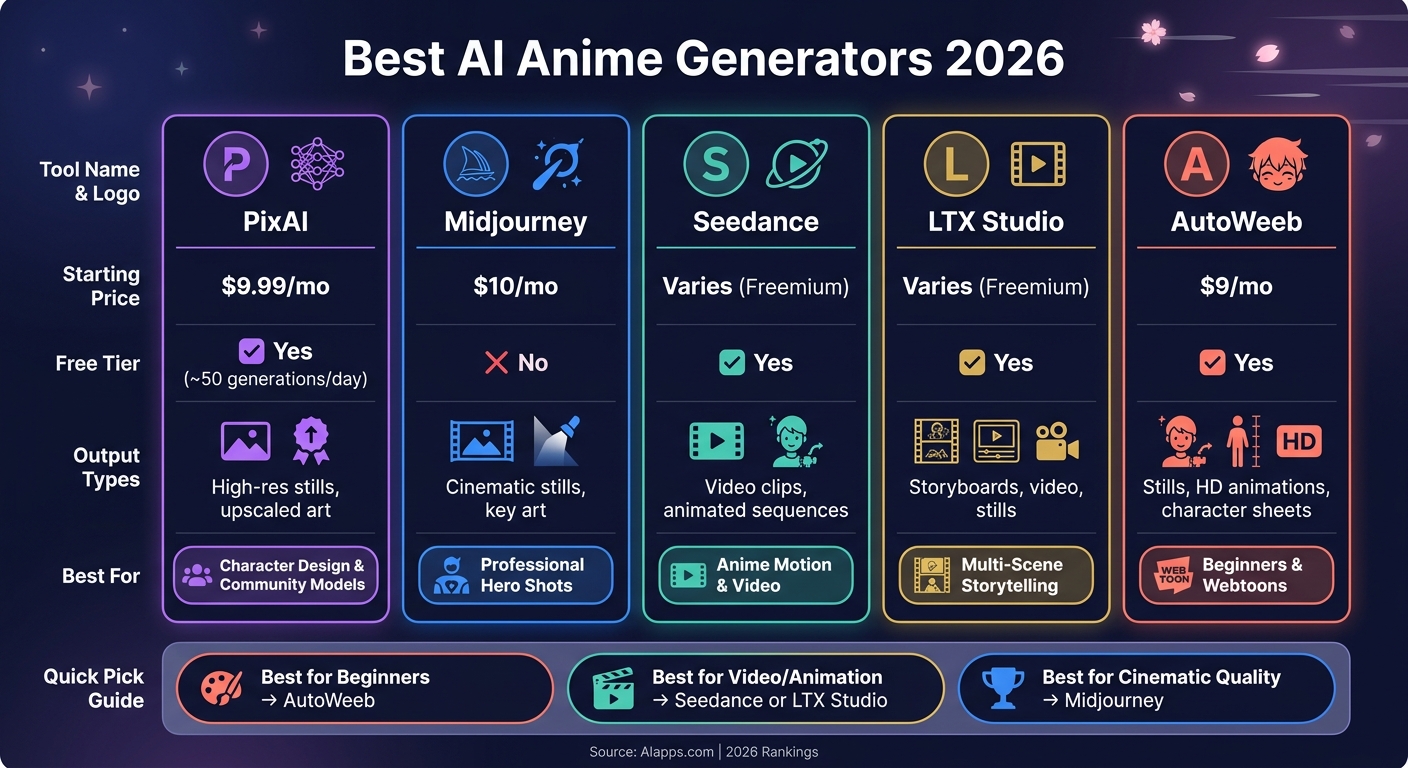
Best AI Anime Generators 2026: Side-by-Side Comparison
I found the BEST AI Generator for Anime | Make Professional Anime Art | Full Tutorial
sbb-itb-212c9ea
1. PixAI
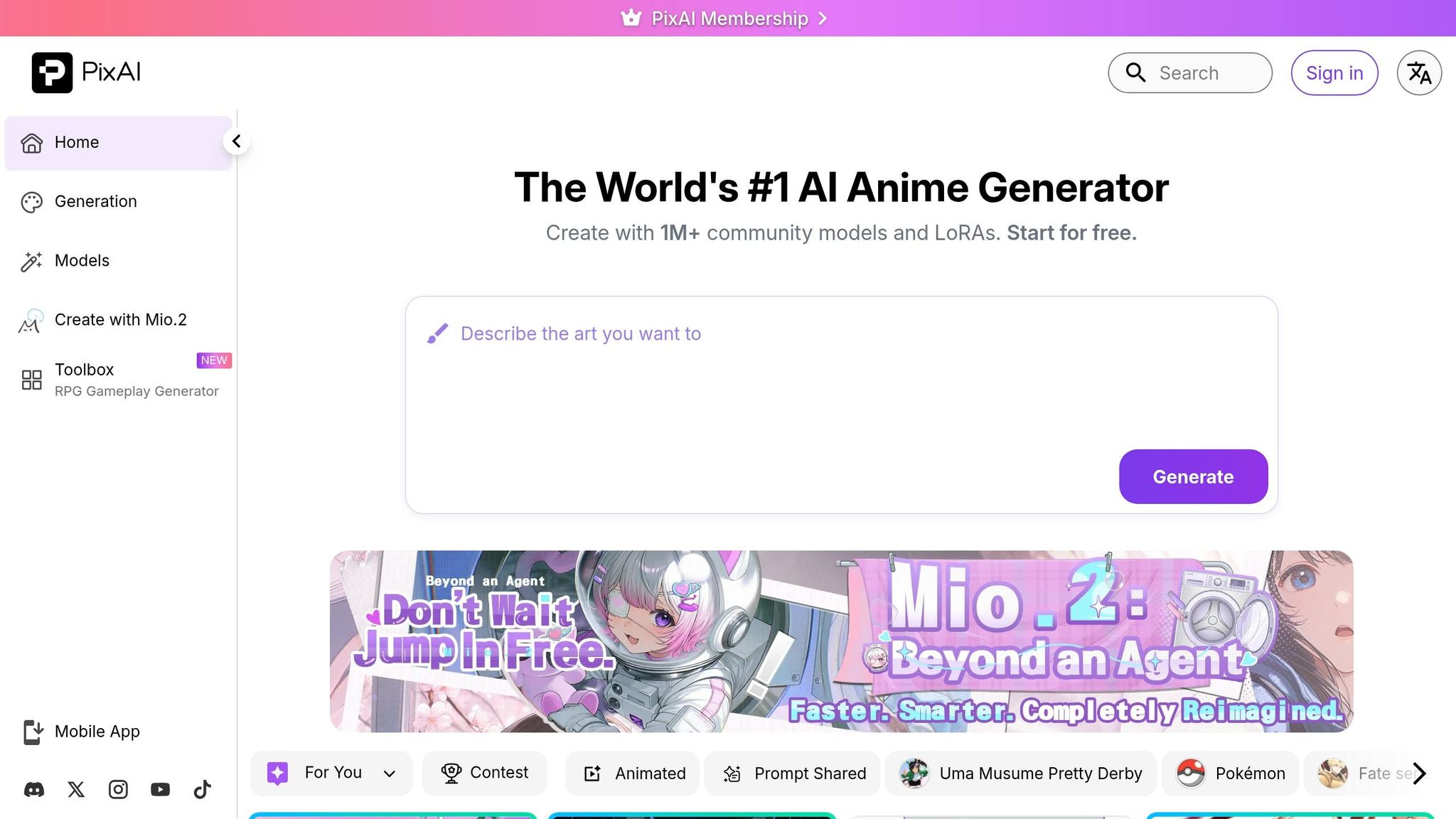
PixAI is specifically designed for anime enthusiasts, featuring models that cater to unique anime styles. For instance, Tsubaki excels with natural language prompts, Serin focuses on the aesthetics of Korean manhwa and webtoons, and Harukav2 creates detailed characters with crisp linework and vibrant colors. Whether you're working on serene portraits, imaginative fantasy figures, or dynamic action scenes, PixAI has a model tailored to your artistic needs.
One of PixAI's standout features is its character consistency toolkit. With the Reference Pro feature, you can upload images of your original character and ensure their appearance remains consistent across various poses, outfits, and scenarios. This addresses a common pain point in AI art generation - maintaining a character's identity. This is a feature also explored by other AI character generators in the space.
"The real game-changer for character creators is Reference Pro... This solves the biggest frustration with AI art: 'my character looks different every time.'" - Mike, Content Creator
PixAI also offers advanced composition tools like ControlNet, supporting OpenPose, Canny, and Depth, as well as Flow Edit for inpainting corrections, such as fixing hands or facial details. Users can access thousands of community-trained LoRAs or create their own with just 15–30 reference images. The platform even includes a one-click upscaler for HD-quality results.
Accessible on both web and mobile (iOS and Android), PixAI provides a generous free tier with 10,000 daily credits, allowing for about 50 image generations per day. Paid plans start at $9.99/month and go up to $49.99/month, unlocking features like Reference Pro and custom LoRA training. Without Turbo Mode, image generation typically takes 1–2 minutes, and tools like ControlNet may require some practice to master.
2. Midjourney
Midjourney steps into the anime art scene with a unique edge, offering tools that cater to anime aesthetics despite not being exclusively designed for it. Its standout feature is the --niji parameter, a model fine-tuned for anime visuals. This means you get elements like expressive eyes, dynamic poses, and cinematic compositions that are perfect for creating high-quality "hero shots", covers, or poster-ready artwork. In 2026, Midjourney scored an impressive 8.7/10 for anime quality in comparative testing.
One of Midjourney's biggest strengths lies in its ability to generate painterly and atmospheric styles. It’s especially known for Studio Ghibli-inspired backgrounds and striking cyberpunk scenes with glowing neon elements. However, it’s not the best tool for traditional manga line art or highly specific character types, such as mecha designs or school uniforms, where tag-based tools tend to perform better.
To refine your results, you can use Style Reference (--sref) codes, which help lock in specific aesthetics like “90s Anime.” Additionally, Version 7 introduced the Omni Reference, which enhances identity consistency by allowing you to work with a single reference image. This feature, while powerful, doubles GPU usage and should be used separately to avoid issues like visual drift.
"If you're serious about anime aesthetics, MJ's niji model absolutely slaps. I use it for pitch decks and VN scenes." - Indie Developer, Midjourney Anime Showcase
That said, there are a few drawbacks. Midjourney operates exclusively through Discord, which can feel limiting and comes with a steeper learning curve. Plus, it doesn’t offer a free tier anymore as of 2026. The paid plans start at $10/month for the Basic plan, with Standard at $30/month, Pro at $60/month, and Mega at $120/month. For content creators focused on cinematic anime art and willing to navigate the Discord-based workflow, the quality makes it worth the cost. However, casual users might find the prompt-engineering process a bit challenging , though tools like Image to Prompt can help.
3. Seedance
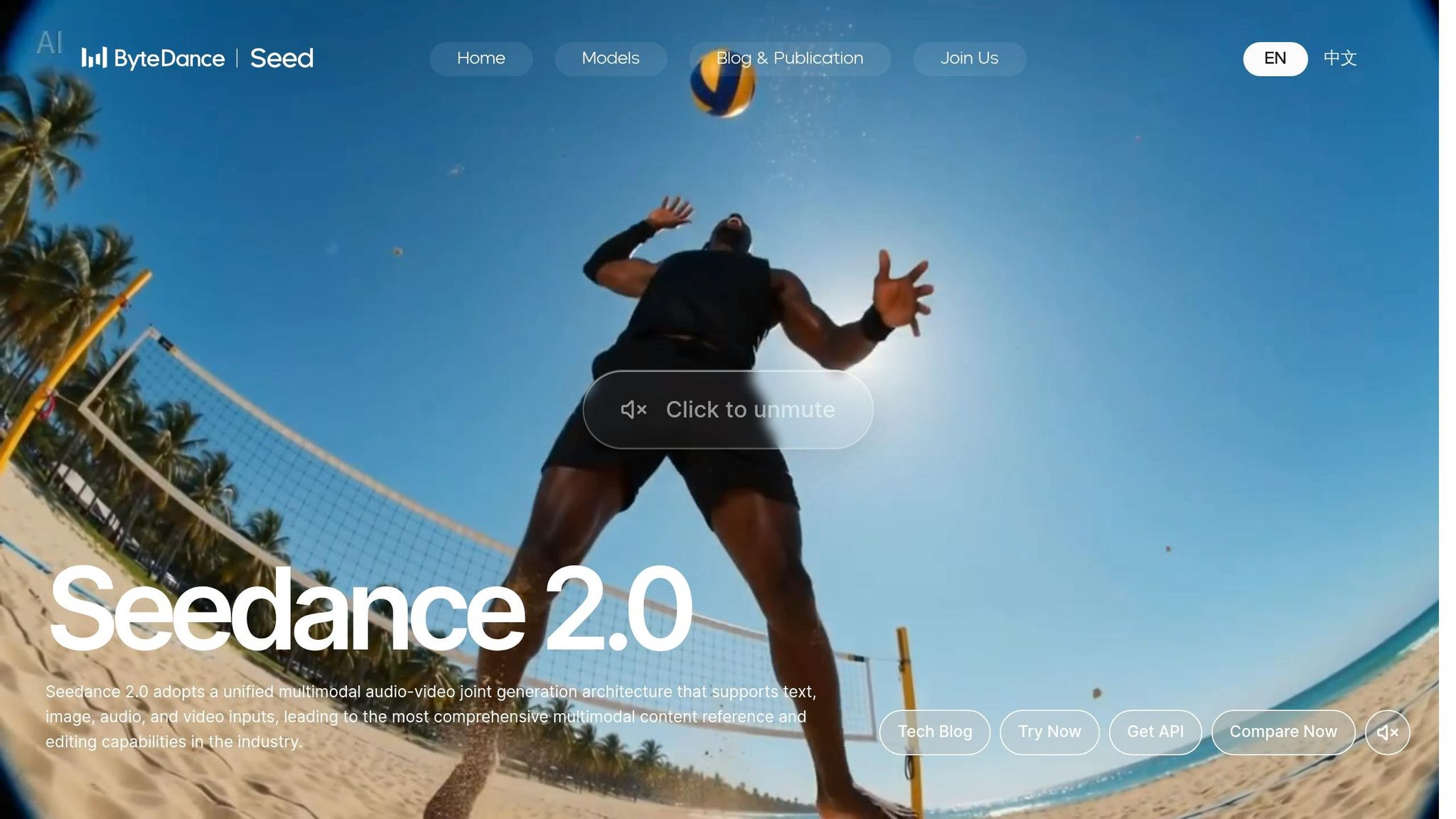
Seedance is making waves as an AI anime tool, catering to a range of styles - from the high-energy action of shonen to the softer, romantic tones of shoujo. Whether you're a casual fan dabbling in anime art or a serious creator, Seedance has something to offer. But it doesn’t stop at static images.
One of its standout features is the ability to turn still anime images into short animated sequences. This image-to-video animation capability is a game-changer, setting a new benchmark in anime creation for 2026.
Seedance also provides prompt-based controls with style modifiers, giving creators the flexibility to tweak lighting, facial expressions, and background elements. Plus, it delivers high-resolution outputs up to 4K, complete with built-in anime-style upscaling for a polished final product.
When it comes to pricing, Seedance offers a freemium model. The free tier is perfect for casual users, while paid plans, ranging from $9 to $60 per month, cater to those needing higher output volumes or resolutions.
4. LTX Studio Anime Generator

LTX Studio operates as a comprehensive production studio, handling everything from initial concepts to fully animated sequences. It supports manga-inspired visuals along with a variety of custom anime styles, delivering output that meets professional-grade standards. This all-encompassing approach includes advanced editing options and tools to ensure consistency.
The platform offers a detailed workflow that begins with text or scripts, transforming them into fully developed storyboards complete with scenes and camera directions. You can then fine-tune elements like shot composition, angles, lighting, and character details using its built-in editing tools. Its standout "Elements" system ensures characters maintain a consistent appearance across scenes, making it ideal for serialized storytelling or cohesive brand campaigns.
"What we like about LTX Studio is the consistency, so you can create your own universe." - Pierre-Jean Bernard, Head of Digital & AI, L'Oréal–McCann Paris
LTX Studio doesn’t just stop at static visuals. You can export high-resolution images, animated sequences, detailed storyboards, and even full movie pitch decks. The platform is entirely browser-based, requiring no downloads or installations, and includes accessibility features like a screen reader menu (Ctrl+F11) and an accessibility menu (Ctrl+F10).
Pricing is structured to suit a wide range of users. There’s a free tier for testing the waters, followed by Lite, Standard, and Pro plans for individual creators and professionals. For agencies and larger teams, a custom Enterprise plan is available. With a 4.4/5 rating on G2, over 135,000 producers and designers rely on LTX Studio, which also holds Official Google Partner status.
5. AutoWeeb
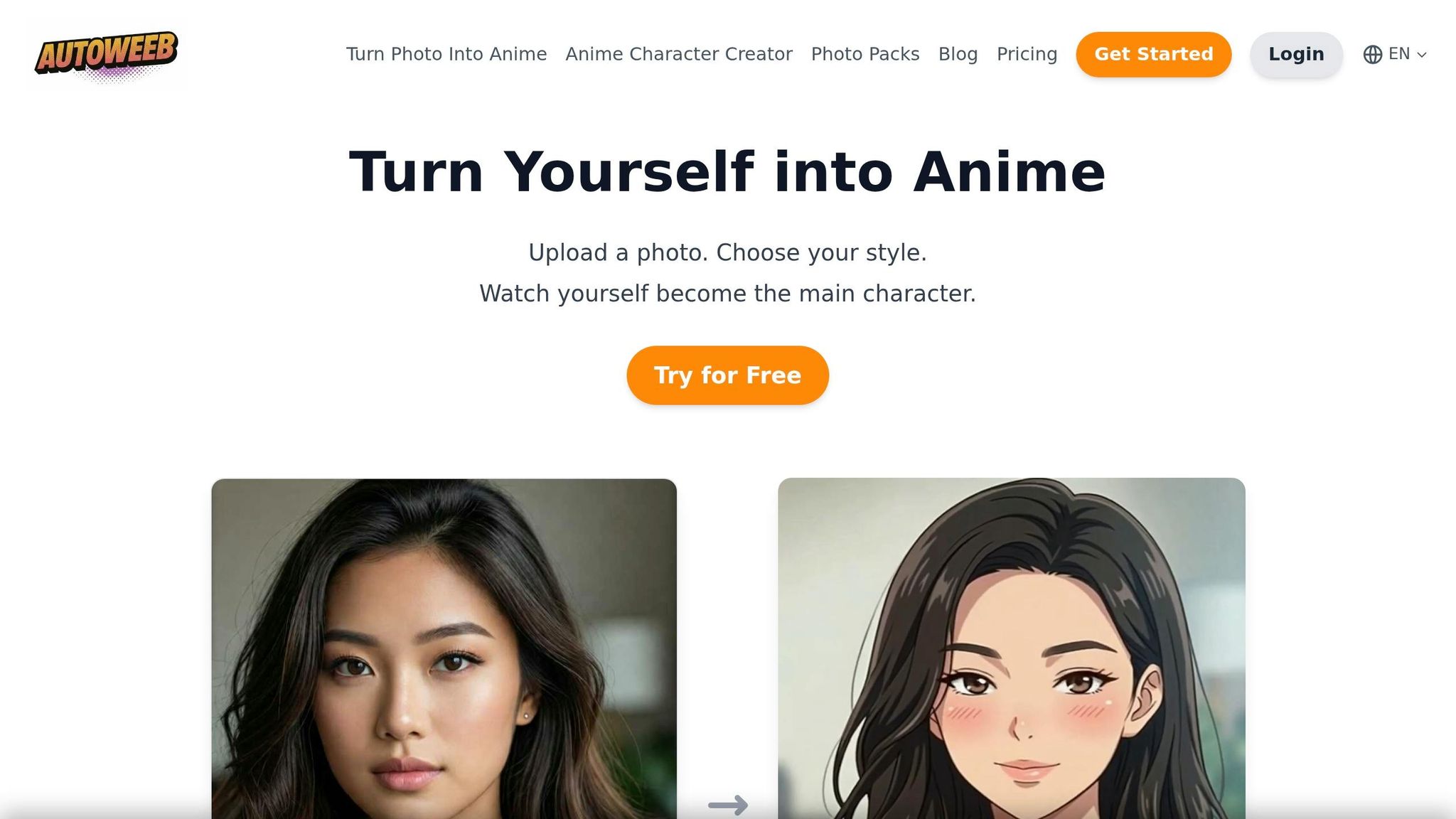
AutoWeeb focuses exclusively on creating anime-style visuals. Whether you're into Shonen, Shojo, Cyberpunk, Slice-of-Life, Studio Ghibli-inspired art, or even styles resembling popular series like Demon Slayer, Spy x Family, and Solo Leveling, this tool has you covered.
What makes AutoWeeb stand out is its unique, no-prompt interface. Instead of typing commands, users can use a point-and-click system to choose styles, character archetypes, moods, and camera angles. This approach offers precise control over details like hair color, eye style, and even personality traits. Generating images takes less than 10 seconds, while photo-to-anime conversions are completed in under a minute.
"AutoWeeb's character customization panel gives beginners point-and-click control over every visual detail, no prompt syntax required." - AutoWeeb Blog
For creators working on multi-scene stories or webtoons, the Character Sheet feature is a game-changer. It allows you to save character designs and reuse them in new scenes, ensuring consistency across panels. This feature works seamlessly with tools designed for maintaining character continuity, as reviewed in earlier sections. AutoWeeb supports various output formats, including high-quality still images, HD animations, storyboard panels, and exportable character sheets - making it possible to turn a simple idea into a polished short film.
The pricing is simple and flexible. A free plan is available, while paid options start at $9/month (or $79/year) for 100 credits. For more extensive use, there are plans at $19/month (or $169/year) for 250 credits and $99/month (or $899/year) for 1,500 credits. Plus, unused credits never expire.
| Plan | Monthly Price | Annual Price | Credits/Month |
|---|---|---|---|
| Basic | $9/mo | $79/yr | 100 |
| Plus | $19/mo | $169/yr | 250 |
| Pro | $99/mo | $899/yr | 1,500 |
With its browser-based design, AutoWeeb offers both ease and efficiency. You can access it through any standard U.S. web browser without needing to download anything, making it convenient for users on the go.
Comparison Table
Here's a quick look at the key features and pricing of the tools discussed earlier. Whether you need high-quality stills, consistent character designs, video clips, or an intuitive interface, this table breaks down how these tools compare.
| Tool | Starting Price | Free Tier | Output Types | Best For |
|---|---|---|---|---|
| PixAI | $9.99/mo | Yes | High-res stills, upscaled art | Character rendering & community models |
| Midjourney | $10/mo | No | Cinematic stills, key art | Professional hero shots & high-end aesthetics |
| Seedance | Varies | Yes | video clips, animated sequences | Motion & short anime video generation |
| LTX Studio | Varies | Yes | Storyboards, video, stills | Multi-scene storytelling & film-style projects |
| AutoWeeb | $9/mo | Yes | Stills, HD animations, character sheets | Beginners & webtoon/character consistency |
Key Highlights:
- Midjourney stands out for its cinematic stills and portfolio-quality images, but it’s the only tool here without a free tier. You'll need to commit to at least $10 per month right away.
- If you're focused on consistent character designs, PixAI offers powerful ControlNet tools like OpenPose, Canny, and Depth.
- For video and animated outputs, Seedance and LTX Studio are the go-to options, especially if you're creating short anime clips or engaging motion sequences.
- AutoWeeb is beginner-friendly and great for maintaining character consistency in projects like webtoons or animations.
This breakdown should help you decide which tool aligns best with your creative needs. Whether you're after cinematic visuals or seamless animations, there's an option tailored for you.
Conclusion
Each tool mentioned here shines in its own way. PixAI stands out for its ability to deliver consistent character designs, thanks to its Reference Pro feature and community-trained anime models. If you're looking for cinematic, high-quality anime stills, Midjourney is the go-to option, perfect for hero shots or cover art. For creators focused on motion or animated sequences, Seedance and LTX Studio are excellent choices, especially for multi-scene stories or short anime clips. Lastly, AutoWeeb is a fantastic starting point for beginners working on webtoons or character sheets.
The best tool for you depends on your creative workflow. If you need a single standout image, Midjourney is the ideal pick. For consistent character designs across multiple scenes, PixAI offers great control with its LoRA ecosystem and Reference Pro feature. Video creators, on the other hand, will benefit most from the capabilities of Seedance or LTX Studio. These tools collectively cover a wide range of artistic needs.
For even more AI art generators and tools tailored to your specific projects and budget, check out AIapps.com - a directory featuring over 1,900 AI tools with flexible filtering options.
FAQs
Which AI anime generator is best for keeping the same character across scenes?
AutoWeeb stands out as a top-tier AI anime generator, especially when it comes to maintaining character consistency throughout different scenes. It offers a comprehensive workflow that includes features like creating detailed character sheets, converting photos into anime-style visuals, and tools designed to ensure characters remain consistent across multiple scenes.
Can these tools create anime animations or short video clips?
Some AI anime generators, such as DomoAI and Tooncraft.ai, offer video-to-anime conversion and animation capabilities. These tools allow you to transform videos or images into short, anime-style animated clips, making it simple to produce dynamic and engaging content in the anime aesthetic.
How do free tiers and credits work across these generators?
Many AI anime generators come with free options, though the specifics vary. Some, like ZSky AI, allow unlimited use but are ad-supported. Others, such as Leonardo AI and Pixai.art, provide daily credits or tokens for free usage. For those seeking more, paid plans often offer perks like higher resolution images, quicker processing times, and the ability to use creations commercially.