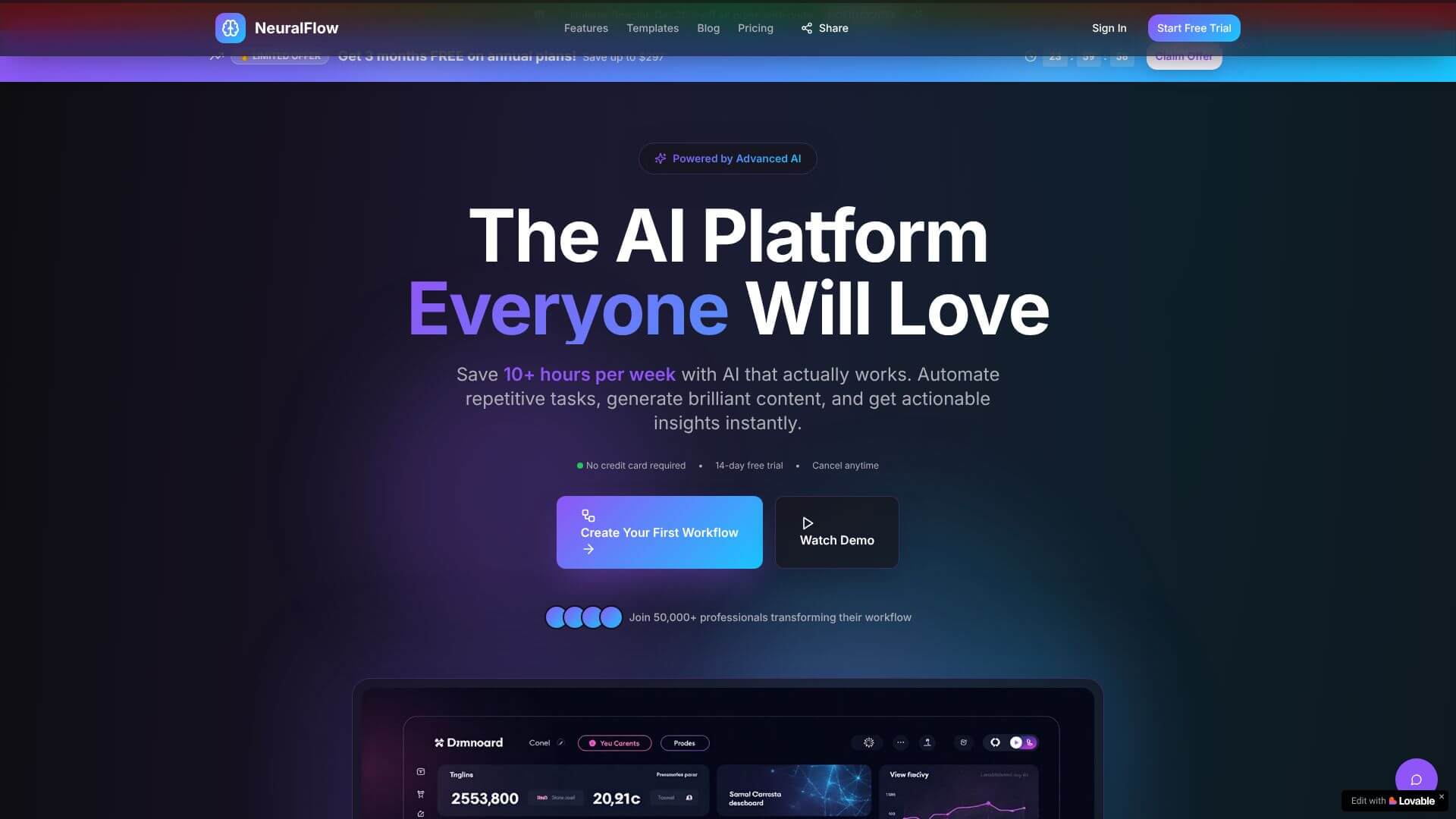
NeuralFlow is an AI Business tool. Automates business tasks using AI to create apps and workflows effortlessly. Key features include Intelligent Automation, Real-Time Analytics, and Adaptive Tools. Best for marketers, business consultants and software developers and engineers.
About NeuralFlow
NeuralFlow AI is an advanced platform that lets businesses automate processes and build applications fast. It uses AI to handle tasks and analyze data in real time. This tool adapts to your needs, whether you're automating sales or managing inventory, all without needing to write code.
Key Features
Intelligent Automation.
This lets businesses automate complex workflows. It uses AI to design processes. You don't need manual coding for this.
Real-Time Analytics.
You get immediate insights. This helps you see how operations are doing. It shows process performance right away.
Adaptive Tools.
The tools can change. They customize to fit your business needs. They adjust as your needs evolve.
No-Code Integration.
You build apps with natural language. You just use prompts. You don't need traditional programming skills.
Full-Stack Generation.
It automatically creates both frontend and backend. This includes database integration. Everything is made for you.
Business Process Optimization.
It streamlines operations. This works across many industries. It fits diverse use cases.
Frequently Asked Questions
No. NeuralFlow uses natural language prompts, making it easy for anyone to use, even without technical skills.
You can launch applications in just hours or days, which is much faster than traditional ways of building software.
Yes, NeuralFlow supports GitHub integration and lets you own your code, so you can move it later if you need to.
NeuralFlow includes tools to help you fix errors. You can also correct the code manually or by using new prompts.