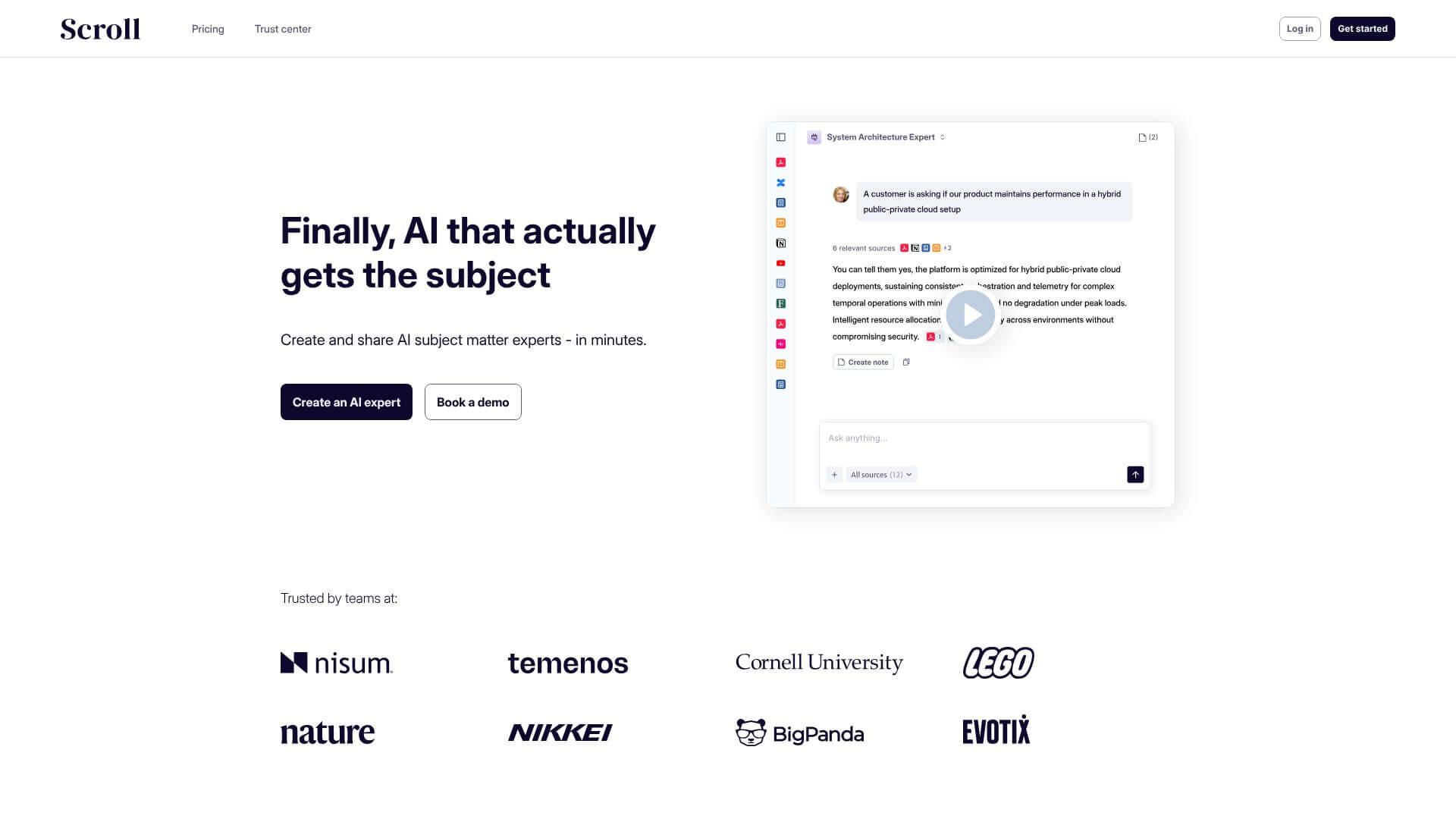
Scroll is an AI Business tool. Scroll is a tool to create AI experts using your documents. It helps teams find answers quickly. No more searching! Key features include Source Collection and Processing, Citation Based Responses, and Slack Integration. Best for business consultants, sales professionals and marketers.
About Scroll
Scroll turns the documents already sitting on your company drive — PDFs, slide decks, Word files, recorded call transcripts, even internal web pages — into AI experts that answer questions the same way a senior team member would. The point isn't to replace your knowledge base; it's to make the knowledge base actually answer when someone asks.
How it works
You upload source material (up to 200 files per expert depending on plan, with documents as long as 1,500 pages and audio up to six hours), and Scroll builds an AI assistant trained specifically on that content. When someone asks a question, the answer comes back with citations linking directly to the source passage. That citation layer is the difference between "trust me" and "verify in three seconds."
Where it pays off
- Sales and RFP teams — Scroll autofills security questionnaires and RFP spreadsheets by pulling from your knowledge base, replacing hours of manual lookup
- Customer success — Slack integration lets the AI answer routine product questions inside team channels, freeing senior engineers from repeat interruptions
- Onboarding — new hires get a self-serve expert on company process, policies, and product instead of pinging Slack for every basic question
What to know before signing up
Scroll is built for teams with substantial internal documentation — its value scales with the depth of source material you feed it. The customization features (style guides, custom instructions, brand templates) matter most if you plan to expose Scroll outputs to clients rather than just using them internally. For a small team without much accumulated knowledge, the platform may be more capability than you need yet.
Key Features
Source Collection and Processing.
Citation Based Responses.
Slack Integration.
Spreadsheet Autofill.
Customization and Style Guides.
Frequently Asked Questions
Scroll is like having a super-smart AI assistant that knows your stuff. It helps you turn all your company's information into a genius AI, ready to answer questions anytime.
Scroll can pull together all your documents, calls, and reports. Then, it creates an AI expert that can answer questions, fill out forms, and even help out in Slack.
Scroll is designed to be super accurate. It always shows you where it got its answers, so you can double-check. Plus, it's made to avoid making things up.
Yes, Scroll is secure. It never uses your info to train other AI models. You own your data, and you can delete it whenever you want. Scroll also follows privacy rules.