Spicy Lab is an AI NSFW tool. Spicy Lab AI porn video generator for photo-to-video templates. Best for adult entertainment and ai video generation.
About Spicy Lab
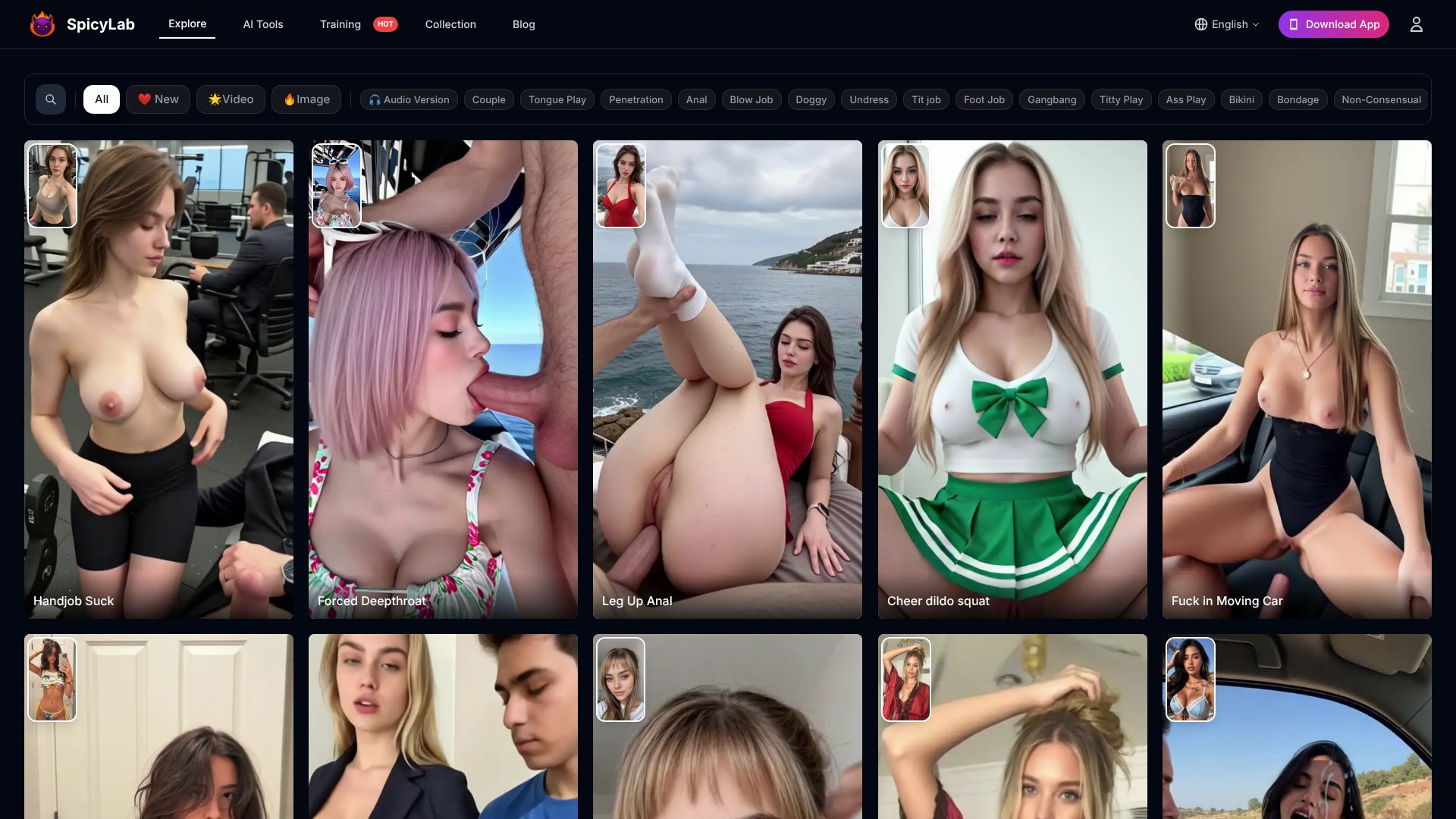
Spicy Lab is an 18+ photo-to-video generator focused on adult AI content. Its main workflow is simple: select a motion template, upload one image and generate in the browser. The official homepage currently advertises 1,157 ready-made templates, custom idea generation and new template additions each week. The stored screenshot is a distinct Spicy Lab product view showing its branded template library and category filters.
What the product includes
- Single-image animation: One uploaded photo is used as the source for a generated video.
- Template discovery: A searchable catalog organizes adult video and image templates by category.
- Custom concepts: Users can move beyond the catalog and submit their own generation idea.
- Browser workflow: Generation runs without installing desktop editing software, and the terms describe downloading and sharing generated content.
Current pricing
The official pricing page lists a free plan at $0 with five videos per month, 720p output, basic templates and community support. Pro is currently listed at $29 per month with 100 videos, 4K output, premium templates and priority support. Enterprise pricing is custom. The same page advertises a 14-day Pro trial, but users should verify checkout terms because prices and plan limits can change.
Privacy and responsible use
Spicy Lab's privacy policy says uploaded images are retained for 30 days and then automatically destroyed. Its moderation policy says users must be at least 18 and prohibits content involving minors, deceptive impersonation, privacy violations and unauthorized intellectual-property use. The general terms contain different account-age wording, so users should treat the stricter 18+ rule as controlling for this adult product and seek clarification from the provider if necessary.
Limitations
Visual quality depends on the uploaded image and selected motion, so the service's photorealistic marketing language is not a guarantee. Users are responsible for having the rights and consent needed for every upload and generated result. This review verifies the current public product, pricing and policy pages but does not claim hands-on video generation.
Key Features
Photo-to-video generation animates a single uploaded image through a selected adult motion template.
A searchable catalog currently advertises 1,157 ready-made templates grouped by scene and generation category.
Custom idea generation gives users an alternative when the ready-made template library does not fit the intended concept.
The browser-based workflow requires no local editing software and supports downloading generated content.
Free and paid plans vary by monthly video allowance, output resolution, support level and template access.
Spicy Lab Pros & Cons
Pros
- Spicy Lab makes its core workflow easy to understand: choose a template, upload one image and generate in the browser. The large categorized template library reduces prompt-writing effort, and the published pricing page gives users a concrete free allowance before they pay. The moderation policy also explicitly bans content involving minors, deception and privacy violations.
Cons
- Output quality still depends on the source image and the selected motion, so marketing claims such as photorealistic results should not be treated as guaranteed. Uploaded images are retained for up to 30 days under the current privacy policy. Users must own or have permission to use every image, and the site's legal pages contain inconsistent age wording that deserves clarification.
Verdict: Is Spicy Lab Worth It?
Spicy Lab is a straightforward template-led option for adults who want to animate a still image without learning video editing software. The free allowance and categorized library lower the barrier to trying the workflow. The trade-offs are equally important: results can vary, uploaded media is retained temporarily, and users carry responsibility for consent, image rights and lawful use. Check the current pricing, moderation rules and privacy policy before uploading sensitive material or purchasing a plan.
Frequently Asked Questions
A user selects a ready-made motion template or enters a custom idea, uploads one image and starts generation in the browser. The platform handles the animation workflow without requiring desktop video-editing software.
The current official pricing page lists Free at $0 for five 720p videos per month and Pro at $29 per month for 100 videos and 4K output. Enterprise pricing is custom, and checkout terms may change.
The current privacy policy says uploaded photos and videos are retained for 30 days and then automatically destroyed. Users should review the live policy before uploading sensitive material because retention terms can change.
Only when the user has the necessary rights and consent. The terms and moderation policy prohibit privacy violations, unauthorized intellectual-property use, deceptive impersonation and sexual content involving minors.