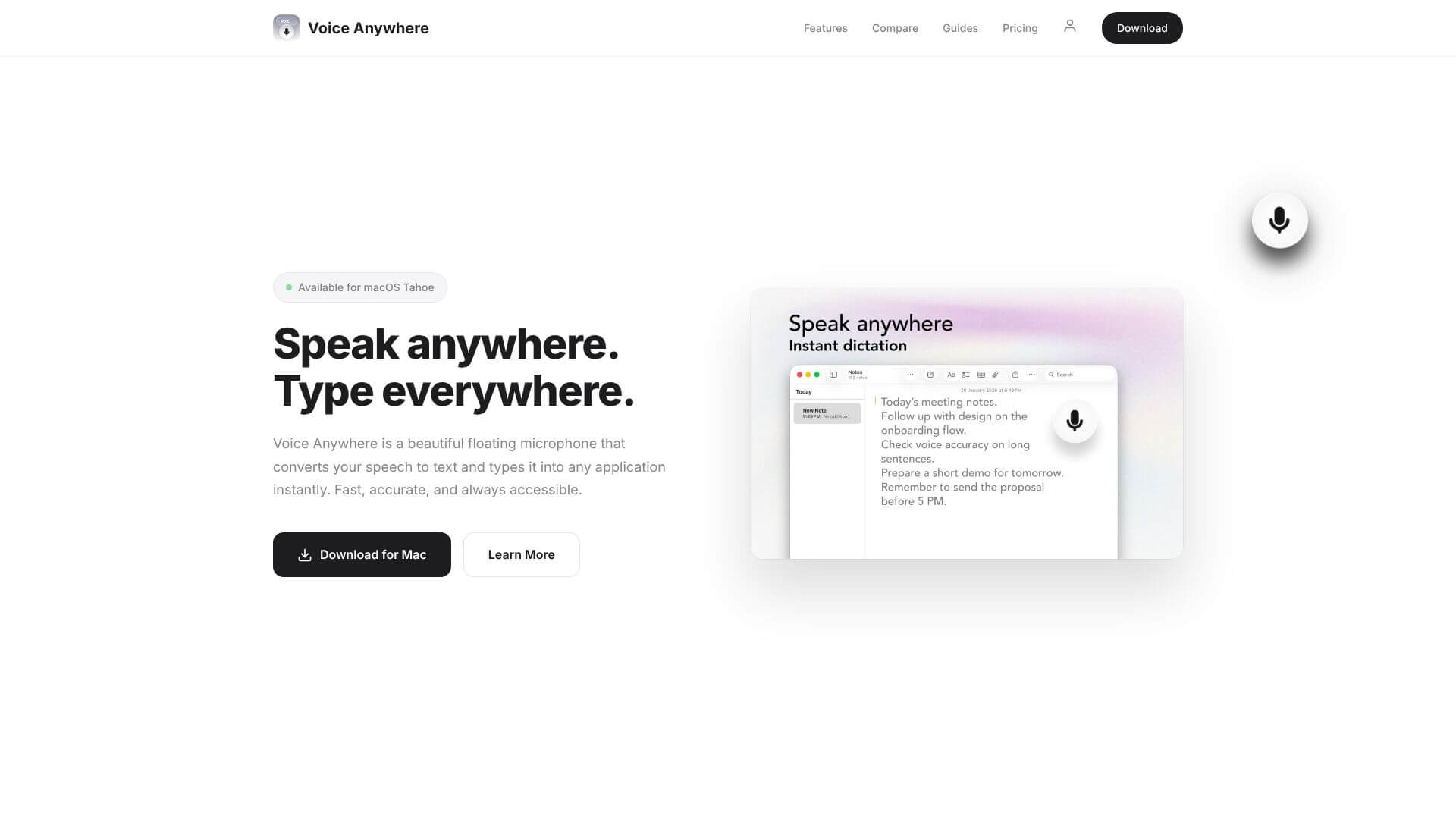
Voice Anywhere is an AI Productivity tool. Dictate anywhere on your Mac. Convert speech to text in any app, in real-time. Key features include Universal App Compatibility, 70+ Language Support, and On-Device Processing. Best for content creators, writers and software developers and engineers.
About Voice Anywhere
Voice Anywhere is a macOS dictation tool that adds AI-powered voice-to-text capability to any application. The tool runs on-device for most languages (using Apple's local speech recognition) with cloud fallback for unsupported languages, addressing both speed and privacy concerns that browser-based or cloud-only dictation tools face.
The core features that matter
- Universal app compatibility working in any macOS app including Gmail, Slack, Notion, Microsoft Word, and Google Docs without requiring app-specific integration
- 70+ language support with instant switching between languages, drawing on AI speech recognition tuned for each language
- On-device processing keeping speech data on your Mac via Apple's local recognition tech, with no latency from server round-trips and no data sent to third parties
- Floating interface with a small glass-style microphone button that stays accessible above other windows, providing always-available dictation
- Context awareness that adapts text formatting based on the active application, so output reads correctly whether you're dictating into email, code, or chat
- Cloud fallback for languages not supported locally, with encrypted transit for the cloud-routed speech data
How it stands out
The dictation tool space has competitors including built-in macOS dictation (limited capabilities), Whisper-based local tools, and cloud-first alternatives. Voice Anywhere's specific position is the universal app integration combined with the on-device-first privacy approach. For Mac users who want dictation across all their apps with privacy preserved, Voice Anywhere targets that intent more directly than alternatives that either require per-app integration or send everything to the cloud.
The honest qualifier: dictation accuracy depends heavily on speech clarity, accent, and language. Native English speakers in quiet environments see excellent accuracy; users with strong accents, technical vocabulary, or background noise see more errors. For Mac users who do significant typing and want to offload some of that to voice, Voice Anywhere covers the use case well.
Key Features
Universal App Compatibility.
70+ Language Support.
On-Device Processing.
Floating Interface.
Context Awareness.
Cloud Fallback.
Frequently Asked Questions
Partially. Voice Anywhere uses Apple's on-device speech recognition for supported languages. These features work offline. However, cloud features need an internet connection.
Voice Anywhere needs macOS 13.0 (Ventura) or later to work.
Yes, Voice Anywhere's recognition gets better over time. It adapts to terms you use often and proper nouns.
Yes, it is. When Voice Anywhere processes data on your device, it never leaves your Mac. Any data handled in the cloud is encrypted.





