WHITE  OS logo

WHITE OS Review

AI operating system streamlines workflows, automates tasks, and unifies productivity with intelligent desktop control.

No ratings yet
Visit WHITE OS
View Alternatives
WHITE  OS screenshot

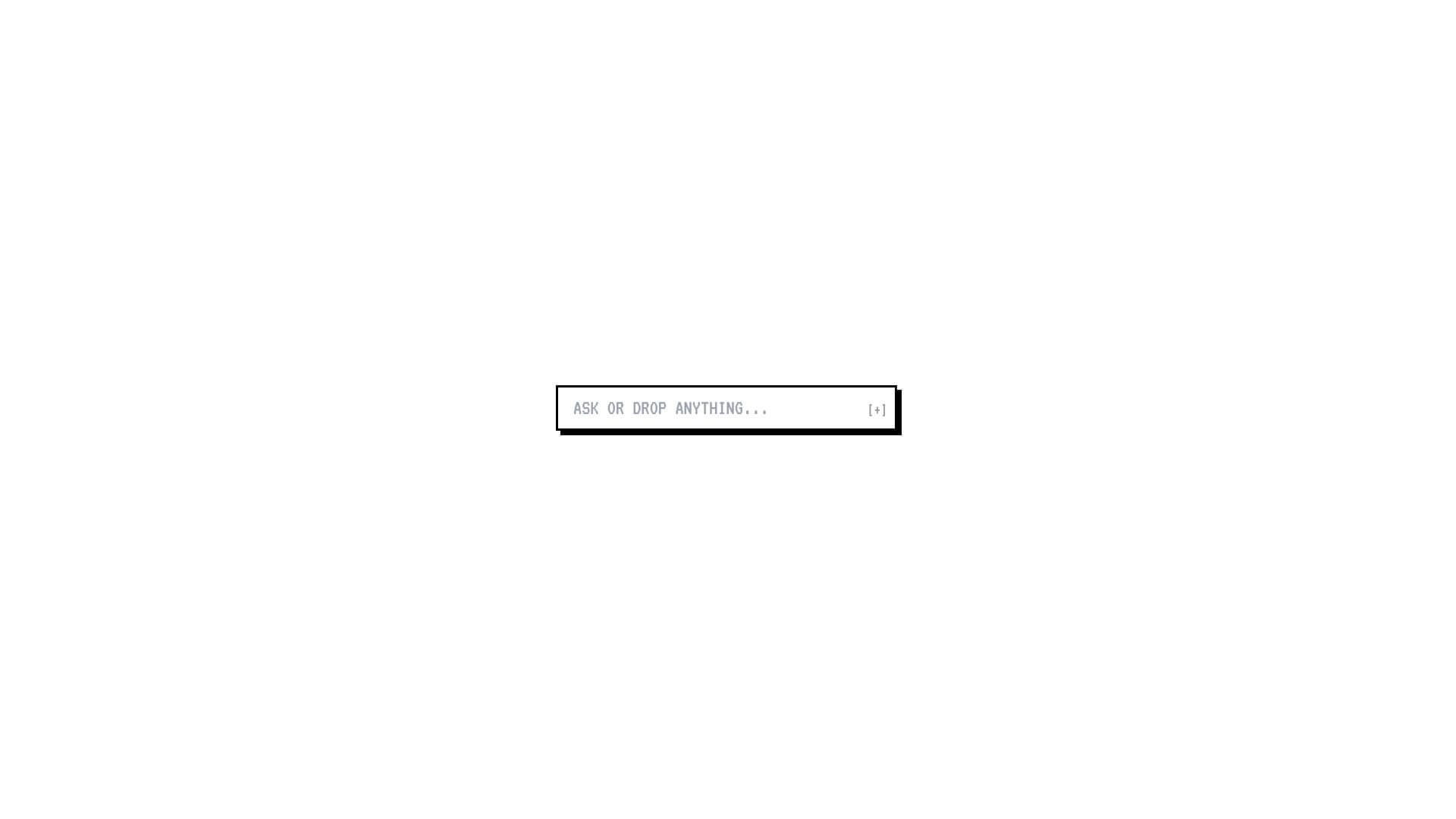
WHITE OS is an AI Productivity tool. AI operating system streamlines workflows, automates tasks, and unifies productivity with intelligent desktop control. Key features include AI-Powered Automation, Unified Workspace, and Smart Integration. Best for project managers, business consultants and software developers and engineers.

4.2 (5 reviews)28 upvotes6 key features6+ alternatives →

About WHITE OS

WHITE OS is an AI Operating System that acts as an AI Productivity Platform. It combines AI capabilities with desktop functionality to manage workflows, automate tasks, and help users. It helps with task management and scheduling, too.

Key Features

AI-Powered Automation.

This means the operating system has smart tools built right in. These tools can automatically handle tasks for you. It's like having a helpful assistant for your everyday computer work.

Unified Workspace.

Imagine having one central spot for everything. This feature brings all your apps and projects together. No more switching between different screens. Everything you need is in one place.

Smart Integration.

Many different productivity tools exist. This feature makes them all work together smoothly. It connects them up, so they can share information and help you get things done faster.

Desktop Control.

You get a full computer operating system. But it's extra smart. AI assistance is there to help you with all the usual computer tasks. It’s a complete desktop experience with added intelligence.

Workflow Orchestration.

When you have many steps in a project, it can get complicated. This feature uses AI to manage and organize these steps for you. It helps keep complex projects on track.

Real-Time Monitoring.

Want to see what's happening at a glance? This feature gives you a dashboard. You can quickly see how everything is running. It shows you the status of tasks and system operations as they happen.

Frequently Asked Questions

Specific compatibility details are not yet publicly documented. There is early information that suggests integration capabilities with common productivity tools.

Technical specifications haven't been widely published. It's expected to support standard hardware for modern operating systems.

Migration pathways are not clearly documented in public materials. You should contact their support for transition details.

Support infrastructure details are limited. Since it is a new platform, dedicated support channels are likely being set up.


User Reviews

Similar Tools

View all →