
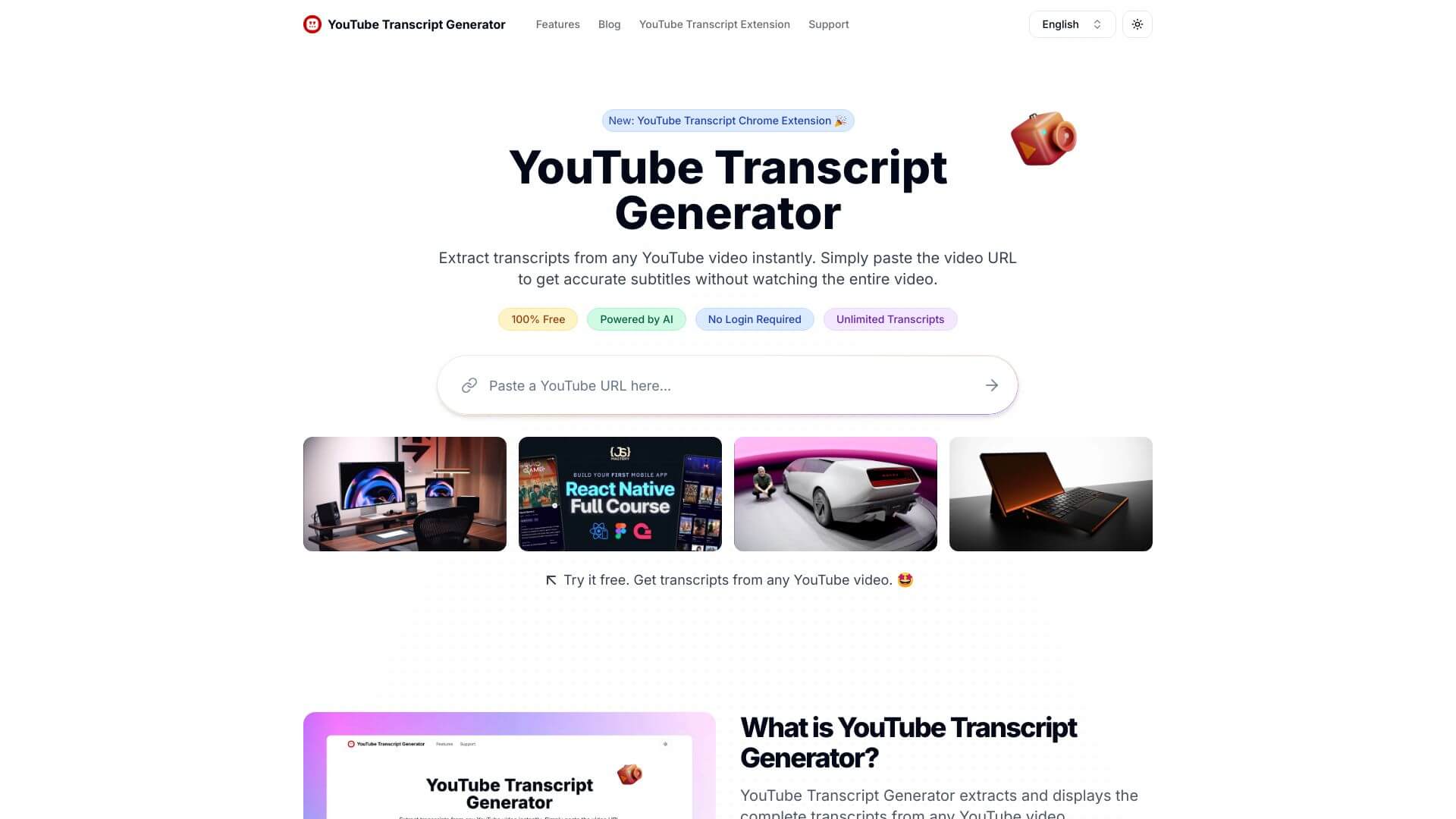
YouTube Transcript Generator is an AI Audio Generators tool. Grabs transcripts from YouTube videos so you can easily read, search, and save them. Perfect for quick info! Key features include Instant Transcripts, Multi-Format Downloads, and Searchable Transcripts. Best for content creators, teachers and students.
About YouTube Transcript Generator
This tool quickly gets the text from YouTube videos. It's super easy to find what you need in videos without watching the whole thing. You can download the words or follow along as you watch. Best part? It's free and simple to use!
Key Features
Instant Transcripts.
Multi-Format Downloads.
Searchable Transcripts.
Auto-Scroll Feature.
User-Friendly Interface.
No Registration Required.
Frequently Asked Questions
It is an online tool that helps you quickly get, read, and save transcripts from videos. It’s great for anyone who needs to pull out important stuff from videos without having to type it all out themselves.
This tool grabs transcripts from YouTube videos. It lets you find specific info, follow along with videos using auto-scroll, and download transcripts in different formats. It makes watching videos easier and helps you get more done by automating the transcription.
Content creators, researchers, students, and professionals.
Yes, it is free to use.