Creative Tools
Top 7 AI 2D Animation Tools 2026
Seven leading AI 2D animation tools compared — features, pricing, and best uses for beginners, educators, marketers, and studios.

Top 7 AI 2D Animation Tools 2026
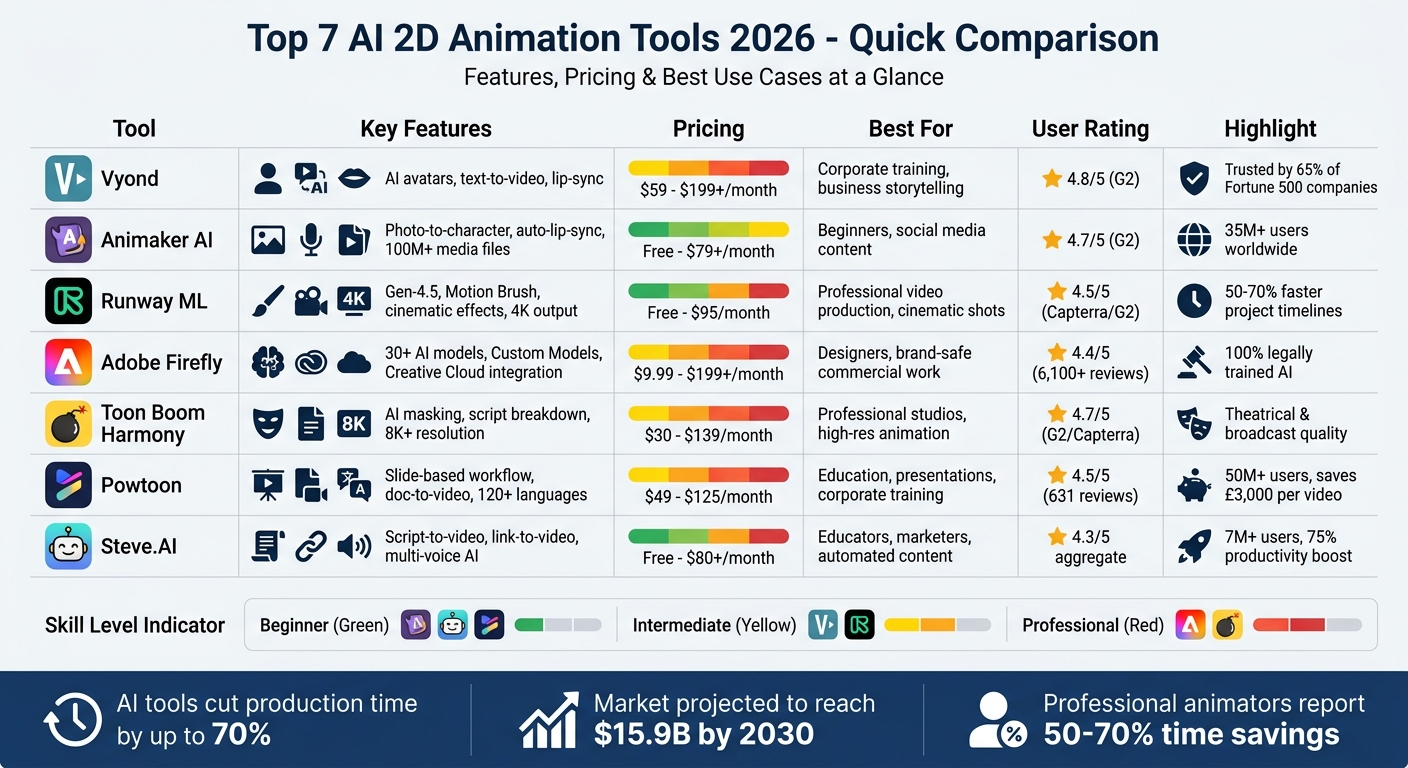
AI-driven 2D animation tools in 2026 have transformed animation production, making it faster, cheaper, and accessible to individuals and businesses. Here's a quick summary of the seven standout platforms:
- Vyond: Ideal for corporate training and business storytelling with features like text-to-video, AI avatars, and lip-syncing. Pricing starts at $59/month.
- Animaker AI: Beginner-friendly with tools like photo-to-character conversion and auto-lip-sync. Free plan available, premium starts at $79/month.
- Runway ML: Advanced capabilities for cinematic effects and video-to-video transformations. Free tier available, Pro plan at $95/month.
- Adobe Firefly: Integrated with Adobe’s ecosystem, offering legally secure AI-generated outputs for designers. Pricing starts at $9.99/month.
- Toon Boom Harmony: Tailored for professional studios, combining traditional workflows with AI tools. Subscriptions start at $30/month.
- Powtoon: Simplifies animation for educators and marketers with a slide-based workflow. Plans begin at $49/month.
- Steve.AI: Automates video creation from scripts or URLs, perfect for educators and marketers. Free plan available, Pro plan at $80/month.
These tools cater to a variety of needs, from beginners to professionals, and offer features like AI-generated characters, cinematic effects, and voiceovers. Whether you're creating training videos, social media content, or professional-grade animations, there's an option for you.
Quick Comparison
| Tool | Key Features | Pricing (USD/mo) | Best For |
|---|---|---|---|
| Vyond | AI avatars, text-to-video | $59 – $199+ | Corporate training, business |
| Animaker AI | Photo-to-character, lip-sync | Free – $79+ | Beginners, social media |
| Runway ML | Cinematic effects, Gen-4.5 | Free – $95 | Professional video production |
| Adobe Firefly | Brand-safe AI outputs | $9.99 – $199+ | Designers, commercial work |
| Toon Boom Harmony | AI masking, script breakdown | $30 – $139 | Studios, high-res animation |
| Powtoon | Slide-based workflow | $49 – $125 | Education, presentations |
| Steve.AI | Script-to-video automation | Free – $80+ | Educators, marketers |
AI animation tools have cut production times by up to 70% and are reshaping industries with lower costs and higher efficiency.
AI 2D Animation Tools 2026: Features, Pricing & Best Use Cases Comparison
How to Create Stunning 2D Animation Videos with AI - Full Beginner Guide
sbb-itb-212c9ea
1. Vyond
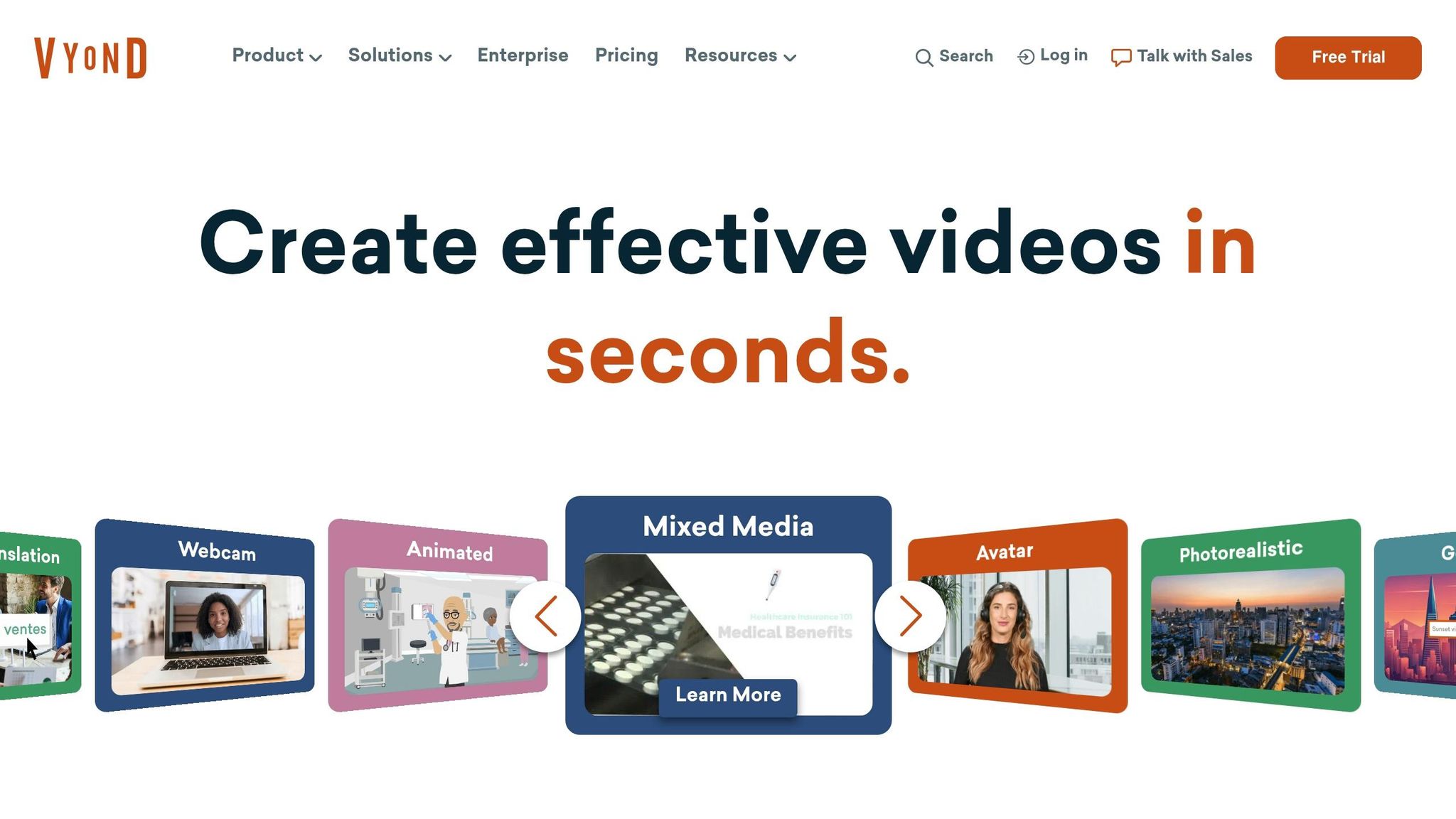
Vyond is a go-to platform for corporate training and business storytelling, trusted by 65% of Fortune 500 companies. It combines two powerful tools: Vyond Go, which generates full videos from text prompts in under 20 seconds, and Vyond Studio, a drag-and-drop editor stocked with over 40,000 props and actions.
AI-Powered Features
One of Vyond's standout features is Video-to-Action, enabling users to upload videos and transfer over 2,400 character movements into animations. It also includes Text-to-Prop and Text-to-Image tools for creating custom backgrounds and objects not found in the standard library. For narration, the platform offers access to more than 600 AI voices. These features make Vyond a top choice for creating dynamic animated content that captures attention.
Best Use Case
Vyond is particularly effective for Learning & Development teams, HR departments, and sales enablement managers. Keith Anderson, Director of Learning at Sears Home Services, praised the platform:
"I've been using Vyond for about two years now... Vyond was by far the easiest to use in the shortest period of time."
The platform’s ability to create engaging video content translates into retention rates nine times higher than text-based materials, making it a valuable tool for training and onboarding. This effectiveness, paired with flexible pricing, makes it appealing across various professional settings.
Pricing Options
Vyond offers four pricing tiers to cater to different needs:
- Starter: $59/month (billed annually), includes AI avatars and 100 monthly downloads.
- Professional: $99/month, adds access to over 4 million Shutterstock assets and team collaboration tools.
- Enterprise and Agency: Custom pricing for advanced features.
The platform has a 4.8/5 rating on G2 from 423 reviews. While highly rated, some solo creators have noted the professional tiers can feel pricey.
Output Quality
Videos created on Vyond export in HD MP4 format, complete with auto-captions and support for over 70 languages. Enterprise users benefit from robust security features, including SSO support, GDPR compliance, and ISO 27001 certification, ensuring the platform meets professional standards. With a Net Promoter Score of 63 - more than double the industry average of 30 - Vyond stands out as a reliable choice for 2D animation in 2026.
2. Animaker AI
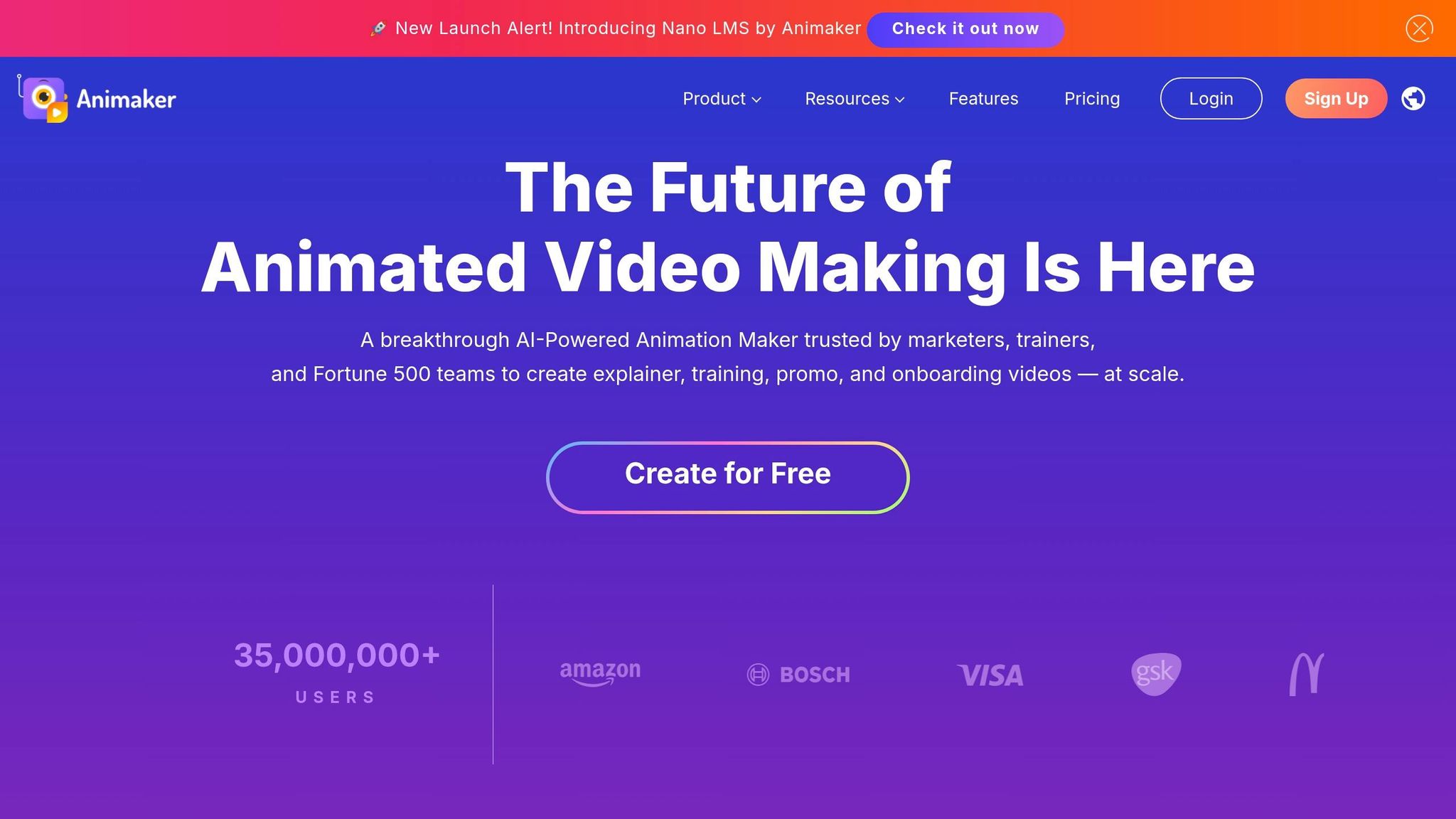
Animaker AI stands out as a versatile tool in the world of 2D animation, offering a unique way to create videos. With over 35 million users, it provides a patented platform capable of generating fully animated videos from just a text prompt. The platform also boasts an impressive library of over 100 million media files, 70,000 icons, and 30,000 music tracks.
Core Features
One of Animaker AI's standout tools is the AI Photo to Character, which instantly transforms photos into animated avatars. The AI Asset Generator further enhances creativity by producing backgrounds, icons, and props based on descriptive inputs. For audio, the platform offers an extensive selection of over 800 AI voices in 170+ languages, paired with automatic lip-syncing that achieves up to 99% accuracy. Features like Smart Move and Action+ simplify animations - like walking or sitting - making it an excellent choice for users without a design background. These tools make Animaker AI especially appealing for business-oriented projects.
Best Use Case
Animaker AI is particularly useful for teams in learning and development, HR, and marketing. It's ideal for creating explainer videos, onboarding materials, and promotional content. For instance, GlaxoSmithKline's Global Brand Manager, Laurence Chung, used Animaker to produce over 2,000 videos, saving the company $1.4 million compared to hiring traditional agencies. Similarly, Aksara NKR, CEO of MeshPie, leveraged the platform to create over 150 videos, leading to a 40% increase in impressions for client campaigns.
Pricing Options
Animaker AI offers a Free Plan that includes up to two custom characters but applies watermarks to all exports. Premium plans remove watermarks and unlock advanced features, with export options ranging from standard definition to 4K resolution. While many users find the platform cost-effective compared to hiring agencies, smaller organizations might find the premium pricing a bit steep.
Output Quality
Animaker AI delivers video exports in resolutions from SD to 4K, reducing video creation time by threefold and increasing engagement by up to five times. It holds a 4.7/5 rating on G2, with users praising its accessibility for non-animators. However, professional animators might find its customization options somewhat limited compared to more advanced desktop software.
3. Runway ML
Runway ML is making waves in the creative industry by pushing the boundaries of what's possible with AI. It's become a go-to platform for studios and animators who need precise control over their projects. The standout Gen-4.5 model offers impressive temporal coherence and cinematic quality, supporting outputs up to 4K resolution (3,840 x 2,160). One of its most innovative tools, the Motion Brush, lets users "paint" movement directly into specific areas of a frame. For instance, you could animate a stream's flowing water while keeping the surrounding forest perfectly still.
AI-Powered Features
Runway ML is packed with tools that cater to a wide range of creative needs. Its features include text-to-video, image-to-video, and video-to-video style transfer. Advanced camera controls like pan, tilt, zoom, orbit, dolly, and tracking make it feel like a virtual production studio. The Act-Two capture system translates human movement into animation, while the editing suite offers inpainting, scene interpolation, and clip extension. These tools have reportedly helped professional animators cut their project timelines by 50–70%.
"Runway's Gen-4.5 gives you camera controls that feel like working in a real production suite."
– Louis Corneloup, Founder, Dupple
Best Use Case
Runway ML shines when it comes to creating cinematic elements like high-quality B-roll, transitions, and animated backgrounds. It's particularly effective at transforming footage into stylized 2D animations while maintaining smooth motion. However, it’s not ideal for crafting full narratives with consistent characters. The platform is best suited for single cinematic shots or supporting content in larger projects. On average, animators need 3–8 attempts to achieve the desired result for each shot.
Pricing Options
Runway ML uses a credit-based pricing model tailored to its advanced capabilities. The Gen-4.5 model costs 12 credits per second of video, while Turbo mode is priced at 5 credits per second. The Free Tier allows for three projects per month at 720p resolution, though these exports include watermarks. For more flexibility, the Standard Plan costs between $12 and $15 per month, providing around 625 credits. The Pro Plan, priced at $28–$35/month, offers higher-priority rendering and 4K export options. For heavy users, the Unlimited Plan, at $76–$95/month, allows unlimited generations in relaxed mode.
Output Quality
Runway ML delivers impressive 4K exports with minimal artifacting, though fast-action scenes may occasionally show slight flickering or warping. The platform has earned a 4.5/5 rating on Capterra and G2, with users praising tools like the Motion Brush and video-to-video transformations. However, some users mention a steep learning curve for advanced features and note that high-quality settings can quickly consume credits. Elena Voss, an AI Tools Analyst, highlights its strengths:
"Runway ML Gen-3 offers the strongest mix of output quality, speed, and usability in 2026".
4. Adobe Firefly
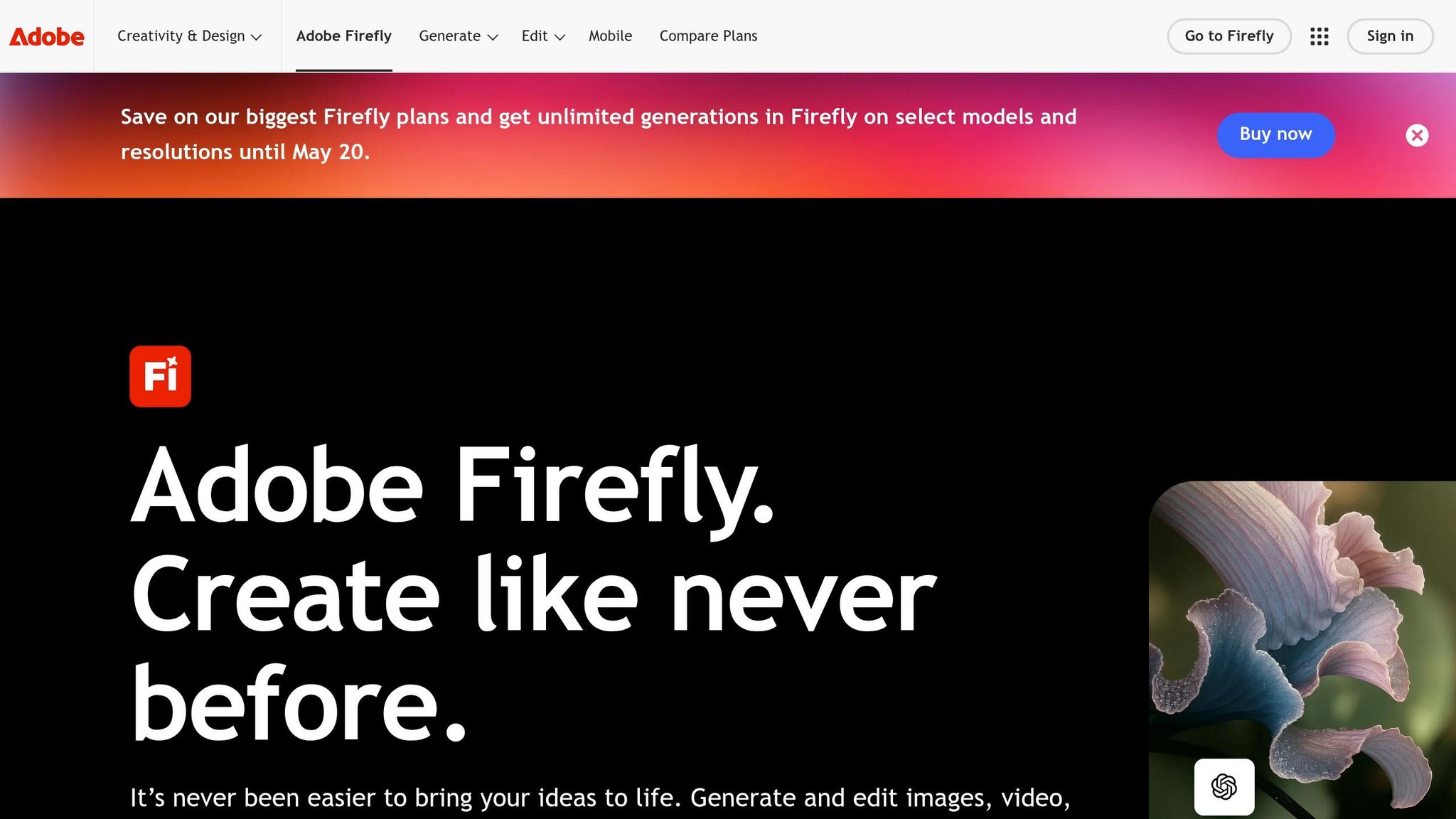
Adobe Firefly stands out as a preferred tool for animators who need legally secure AI-generated outputs. Since it’s trained solely on licensed Adobe Stock content and public domain data, Firefly ensures that every creation is safe for use in client projects and brand campaigns. This makes it especially appealing to studios and marketing teams that can’t risk copyright issues.
AI-Powered Features
Firefly brings together more than 30 AI models in one cohesive ecosystem. These include tools like Google's Nano Banana 2, OpenAI, Runway's Gen-4.5, and Kling 3.0. This setup allows you to create a scene using one model and refine it with another - all within the Adobe framework.
A standout feature is the Custom Models option, currently in public beta. This lets users train AI models on their own images, making it easier to preserve specific illustration styles or ensure character consistency across projects. As Deepa Subramaniam, Adobe’s Vice President, explains:
"Firefly custom models... let you turn your creative style into a reusable model trained on your own images."
Firefly also includes intelligent AI assistants like "Project Moonlight" and the "Firefly AI Assistant." These tools can handle multi-step workflows across different Adobe apps through simple conversational commands. On top of that, the browser-based Firefly Video Editor, one of several AI video editing tools currently transforming the industry, supports text-based editing, audio tweaks, and direct access to over 800 million Adobe Stock assets. Video outputs are capped at 1080p resolution with a standard duration of five seconds, while image generations can reach resolutions of up to 2,000 x 2,000 pixels. These features make it a powerful tool for quick prototyping.
Best Use Case
Firefly is particularly effective for rapid prototyping and maintaining visual consistency, especially for brand mascots or recurring characters. It’s an excellent choice for creating social media content, with built-in aspect ratio settings tailored for platforms like TikTok and Reels.
Marketing teams and art directors will appreciate the Custom Models feature, which ensures uniformity in stroke weights, colors, and character details across scenes. Additionally, Firefly supports text prompts in over 100 languages and offers audio/video translation in more than 20 languages, making it a versatile tool for teams working across borders.
Pricing Options
Firefly offers flexible subscription plans based on a credit system:
- Free Tier: 25 credits per month with watermarked outputs.
- Firefly Standard: $9.99/month for 2,000 credits (around 20 video clips) with no watermarks.
- Firefly Pro: $19.99/month for 4,000 credits, including access to partner models like Runway and Kling.
- Firefly Premium: $199.99/month for 50,000 credits and unlimited Firefly Video Model generations.
- Creative Cloud All Apps subscribers receive 1,000 generative credits monthly at no extra cost.
Unused credits expire each month, and using "Fast Mode" doubles the credit consumption rate.
Output Quality
Firefly consistently delivers polished results, earning an overall score of 8.1/10. It scores particularly well in integrations (9.5) and design (9.2). With a user rating of 4.4/5 from over 6,100 reviews, it’s often praised for its seamless integration with Photoshop and the reassurance of legally safe training data. However, some users find the credit system restrictive, and the five-second video clip limit can be a hurdle for high-volume production workflows. As Michael Meurer, Global Design Lead, describes it:
"Adobe Firefly unleashed our creativity. It's a magic machine that helps us play, explore, and innovate, without compromising speed or safety."
5. Toon Boom Harmony
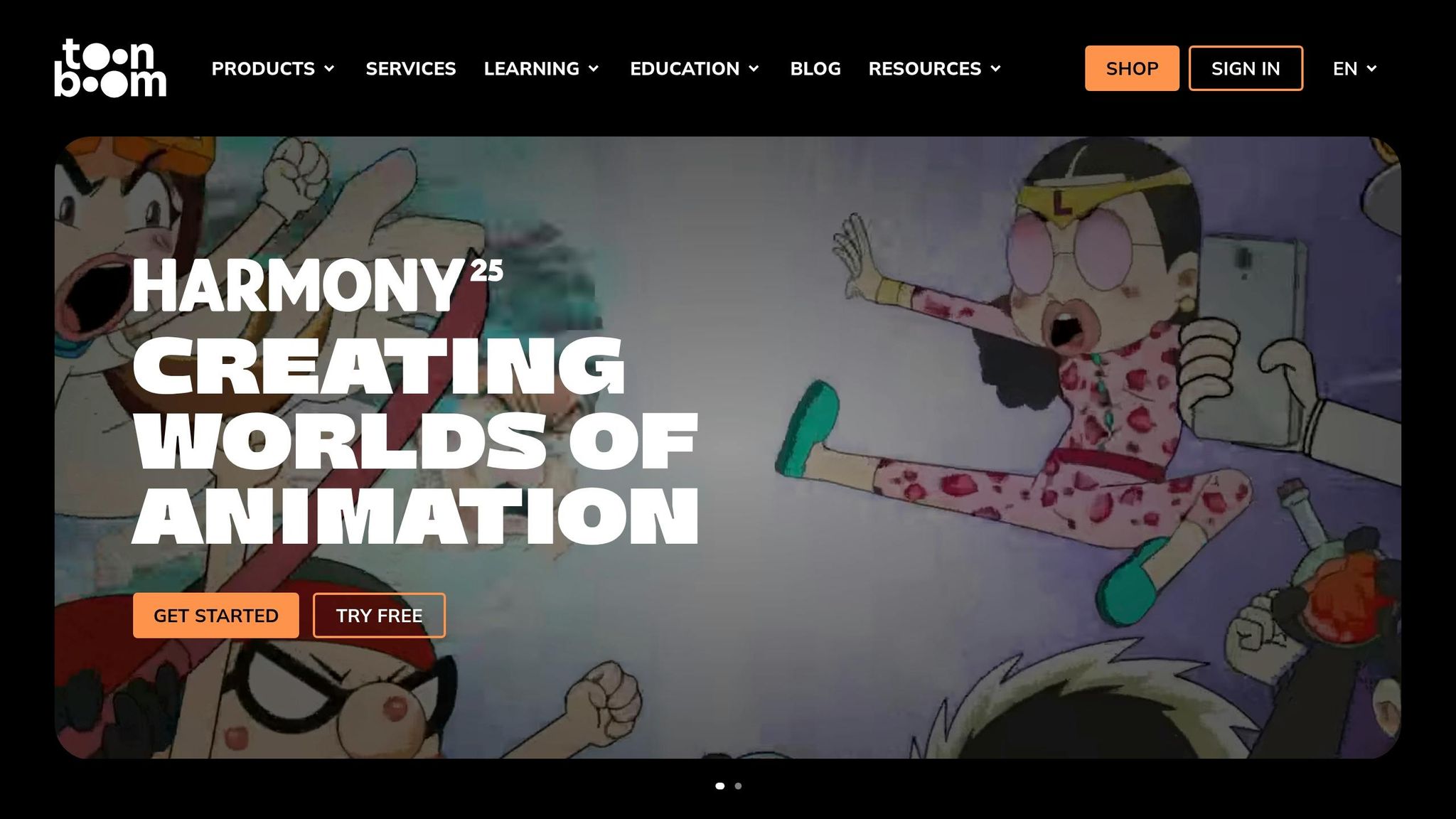
Toon Boom Harmony simplifies repetitive tasks in studio animation - like masking, upscaling, and script analysis - while maintaining precise frame-level control. Designed for professional studios, Harmony enhances traditional workflows rather than fully automating animation production. It’s tailored for animators who demand meticulous control over their work while automating tedious processes.
AI-Powered Features
The Harmony 25 release includes an optional Ember add-on, which integrates advanced AI tools to speed up essential tasks. For example:
- Script Breakdown: Powered by Google Gemini, this tool identifies key scenes, characters, and assets, cutting down pre-production time significantly.
- AI Mask Generation: Using Bria.ai, this feature isolates artwork elements for easier editing.
- AI Image Eraser and Generative Fill: These tools remove unwanted elements from bitmap images and fill gaps based on text prompts.
- Expand Image: Generates additional border content that matches the existing image.
- Resolution Enhancement: Upscales images to 2× or 4×, supporting resolutions up to 8,192×8,192 pixels.
One standout feature is Rough Track Generation, powered by ElevenLabs. It analyzes scripts to identify characters and generate scratch voice tracks, helping animators with timing and animatic editing.
Importantly, Harmony’s AI partners - Bria, Gemini, and ElevenLabs - ensure user data and project files are not stored or used for model training.
As Toon Boom Animation explains:
"Toon Boom Ember is a suite of tools designed to assist artists, not replace them... it is not a replacement for artistic skill or creativity, or a 'make the animation for me' button."
These tools make Harmony a top choice for projects that require both high-quality output and detailed control.
Best Use Case
Harmony is ideal for professional studios working on high-resolution, cinematic 2D animation or complex scene layouts. Its AI-powered tools complement its traditional rig-based workflow, making it perfect for projects requiring precise masking, background extensions, and detailed scene management. With support for resolutions up to 8K and beyond, Harmony is particularly suited for theatrical releases and broadcast-quality productions. Story artists, production designers, and large animation studios will find its features invaluable.
Pricing Options
To accommodate different needs, Harmony offers tiered pricing plans:
- Harmony Essentials: $30.00/month or $252.00/year, including vector drawing tools and HD/2K resolution support.
- Harmony Advanced: $77.00/month or $588.00/year, which adds bitmap tools and support for 4K resolution.
- Harmony Premium: $139.00/month or $1,128.00/year, featuring 8K+ resolution, Node View, and Master Controllers.
Students can access discounted rates: $6.45/month for Essentials, $10.75/month for Advanced, and $19.50/month for Premium. Additionally, non-subscription users can request a free Ember license add-on via email. AI features rely on a credit system, tracking usage per project.
Output Quality
Harmony consistently receives high praise, with a 4.7/5 average rating on platforms like G2 (22 reviews) and Capterra (6 reviews). Users highlight its versatility as an "all-in-one 2D animation software", offering tools for drawing, rigging, and compositing. Its ability to handle vector-based assets and support resolutions beyond 8K sets it apart from many AI-focused tools that cap at lower resolutions.
6. Powtoon
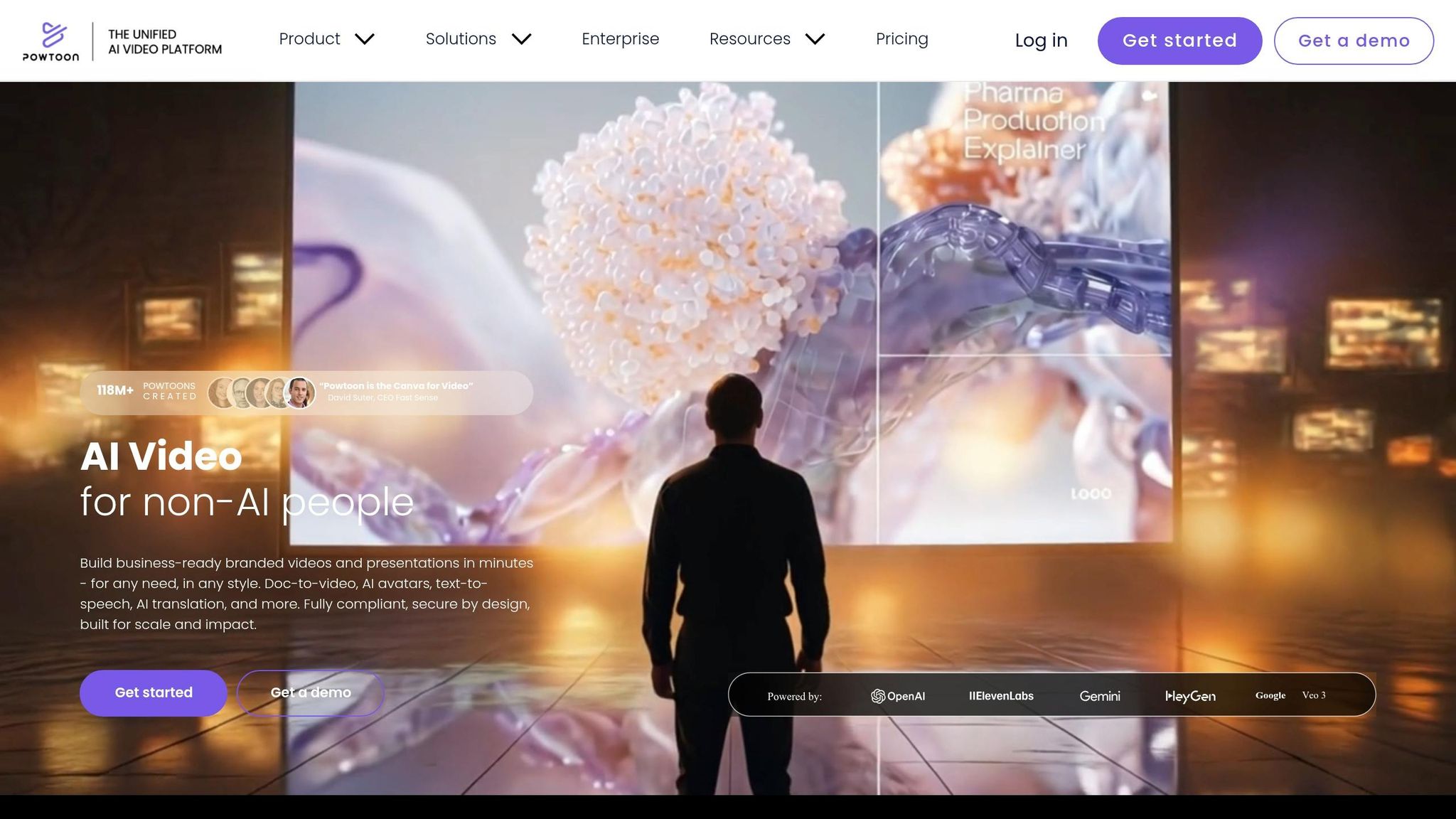
Powtoon stands out from traditional timeline-based animation tools by offering a slide-based workflow. This makes it a great choice for users familiar with presentation software who want to breathe life into static slides, turning them into animated videos. With over 50 million users worldwide, Powtoon has become a go-to platform for educators, corporate trainers, and marketing teams and video editors alike.
AI-Powered Features
At the heart of Powtoon’s AI capabilities is the Powtoon Imagine Suite, which transforms prompts, scripts, or even documents (like PDFs, PowerPoints, and Word files) into editable animated scenes.
Powtoon’s AI includes advanced features such as avatars with automated multi-language lip-syncing (powered by HeyGen and Colossyan) and natural-sounding voiceovers in over 120 languages, thanks to ElevenLabs. It also boasts a transcription system with 95% accuracy. For visual content, tools like 'Nano Banana' handle AI image generation, while 'Veo3' creates short video clips between 5–8 seconds.
"Powtoon's AI video generator makes it easier to go from an idea to a ready-to-edit video. You describe what you want, and it gives you a draft with scenes, voiceover, and visuals already set up."
What sets Powtoon apart is its flexibility. Unlike other AI tools that deliver locked final files, Powtoon generates fully editable scenes. Users can tweak timing, swap visuals, and modify text after generation. Additionally, Powtoon provides access to a library with over 4 million stock videos, images, and music tracks, making it both powerful and user-friendly.
Best Use Case
Powtoon is ideal for creating explainer videos, educational content, internal communications, and marketing presentations. It’s particularly useful for teachers, HR teams, and marketing professionals who need polished videos quickly without requiring animation expertise. Its integration with PowerPoint further enhances its appeal, allowing teams to transform existing slide decks into animated videos effortlessly.
One organization shared how they saved significant costs by switching to Powtoon. Their team of 53 non-designers created 108 training videos in-house, saving around £3,000 per video compared to outsourcing.
Pricing Options
Powtoon is one of many AI tools you can start using for free, along with three main paid plans:
- Lite Plan: $49/month, includes 10 AI credits per month.
- Professional Plan: $99/month, includes 25 AI credits per month and unlimited premium exports.
- Advanced Plan: $125/month (billed annually), includes 350 AI credits per year, full character customization, and lip-sync features.
For enterprise customers, Powtoon provides custom pricing, flexible AI credit packages, and priority processing options.
Output Quality
Powtoon enjoys a 4.5/5 average rating from 631 reviews, earning it the nickname "Canva for video" for its ease of use, especially for non-designers. It scores 4.4/5 on G2 (237 reviews) and 4.5/5 on Capterra (394 reviews). Users appreciate its intuitive drag-and-drop interface, though some mention that the AI credit system can feel limiting for heavy users. On the security front, Powtoon is ISO 27001 and GDPR certified, ensuring that AI-generated content remains private and is not used to train public models.
7. Steve.AI
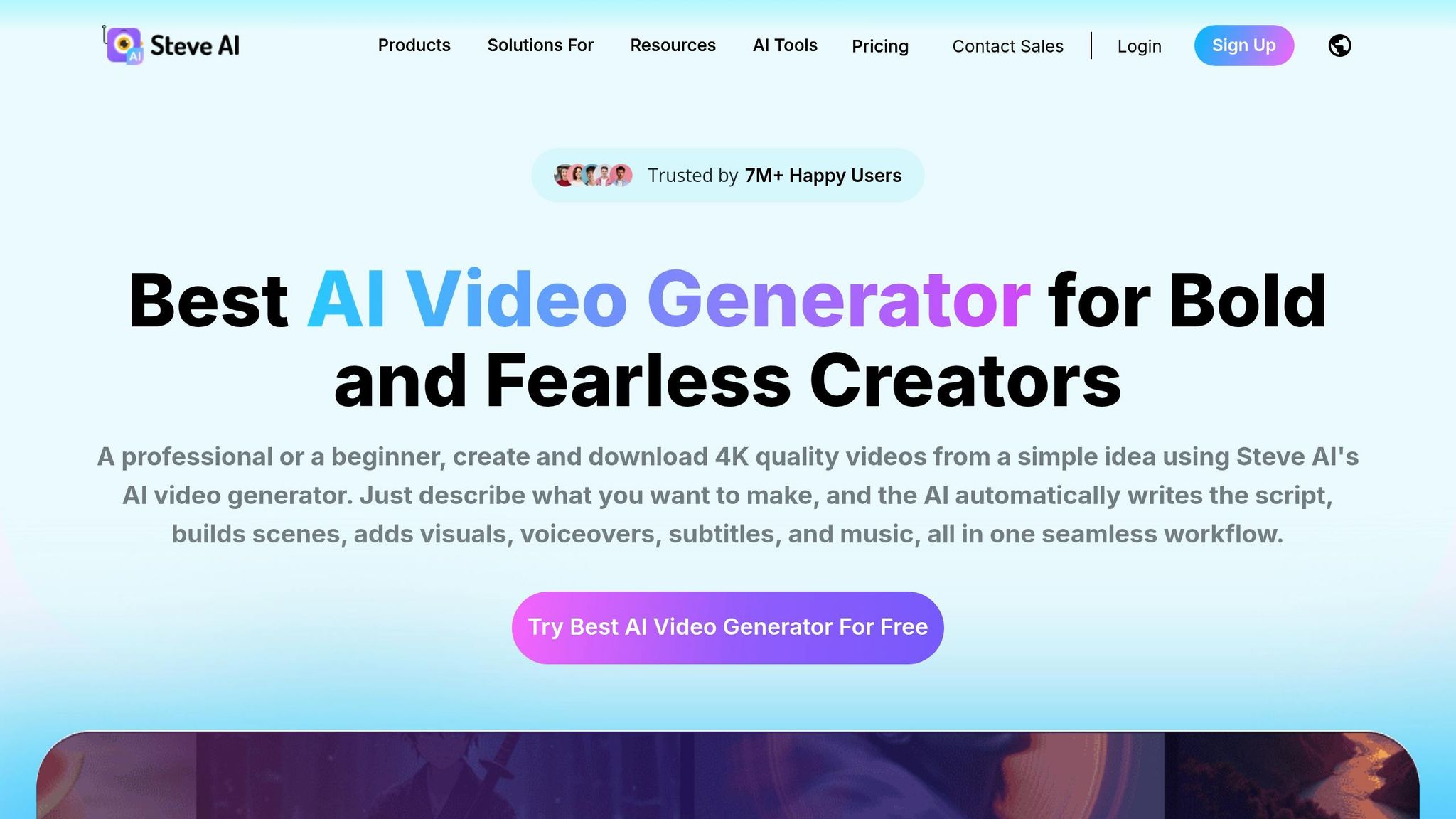
Steve.AI is a platform designed to transform text or blog URLs into fully developed 2D animated videos. With over 7 million users, it has become a go-to tool for creating animations without requiring prior animation skills or experience.
AI-Powered Features
At the core of Steve.AI is its patented AI engine, which automates tasks like scene building, asset selection, and pacing. Tools such as the "Advanced Prompter" and AI Script Generator assist users in crafting professional scripts from simple ideas.
The platform's content library is extensive, featuring over 1,000 customizable 2D animated characters, 10,000+ props and backdrops, and access to 140 million Getty assets for motion videos. Users can adjust character expressions, actions, and even branded outfits with a single click.
Steve.AI also includes human-like AI voiceovers in over 10 languages, supporting multi-voice storytelling so that different characters can engage in natural-sounding conversations. Additionally, AI motion effects bring static scenes to life with cinematic camera movements, zooms, kinetic text, and motion trails. For sharing content, tools like AI subtitle generation and one-click resizing for platforms like YouTube, TikTok, and Instagram simplify the publishing process.
"The biggest benefit of Steve.AI is that its functionality is completely based on artificial intelligence technologies... a universal tool for users of any experience level." - Eva Williams, Manager, Fixthephoto.com
These features align with the industry's growing demand for efficient, high-quality video production, making Steve.AI a reliable choice for professionals seeking quick results.
Best Use Case
Steve.AI is particularly well-suited for educators and marketers. Similar to InVideo ai, Its ability to turn blog posts or news articles into animated videos using the "Link to Video" feature saves significant time while creating engaging content. Educators have reported up to a 75% boost in productivity when using the platform.
The multi-voice AI generator is especially effective for training and educational videos, where dialogues between characters enhance viewer engagement. Meanwhile, the Custom Brand Kit ensures that animations align seamlessly with a company's branding, making it a valuable tool for marketing teams juggling multiple campaigns.
Pricing Options
Steve.AI offers four pricing plans to cater to various needs:
- Free: $0/month – Includes 1,200 seconds of AI video, 200 asset credits, and 2 free downloads (watermarked).
- Basic: ~$20/month – Provides 100 minutes of video, 1080p resolution, no watermark, and access to premium templates.
- Starter: ~$60/month – Offers 1580p/2K resolution, advanced features, and priority support.
- Pro: ~$80/month – Includes 2K/4K resolution, 300+ minutes of video, and access to 300+ animated characters.
For large-scale projects, enterprise customers can request custom pricing, which includes options for high-volume exports and advanced security features.
Output Quality
Steve.AI maintains a 4.3/5 aggregate score, with ratings of 4.7/5 on Capterra (28 reviews) and 4.2/5 on G2. Users commend its speed and affordability but have noted occasional buffering issues and limited template customization. While competitors may offer 4K resolution across all pricing tiers, Steve.AI reserves 2K and 4K resolutions for its Pro and Enterprise plans.
Comparison Table
Selecting the right AI 2D animation tool comes down to your specific needs, budget, and technical know-how. Below is a breakdown of seven popular tools, comparing their AI capabilities, pricing in USD, ease of use, and best-suited applications.
| Tool | AI Features | Pricing (USD/mo) | Ease of Use | Ideal Applications |
|---|---|---|---|---|
| Vyond | Vyond Go (text-to-video), AI lip-sync | $59 – $199+ | Intermediate | Corporate training, business storytelling |
| Animaker AI | AI character builder, auto-subtitles, voiceovers | Free – $79+ | Very Easy | Social media content, marketing, beginners |
| Runway ML | Motion Brush, Gen-4.5, advanced camera controls | Free – $95 | Intermediate/Pro | Professional video production, cinematic effects |
| Adobe Firefly | Text-to-animation, image-to-animation, Creative Cloud integration | $23 – $55 | Steep Learning Curve | Professional designers, brand-safe commercial work |
| Toon Boom Harmony | AI in-betweening, lip-sync automation, color filling | Professional Subscription | Professional | Traditional 2D animation, TV production, cartoons |
| Powtoon | Powtoon Imagine AI (doc-to-video), script generation | $49 – $125 | Easy | Presentations, educational content, corporate training |
| Steve.AI | Script-to-video automation, multi-voice storytelling | Free – $99 | Very Easy | Automated video from scripts/URLs, educators |
This table highlights the key strengths of each tool, helping you quickly compare features, costs, and ideal use cases.
AI-powered animation tools have drastically reduced production times, cutting tasks that once took 40–80 hours down by 10–20×. In fact, production speeds can improve by up to 70% when using AI compared to traditional methods. With the market for AI animation software expected to hit $2.7 billion by 2027, these tools are clearly reshaping industries.
For beginners, Animaker AI and Steve.AI are excellent choices, offering user-friendly interfaces and free plans to explore. Corporate teams looking for scalable training or presentation tools might lean toward Vyond or Powtoon, which specialize in converting documents into professional videos. On the other hand, professional studios aiming for high-end results and advanced control will find Runway ML and Adobe Firefly worth the investment and learning effort.
"AI is transforming animation into a tool that's accessible to anyone, regardless of their technical expertise... users can transform basic concepts into professional-quality animations in no time." - AnimateAI.Pro Expert
Conclusion
Choosing the right AI 2D animation tool in 2026 hinges on aligning the platform's features with your creative needs. For beginners, tools like Animaker AI and Steve.AI stand out with user-friendly interfaces and free plans, making them ideal for content creators just starting out. Educators and presenters familiar with PowerPoint will appreciate Powtoon's slide-based approach for creating engaging animations.
For larger projects or higher-quality outputs, it's essential to consider the scale of your work. Corporate teams producing training videos may find Vyond a great fit, offering professional character customization at $99/month. Meanwhile, Runway ML is perfect for delivering cinematic-quality visuals, especially for standout hero shots.
Professional animators and designers aiming for high-end, detailed 2D animations should look to Adobe Firefly or Toon Boom Harmony. While these platforms come with a steeper learning curve, they offer the advanced controls and legal safeguards necessary for commercial and traditional animation production.
The market for Generative AI in Animation is set to grow significantly, from $2.1 billion in 2024 to $15.9 billion by 2030. Professional animators are already reporting time savings of 50–70% when using AI-assisted tools, highlighting the transformative impact on workflows.
"The creators and businesses thriving in 2026 aren't avoiding AI animation tools - they're mastering them to produce more content, faster, while maintaining creative quality".
FAQs
Which tool is best for beginners?
AnimateAI.Pro stands out as an excellent AI-powered tool for creating 2D animations, especially for beginners. It streamlines the animation process by offering user-friendly scripts and prompts, allowing users to automate tasks such as character design and scene creation. This makes it a perfect choice for anyone aiming to produce high-quality animations without spending excessive time or effort.
How do AI credits affect total cost?
AI credits function as a pay-as-you-go currency. Many platforms offer free tiers that come with a limited number of credits. However, once you've used up those free credits, you'll need to buy more to continue using the tool. Depending on how much you rely on the service, this can lead to higher costs over time.
Can I use these videos commercially?
Yes, these AI animation tools can be used to create videos for commercial purposes. Many of them are capable of producing high-quality animations perfect for marketing campaigns, social media content, or other business-related projects. Just make sure to review the licensing terms for each tool to confirm they align with commercial use requirements.