Productivity
10 Underrated AI Micro-Tools That Save 20+ Hours a Week
Use 2-3 small AI tools for meetings, email, audio cleanup, web data, and distribution to reclaim 3–20+ hours a week.

10 Underrated AI Micro-Tools That Save 20+ Hours a Week
You do not need one big AI platform to save time. In most cases, 2 to 3 small tools can cut hours from your week by handling repeat work like meeting notes, inbox sorting, audio cleanup, web research, and content posting.
Here’s the short version: if you spend your week in calls, email, content, or spreadsheets, these 10 tools can trim 3 to 20 hours a week depending on your workload. The best fits break down like this:
- Meetings: Motion, Fathom, Granola
- Email: Superhuman, SaneBox
- Audio/video editing: Descript, Cleanvoice
- Web data: Browse AI
- Content distribution: Repurpose.io
- Tool discovery: AI Apps
The big idea is simple: pick one repeat task, test one tool, and keep it only if the time saved beats the monthly cost. If you're on a budget, there are also several free AI tools that offer similar productivity gains. That is how a small stack turns into 10+ hours saved per week, and in some cases, 20+ hours.
I Tried 350+ AI Tools, These 7 Will Save You 10+ Hours a Week
Before integrating these into your workflow, review our AI tools selection checklist to ensure they meet your security and scalability needs.
sbb-itb-212c9ea
Quick Comparison
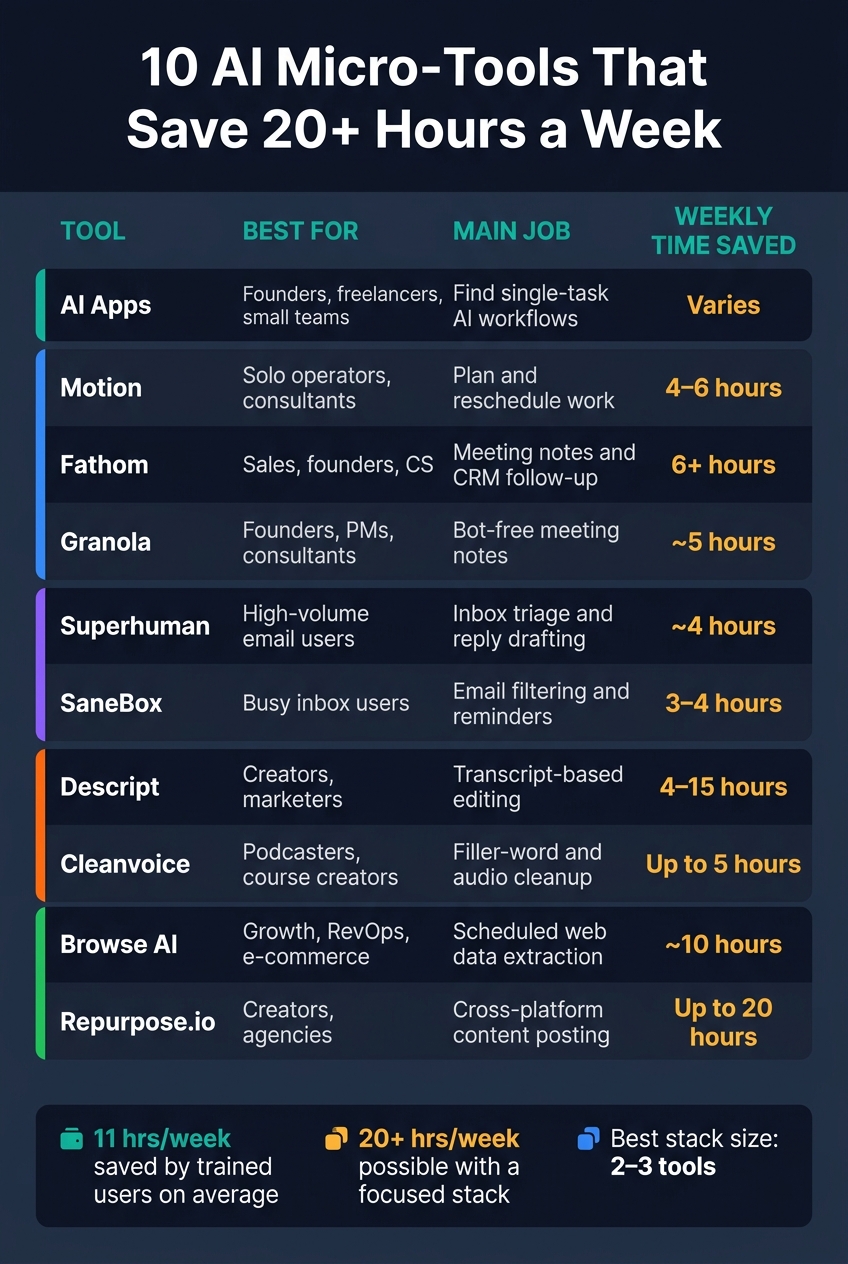
10 AI Micro-Tools That Save 20+ Hours a Week
| Tool | Best for | Main job | Weekly time saved |
|---|---|---|---|
| AI Apps | Founders, freelancers and contractors, small teams | Find single-task AI workflows | Varies |
| Motion | Solo operators, consultants | Plan and reschedule work | 4–6 hours |
| Fathom | Sales, founders, CS | Meeting notes and CRM follow-up | 6+ hours |
| Granola | Founders, PMs, business consultants | Bot-free meeting notes | ~5 hours |
| Superhuman | High-volume email users | Inbox triage and reply drafting | ~4 hours |
| SaneBox | Busy inbox users | Email filtering and reminders | 3–4 hours |
| Descript | Creators, marketers | Transcript-based editing | 4–15 hours |
| Cleanvoice | Podcasters, course creators | Filler-word and audio cleanup | Up to 5 hours |
| Browse AI | Growth, RevOps, e-commerce | Scheduled web data extraction | ~10 hours |
| Repurpose.io | Creators, agencies | Cross-platform content posting | Up to 20 hours |
If I were starting from scratch, I would audit my week for 5 days, find the one task I repeat most, and plug in the smallest tool that removes it.
What Makes a Micro-Tool Worth Adding to Your Stack
Not every AI tool deserves a place in your workflow. The ones here do one repeat task well, save clear amounts of time, fit a specific kind of user, and take only a few minutes to start using. That’s the filter that helps you spot actual time-savers instead of shiny distractions.
A tool pays for itself when the time it saves is worth more than what you spend on it each month. If the math works, keep it. In most cases, the best stack is just 2 to 3 AI automation tools, not a messy pile of all-purpose apps.
The best picks also work inside the apps you already use. That means less friction, fewer extra steps, and a better shot that you’ll use them often enough for them to matter. Each entry below shows who the tool is for, what problem it handles, how much time it can save each week, and where it fits in your workflow. That makes the list easy to scan.
1. AI Apps
Best for: Founders, freelancers, and small business owners
Time saved: Up to 20 hours/week when you build a stack of repeatable workflows
AI Apps is a curated directory of AI tools that helps you find narrow workflows for repetitive work. The smart way to use it is to start small: build one-task workflows before you pile on more tools.
The best use cases are the jobs that show up again and again. Think inbox triage, data extraction, meeting follow-ups, and draft creation. Inbox triage by itself can save 3 to 4 hours a week. That adds up fast.
Most of these workflows follow the same simple path: input → process → output → human review. Clean in, clean out. And that last step matters, because you still want a person checking the final result.
A good place to begin:
- Email sorting
- Meeting follow-ups
- Content repurposing
These three cover the work that tends to eat the most time for founders, freelancers, and small business owners. They help produce replies, summaries, task lists, CRM updates, and first drafts with very little manual effort.
Next: a tool built for meeting capture and follow-through.
2. Motion
Best for: Founders, solo entrepreneurs, freelancers, and consultants
Time saved: 4–6 hours/week on planning and rescheduling
Motion is built to solve one narrow but annoying problem: figuring out what to work on next, then keeping your calendar in sync when plans change.
It pulls in your task backlog, looks at deadlines and time estimates, and places work into the open gaps in your day. So instead of dragging tasks around by hand, the tool does the calendar math for you.
What It Automates
Motion cuts out manual calendar reshuffling. If a meeting runs long or a priority shifts, it reschedules tasks on its own. It can also turn meeting action items into scheduled tasks, which helps keep follow-up from slipping through the cracks.
Estimated Weekly Hours Saved
Users report saving 3–5 hours per week on planning and rescheduling. Analysts put that number at 4–6 hours a week for solo founders.
Best-Fit Role or Team
This tool makes the most sense for founders, solo entrepreneurs, freelancers, and consultants who are balancing deadlines, client work, and a calendar that never seems to sit still.
Integrations
Motion syncs with Google Calendar, Outlook, and iCloud. Its AI Notetaker works with Zoom, Google Meet, and Microsoft Teams, or you can use Fireflies for more advanced meeting capture.
For teams, assigned project tasks can be added to each person's calendar based on their own availability. You can also connect Zapier to send incoming requests from other tools into Motion's inbox, where those tasks get placed into the next open time slot.
Pricing: Individual plans start at $19/month billed annually or $34/month billed monthly. Team plans start at $12/user/month billed annually or $20/user/month billed monthly. There’s a 7-day free trial, but you need to enter a credit card upfront.
There is one catch: the auto-scheduler depends on solid task estimates. If you mark a 3-hour task as 1 hour, the rest of your day can fall apart pretty fast. Most users should expect a 2–4 week adjustment period before the system starts working in a steady way.
Next: a tool built for cleaner meeting capture and follow-up.
3. Fathom
Best for: Sales teams, founders, and consultants buried in post-call admin work
Time saved: 6+ hours/week per team member
Fathom takes over the busywork that starts right after a meeting ends. Within 30 seconds of the call ending, it produces a structured summary with key decisions, action items, and next steps.
What It Automates
The biggest time saver here is CRM updates. If your team uses HubSpot or Salesforce, Fathom can fill in fields like budget, timeline, and objections, then attach the summary to the correct contact or deal record. It also writes a draft follow-up email right after the call, which cuts down on one more task sitting in your inbox.
Estimated Weekly Hours Saved
Users save an average of 38 minutes per meeting on manual follow-up work. Over a full week of calls, that can add up to 6+ hours saved per person.
Best-Fit Role or Team
Fathom is a strong fit for B2B sales reps, customer success managers, and founders managing investor relationships. One feature that stands out is Ask Fathom. It lets you search across your full meeting history for details like pricing objections or client feedback.
Key Integrations and Workflow Handoff
The meeting notes don’t just sit inside Fathom. The tool sends structured meeting data to Slack, Notion, Asana, and Todoist, and it connects with 6,000+ apps through Zapier.
Pricing: The free plan includes unlimited recordings and transcriptions (similar to dedicated tools like TurboScribe), but AI summaries are limited to 5 per month. Paid plans start at $15/user/month when billed annually.
One thing to know: the Fathom Notetaker bot joins meetings, which can feel a little awkward on sensitive calls. If that’s a concern, the desktop app offers a less visible capture mode.
4. Granola
Best for: Founders, consultants, account managers, and product managers who run frequent meetings
Time saved: ~5 hours/week on manual note-taking and follow-up
If your team wants clean meeting notes without a bot popping into every call, Granola keeps things quiet and light.
What It Automates
Granola takes rough notes and turns them into polished meeting summaries by combining your notes with the transcript after the call. The final write-up reads like a person cleaned it up, not like a machine wrote the whole thing from zero.
The big difference is bot-free capture. Granola records system audio right on your device instead of sending a visible bot into the meeting. That matters in sensitive client calls, sales conversations, and 1:1s, where an extra participant can make the whole thing feel a little off. So if you want better notes without changing the tone of the meeting, Granola makes a lot of sense.
Estimated Weekly Hours Saved
Granola saves about 15 to 25 minutes per meeting on the write-up step alone. Over a week of back-to-back calls, users report saving around 5 hours on note-taking and follow-up combined.
Best-Fit Role or Team
Granola works well for founders, account managers, consultants, and PMs who spend a big part of the week in meetings and need clean notes they can use right away.
Key Integrations and Workflow Handoff
After the summary is ready, Granola can send decisions and action items to the tools your team already uses. That includes Linear, Jira, Asana, HubSpot, Slack, and Notion, plus more handoffs through Zapier.
Pricing: Free: 25 meetings per month, transcription, and templates. Business: $14–$18/user/month for unlimited meetings and native integrations.
Note: Tell participants you're recording, since Granola captures audio without a visible bot.
5. Superhuman
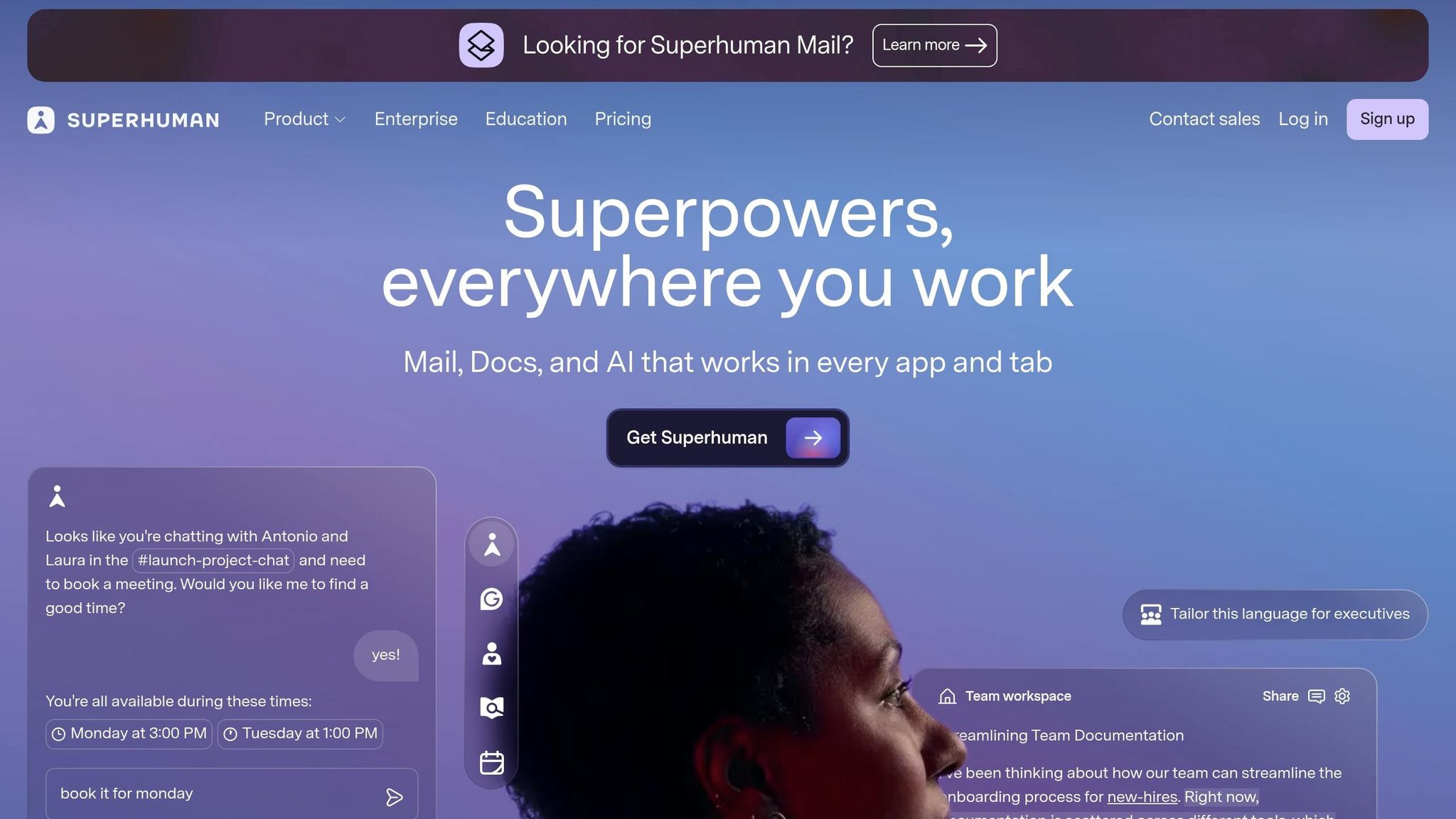
Best for: Founders, executives, sales professionals, account executives, and recruiters managing 50+ emails a day
Time saved: ~4 hours/week on inbox triage, drafting, and follow-ups
Email can chew through your day before you notice it. That’s why inbox automation is such a high-payoff micro-tool win.
What It Automates
Superhuman handles inbox triage, fast replies, and follow-ups. Its Split Inbox sends newsletters, cold pitches, and social updates out of your main view automatically. That alone can make the inbox feel less chaotic.
Then there’s Instant Reply and Auto Drafts, which write context-aware responses that match your writing style. If you spend half your day answering the same kinds of messages, this is where the tool starts to earn its keep.
Thread summarization shrinks long email chains into a one-line or bulleted summary that updates as new replies come in. And Ask AI lets you search your inbox in plain English. So instead of hunting for the exact phrase, you can type something like, "What did Marcus say about the Q3 budget?" and get the answer right away.
Estimated Weekly Hours Saved
Users report getting through their inboxes up to 10x faster and replying 12 hours sooner.
Best-Fit Role or Team
Superhuman fits people who live in email and deal with high inbox volume every day. If you get fewer than 30 emails a day, the subscription is a tougher sell.
The best fit is still the same group: founders, executives, sales professionals, account executives, and recruiters dealing with a steady stream of messages.
Key Integrations and Workflow Handoff
For sales teams, the CRM handoff is one of the biggest draws. Superhuman connects with Salesforce, HubSpot, and Pipedrive, so reps can update records without leaving the inbox.
It also connects with Google Calendar and Outlook. That means scheduling can happen inside the app, with AI helping find the best meeting times automatically.
Pricing: Starter: $25/user/month (AI drafts, Auto Labels, Split Inbox). Business: $33/user/month (Ask AI, Auto Drafts, CRM integrations). Enterprise: custom pricing with SSO and dedicated support.
Next: a tool that keeps your inbox clean before it fills up.
6. SaneBox
Best for: Founders, CEOs, agency owners, and sales professionals handling lots of external outreach and client threads
Time saved: ~3–4 hours/week on inbox triage, newsletter clutter, and follow-up tracking
If Superhuman helps you move faster inside your inbox, SaneBox helps by cutting down the noise before it even gets in your way. It works in the background across major inbox providers, so you don't have to babysit rules and folders yourself.
What It Automates
SaneBox works alongside the best AI email responders by sorting incoming email by priority. Low-priority messages land in @SaneLater, newsletters go to @SaneNews, and cold pitches get sent to @SaneBlackHole, which stops future messages from that sender.
It also handles follow-up nudges. SaneReminders brings back emails that still need a reply after a delay you choose, and the system gets better as it watches how you move messages around. After 1–2 weeks of training, it gets to about 98.5% filtering accuracy.
That’s the big draw here: fewer tiny interruptions during the day, which adds up to hours saved by the end of the week—a key goal when implementing AI tools for small businesses.
Estimated Weekly Hours Saved
Most users save 3–4 hours per week on email management, and some heavy users report up to 8 hours. In agency testing, teams saw a drop of about 2.4 hours per week per team member.
Best-Fit Role or Team
This tool makes the most sense for people whose inbox fills up with outside communication all day. That includes founders dealing with investor email, sales teams chasing unanswered proposals, and agency operators managing multiple client accounts.
Remote workers can also use Do Not Disturb to pause incoming email during deep-work blocks, which is handy when Slack, meetings, and email are all pulling at once.
Key Integrations and Workflow Handoff
SaneBox connects with Google Drive and Dropbox to move large attachments out of your inbox automatically, which helps keep storage under control. Its Daily Digest bundles filtered email into one review, so you can check the low-priority stuff in a short batch instead of reacting to it all day.
Pricing: Snack starts at about $7/month, Lunch at about $12/month, and Dinner at about $36/month.
7. Descript

Best for: Podcasters, YouTube creators, marketers, and course creators who make speech-first audio and video content
Time saved: About 4–15 hours per week, based on role and content volume
Once a meeting or recording turns into raw audio or video, editing becomes the next big time drain. Descript cuts that down by letting you edit audio and video the same way you'd edit a document: by changing the transcript.
What It Automates
One of Descript's handiest features is one-click filler-word removal. It finds "ums", "uhs", and "likes" with 95%+ accuracy, so you can clean up a full recording in one shot. For many podcast episodes, that alone can save 30–60 minutes.
Underlord AI can tighten pauses, add captions, and make social clips from natural-language prompts. If you misspeak a word or short phrase, Overdub lets you type the fix instead of recording the line again. Studio Sound helps rough laptop audio sound much closer to studio-level quality by cutting background noise, echo, and reverb.
Estimated Weekly Hours Saved
Across 50 real-world projects, Descript reduced average editing time by 47%.
| Role | Estimated Weekly Hours Saved |
|---|---|
| Podcasters | 5–10 hours |
| YouTube Creators | 10–15 hours |
| Marketing Teams | 5–8 hours |
| Course Creators | 4–7 hours |
Best-Fit Role or Team
Descript works best for podcasts, interviews, webinars, and tutorials. It's less useful for cinematic projects or videos that lean heavily on motion-heavy editing.
Key Integrations and Workflow Handoff
You can record inside Descript, upload files for instant transcription, or use remote recording for up to 10 guests. It also makes handoff easier: share timestamped feedback links, then use Descript as your rough-cut stage before final export.
Pricing: Free at $0/month (1 hour of transcription, 720p export), Hobbyist at about $16/month billed annually (10 hours of transcription, filler-word removal), Creator at about $24/month billed annually (30 hours of transcription, full Underlord AI suite, Studio Sound, Overdub), and Business at about $50/month billed annually (40 hours of transcription, team collaboration, priority support).
Next: a tool built to remove filler words and clean up vocal audio.
8. Cleanvoice
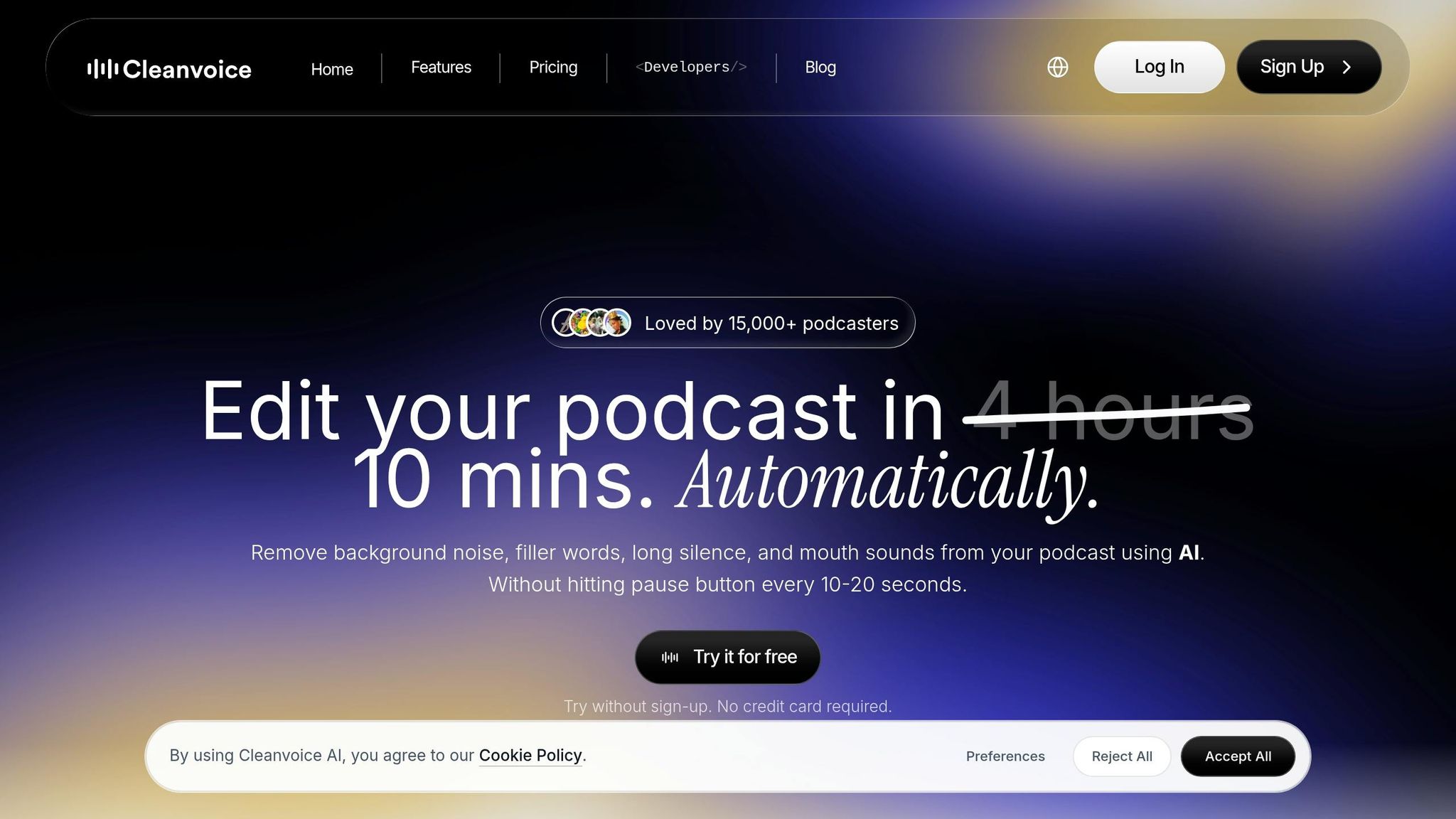
Best for: podcasters, voiceover artists, course creators, and media agencies that regularly edit long-form audio
Time saved: Up to 5 hours per week (20 hours per month)
For speech-heavy creators, one of the fastest ways to cut editing time is to clean raw audio before the final pass. Cleanvoice removes filler words, stutters, mouth clicks, dead air, and background noise from long-form audio. It supports filler-word detection in more than 20 languages, including German, Spanish, and French.
In most cases, accuracy lands between 85% and 95%, which is strong for first-pass cleanup but not perfect. That means a short review is still smart, especially for client work. If you want more say over the final cut, the editable timeline lets you approve or restore flagged edits before export.
What It Automates
A 60-minute episode usually processes in about 5 to 10 minutes. That can take a big chunk out of the most repetitive part of audio editing. Users report saving up to 5 hours per week on cleanup alone.
Estimated Weekly Hours Saved
If you publish long-form audio on a regular schedule, the time savings can stack up fast. Users report cutting as much as 5 hours of manual cleanup work per week.
Best-Fit Role or Team
Cleanvoice works well for podcasters, voiceover artists, audio engineers, coaches recording course material, and video editors handling raw interview footage. It’s a solid match for podcasts, interviews, webinars, and course audio. The main use case is cleanup, not mixing or sound design.
Key Integrations and Workflow Handoff
Once the cleanup is done, you can move the file into your editor for the final mix and export. Cleanvoice lets you export cleaned audio or timeline markers to Adobe Audition, Audacity, or Reaper for the last round of polish.
Pricing: Free trial includes 30 minutes of credits. Paid plans start at $11/month.
9. Browse AI
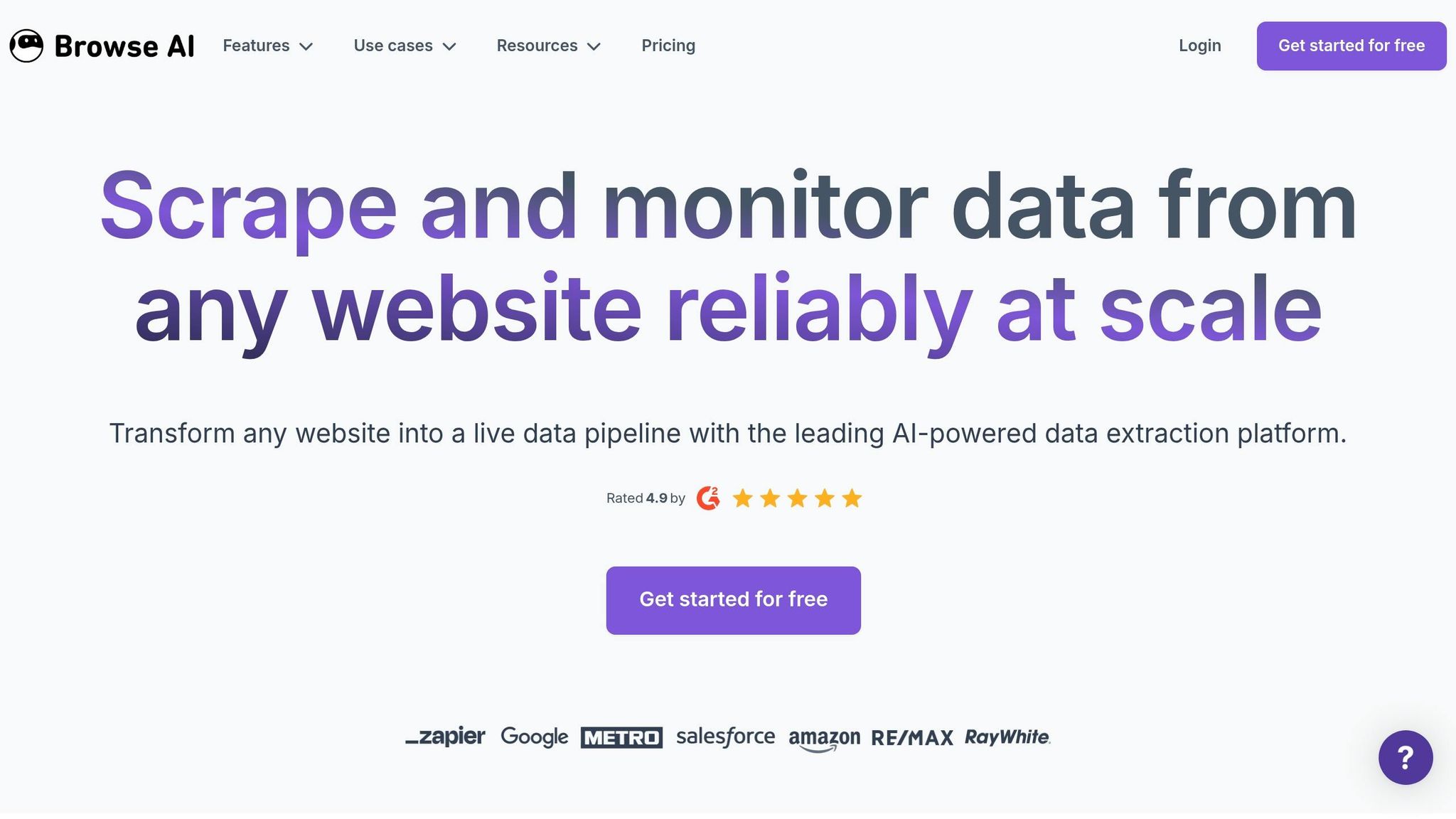
Best for: Growth marketers, sales/RevOps analysts, e-commerce operators, and founders who need recurring web data without engineering support
Time saved: About 10 hours a week, or 43 hours a month for a team
Teams still spend time checking competitor pricing, pulling lead lists, and watching job boards by hand. When the bottleneck is web research, not note-taking, Browse AI takes over the next repeatable job: pulling structured data from websites.
Browse AI automations can click, scroll, and extract structured data on a set schedule. Its AI change detection also helps robots deal with layout changes with less upkeep.
What It Automates
Browse AI is built for focused, repetitive web-data work. That includes monitoring competitor pricing, tracking stock availability, enforcing MAP compliance, extracting leads from niche directories, and monitoring job boards or real estate listings.
The setup is simple in practice: build the workflow once, then run it on a schedule or whenever you need it. One automated pricing monitor can replace about 4 hours of manual work per week for a junior staffer.
Estimated Weekly Hours Saved
For teams automating manual prospecting and data entry, the 43-hours-per-month benchmark is a realistic expectation.
Best-Fit Role or Team
Browse AI is made for non-technical operators. It fits especially well for:
- E-commerce operators watching pricing and compliance
- Growth marketers building targeted lead lists
- Founders who want recurring competitor signals
Key Integrations and Workflow Handoff
After Browse AI pulls the data, it can send it to Google Sheets or Airtable, or pass it through Zapier, Make.com, Pabbly Connect, and webhooks.
If your workflow is more technical, it also offers a REST API and exports to Amazon S3, CSV, or JSON.
A common handoff looks like this: Browse AI extracts the data → it lands in Google Sheets or Airtable → then it moves into your CRM or outreach tool.
Pricing: The free tier includes 50 credits per month, 2 websites, and 3 users. Paid plans start at $19 per month when billed annually.
Next: a tool for turning finished content into more formats.
10. Repurpose.io

Best for: Solo creators, podcasters, digital marketing agencies, and small business owners using AI apps for content creators to manage content across multiple platforms
Time saved: Up to 20 hours a week
Once the editing is done, distribution often becomes the slow part, requiring specialized AI tools for social media content.
What It Automates
Repurpose.io takes finished content and handles distribution for you. You connect a source account like YouTube, TikTok, or a podcast RSS feed, and then it can publish that content to Instagram Reels, LinkedIn, or Pinterest on its own.
It also removes watermarks, resizes clips, and applies branding templates automatically. On top of that, it supports photo, carousel, and Story publishing across TikTok, Instagram, Facebook, and Snapchat.
Estimated Weekly Hours Saved
Solo creators save about 15 hours a week on distribution work, and heavier workflows can reach up to 20 hours.
Best-Fit Role or Team
Repurpose.io works best when your team already has content ready to go, but getting it out across platforms is what slows everything down. It’s a strong fit for solo creators, podcasters, and agencies juggling multiple client accounts.
Key Integrations and Workflow Handoff
A common setup looks like this: record long-form content, cut it into short-form assets, then send those assets to Repurpose.io for automated syndication. It connects straight to YouTube, TikTok, Google Drive, and Dropbox through official integrations, so you don’t have to hand over passwords.
Pricing: A free trial lets you publish 10 videos without a credit card. Paid plans start at $35/month for solo creators, which includes up to 3 accounts per network. The $79/month plan is built for growing teams and includes unlimited publishing with up to 10 accounts. The $179/month agency plan supports up to 25 accounts per network.
Next, compare all 10 tools side by side.
Quick Comparison: All 10 Tools at a Glance
Here’s the fastest way to match each tool to your workflow.
| Tool | Quick take |
|---|---|
| AI Apps | Directory for finding single-task AI workflows. |
| Motion | AI scheduling for complex calendars and task rescheduling. |
| Fathom | Meeting notes and follow-up automation with a strong free tier. |
| Granola | Bot-free meeting notes captured locally from your device. |
| Superhuman | Fast inbox triage, drafting, and follow-up for high-volume email. |
| SaneBox | Automatic email filtering and follow-up reminders for busy inboxes. |
| Descript | Transcript-based audio and video editing with filler-word removal. |
| Cleanvoice | Automated cleanup of filler words, stutters, and dead air in raw audio. |
| Browse AI | Scheduled web data extraction without engineering support. |
| Repurpose.io | Automated content distribution across multiple platforms from one source. |
Use this table to narrow your shortlist to two or three tools before you build your stack.
How to Build a 20-Hour-Per-Week Micro-Tool Stack
Use the table above to choose the smallest stack that fixes your biggest time drains.
The simplest setup usually comes down to your role:
- Founders: Granola or Fathom + Superhuman + Motion
- Operators: SaneBox + Browse AI + Motion
- Creators: Descript + Cleanvoice + Repurpose.io
Before you spend any money, test your actual workflow for five days. Write down the tasks you do more than three times per week. Then split them into two buckets: work you can automate and work that still needs a person in the loop. Legal, financial, and brand calls should stay human. That helps you avoid automating the wrong things.
Use AI Apps as your first stop to find tools that fill any gaps. Then run one simple payback check: keep a tool only if monthly time saved × your hourly rate is more than the monthly cost.
Start with one pain point. Pick the single task that eats the most time, add one or two tools to fix it, and check the result after 30 days.
Conclusion
Across the 10 tools above, the pattern is pretty clear: the biggest gains usually come from a small set of focused tools that handle repeat work across meetings, email, audio cleanup, web extraction, and content repurposing.
The numbers back that up. Trained users save 11 hours a week on average, while untrained users save 5 hours. And a focused stack can realistically push that beyond 20 hours per week.
A simple way to start is with a 5-day audit. Look at the task you repeat most, test a tool for that one job, and keep only the tools that pay for themselves within 30 days.
That narrow scope isn’t a weakness. It’s the whole point: less setup, faster payoff, and more time back.
FAQs
How do I choose my first AI micro-tool?
Start with the part of your workflow that eats up the most time or annoys you the most. Then pick a tool that fixes one specific problem, not a giant all-in-one platform that tries to do everything.
Use one tool at a time and stick with it for at least two weeks before you decide if it’s worth keeping. Go for something simple to set up and easy to judge. The best picks usually have clear ROI, like saving hours each week or cutting out repetitive work such as scheduling, note-taking, or data entry.
How can I tell if a tool will pay for itself?
Use this formula: (monthly hours saved × hourly rate) ÷ monthly cost.
It gives you a simple way to see if a tool pays for itself.
- If the result is below 1, cancel it.
- If it's above 3, it's a solid investment.
- If it's above 10, it's a clear winner.
To test it, start with your biggest workflow bottleneck. Then try the tool for 30 days and track how much time it saves on repetitive tasks.
If the tool doesn’t replace manual work - or it adds more admin chaos than it removes - it’s probably not worth the cost.
Which stack makes the most sense for my role?
The right stack comes down to your biggest bottlenecks.
- Founders and executives: Lindy.ai plus Granola or Fireflies.ai for email triage and meeting support
- Sales teams, marketers, and recruiters: Bardeen plus Firecrawl for repetitive data entry and extraction
- Deep work: Reclaim.ai plus Wispr Flow for calendar protection and fast idea capture
Start with the two repetitive tasks that show up most often in your week. That’s usually the fastest path to saving 4 to 8 hours per week.